Clinic inventory that counts what's left in the vial
See what's low or expiring at each location, let visits and procedures draw stock down, and track a multi-dose vial by the mL, with a log of every dose of a controlled substance.
Log entries that can be edited or deleted. A mistake is voided instead
0
Default use-by once a vial is opened, or set your own per item
28 days
Expiry alert windows: 7, 30, 60 or 90 days
4
Ways to export the controlled substance log: PDF and CSV
2
What it does
From the delivery to the dose.
01
What you have, and what needs you.
Pick a location and the rail counts what's low, out and expiring there. Select an item and its record opens beside the list: what's on hand, how close it is to reorder, what's expiring, its history and its recent use.
Search by name, SKU, NDC or manufacturer
Look 7, 30, 60 or 90 days ahead for expiring stock
R receives, N adds an item, J and K move through the list
02
Bought by the vial, counted by the mL.
Say what an item comes in and what that holds. Receive three vials and Ona numbers each one, with its lot, expiry, supplier and invoice. You enter the cost per vial, and the stock is counted in mL.
Each vial keeps its own number and lot
Any item can track containers, not only controlled ones
An item you count in whole vials can convert, and past movements keep their unit
03
Each dose comes off its vial.
Enter 100 mg and Ona shows 0.5 mL. It picks the open vial that has to be used soonest, offers to take the rest from another if that one won't cover the dose, and records the patient, route, site and who gave it.
Dose in mg or mL
From Inventory, a visit or the patient's chart
Using a vial past its date asks you why
04
A log you can filter and export.
Every receipt, dose, waste, disposal, transfer and correction at a location, with what was left in the vial after each. Entries can't be edited or deleted: a mistake is voided with a reason, and both rows stay.
Filter by item and date, export as PDF or CSV
Viewing or exporting the log leaves its own record
A dose entered over a day late is marked Late entry
Two ways
Count it as one number, or vial by vial.
Stock
One count per location.
For gloves, retail products and anything you use whole.
Each location holds a count. Receive, transfer, adjust and write off, with every change listed under Movements. Services, procedures and invoices take stock out as they're used.
A reorder level and expiry alert per item
A transfer logs both sides
A write-off takes a reason and can't be undone
Track each container
Every vial on its own.
For controlled substances, and any multi-dose vial you use in part.
Each container has a number, a lot, a use-by date and a balance. Nothing leaves without naming its container, so service protocols and invoices never deduct these items on their own.
Automatic for controlled substances
A switch for any other item
A visit shows the doses its services expect
How it works
From the first delivery to a clean count.
Step 01
Turn on Inventory
Owners and admins switch it on under Settings → Dispensary → Inventory, and add locations under Settings → Locations.
Step 02
Add your items
Give each one a name, a category and what you count it in. Add what it comes in, a reorder level and how early to warn before expiry. For a controlled substance, choose its schedule and strength.
Step 03
Receive stock
Record what arrived at the location, with its cost and expiry. Items tracked by container also take a lot number and supplier, which a controlled substance requires.
Step 04
Use it
Service protocols, completed procedures and invoice lines take out what they use. Doses of tracked items are logged from Inventory, the visit or the chart.
Step 05
Review and count
Work through Low, Out and Expiring, filter Movements when a count looks off, and record Initial, Two-yearly or Routine counts of controlled stock.
Everything included
The rest of the stockroom.
Stock at every location
Each location keeps its own counts, and a transfer logs Transfer out at one site and Transfer in at the other.
Every movement logged
Received, Transfer out, Transfer in, Adjusted, Write-off and Consumed, filtered by item, type, location and date.
Service protocols
List what a service uses under Inventory → Protocols. It leaves stock when the visit is completed, or goes on the invoice if you switch on Charge.
Procedures draw it down
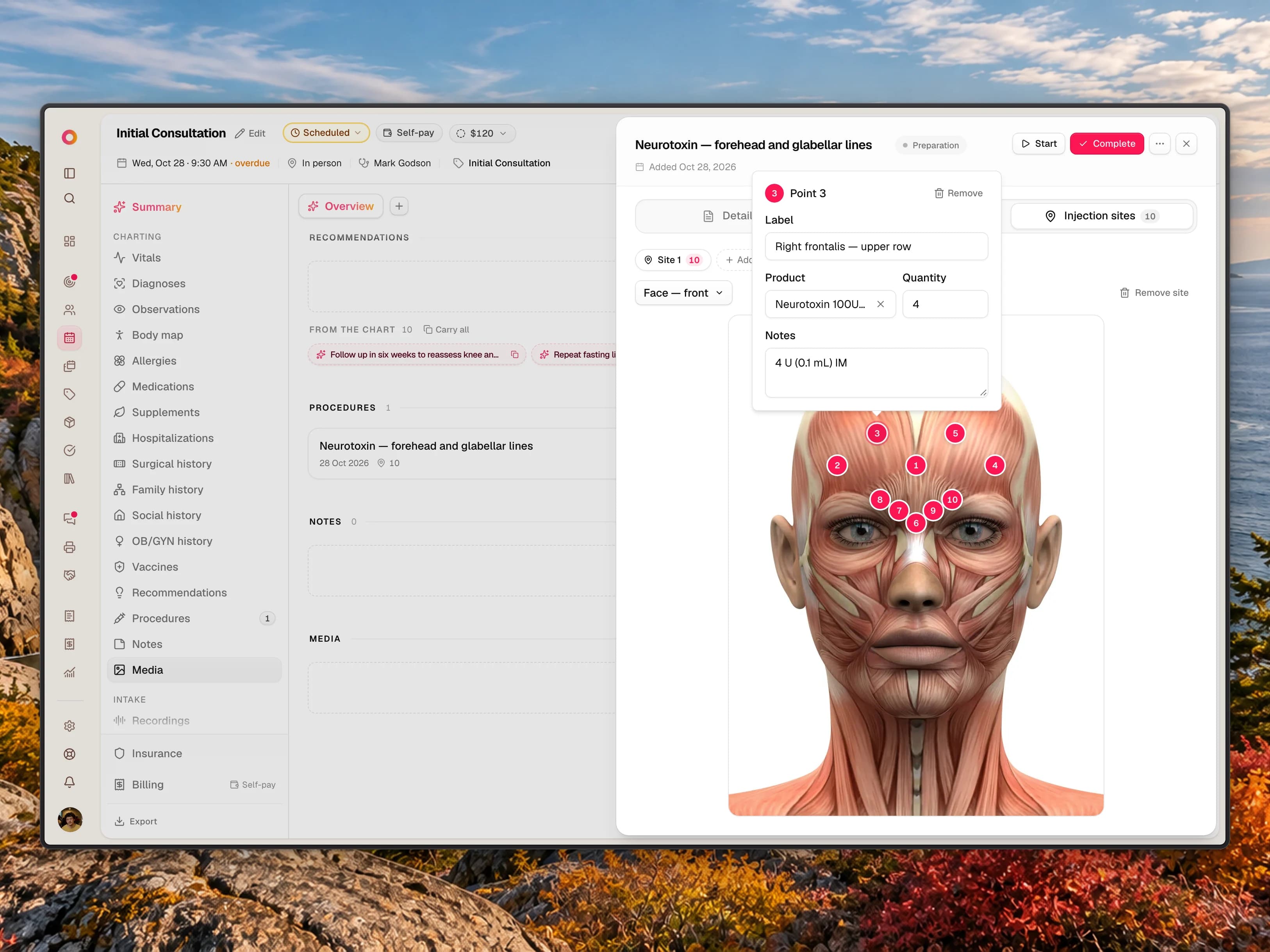
Completing a procedure deducts the products on its injection points, and asks which vial any tracked product came from.
Sold from stock
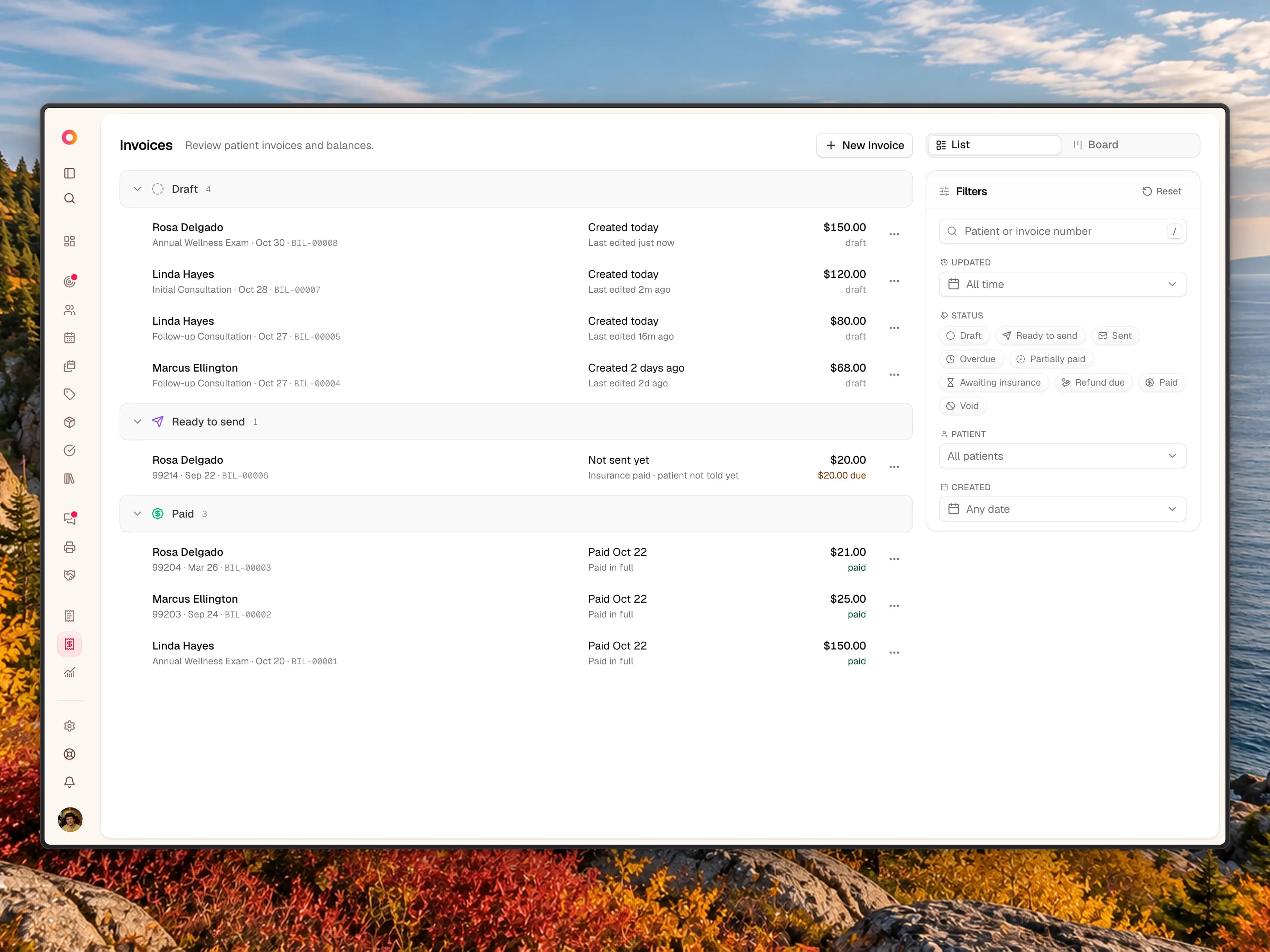
Add an item to an invoice at its sale price, down to part of a unit. Each line records its stock movement.
Counts on record
Record Initial, Two-yearly or Routine counts of controlled stock. A difference becomes a logged adjustment, and the count itself can't change.
Witnessed waste
Turn on Witness waste and a second team member confirms each waste of a controlled substance from their own login.
A DEA number per location
Add each site's registration under Settings → Locations, and it prints at the top of the exported log.
Access by role
Owners, admins and doctors manage controlled stock and read the log. Staff record doses and waste.
FAQ
Inventory, answered.
Can Ona count part of a vial?
Yes. Tell Ona what an item comes in and what that holds, such as a 10 mL vial. Stock is then counted in mL, and a 0.5 mL dose takes 0.5 mL off the vial it came from.
Does Ona track lot numbers?
On items tracked by container, yes: each container keeps its lot, expiry, supplier and invoice number. Other items record a cost and an expiry date when you receive them, without a lot number.
Does this make my practice compliant with DEA or state rules?
No software can do that on its own. Ona helps you keep the records, but rules differ by state and Ona doesn't file anything with the DEA or a state prescription monitoring program. Review your process with your own compliance advisor.
What happens if a controlled substance goes missing?
Dispose of the container with Theft or Significant loss as the reason. Ona records it and shows the reporting deadlines, and your practice files the reports itself.
How do I correct a mistake in the log?
Void the entry and say why. The stock goes back in the vial, both rows stay on the log, and you record it again correctly.
Do service protocols and invoices deduct controlled substances?
No. Stock only leaves when a dose is recorded against a named container. A visit shows the doses its services expect, each with a Log dose button, and an invoice line bills without moving stock.
Who can see the controlled substance log?
Owners, admins and doctors. Staff can record doses and waste, but can't read the log.
What does Inventory cost?
It's included on every plan. Switch it on in Settings when your practice needs it.
Count your next vial by the mL.
Book a demo and we'll receive a vial, log a dose and show you what the log keeps.