Book a visit
The guide
Transcript
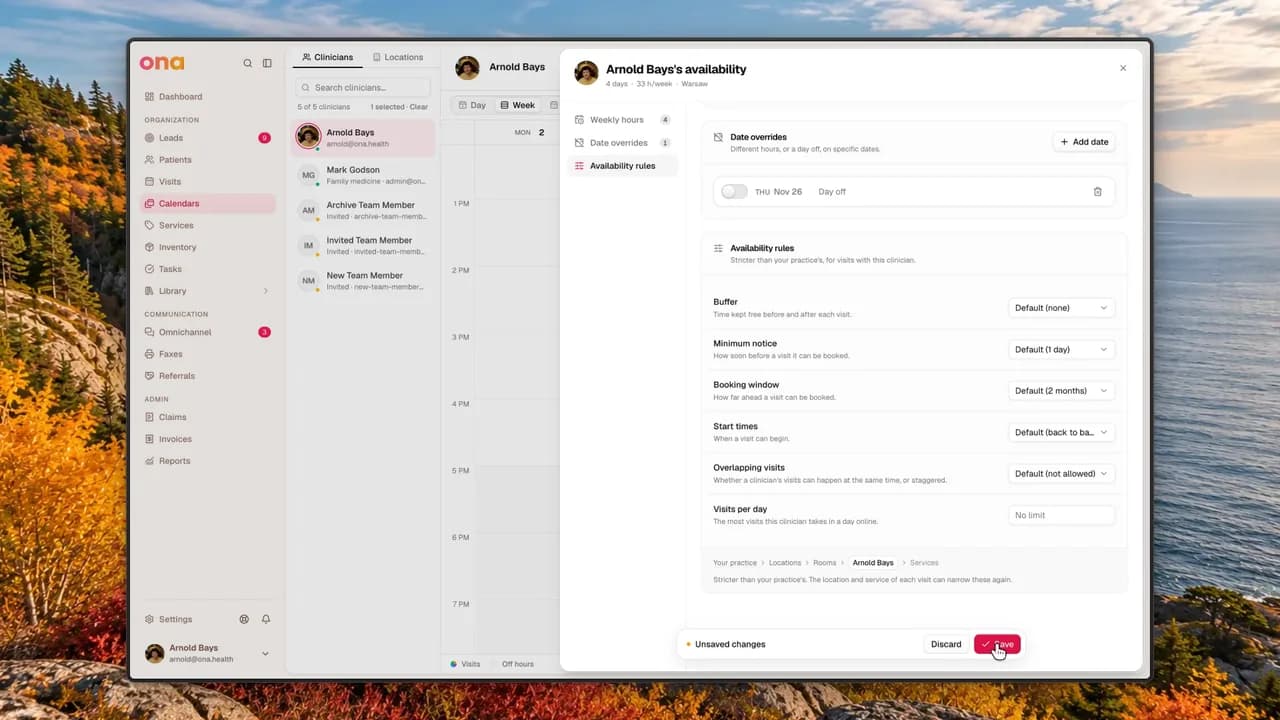
Here's how to book a patient's visit. It starts on the calendar. In the sidebar, open Calendars.
Select New Visit. Add a service, and it fills in the title and the length. Choose your patient.
The clinician is filled in, and you can change it here. On the right, move to the day and select a free slot. Choose how it's held, and where.
Add any forms or consents they should finish before they arrive. Select Add New Visit to book it.
That's it. Once it's booked, the visit joins the calendar, and reminders go out on their own.