Review patient notifications
The guide
Transcript
Here's how to review your patient notifications. You'll check what goes out, and when. Go to Settings at the bottom of the sidebar, then choose Notifications under Account.
Further down, make sure Visit reminders is on. Patients hear from you before each visit. A Confirmation request, like this one three days before, asks patients to confirm.
Select Add reminder to send another one. Under Intake, choose when forms are sent, like three days before the visit. Add reminder below it chases any forms patients haven't finished.
To read what patients receive, open Message templates and select Edit templates. Pick one, like Visit reminder, to see its wording with a preview. Select SMS to read the text message version of the same reminder.
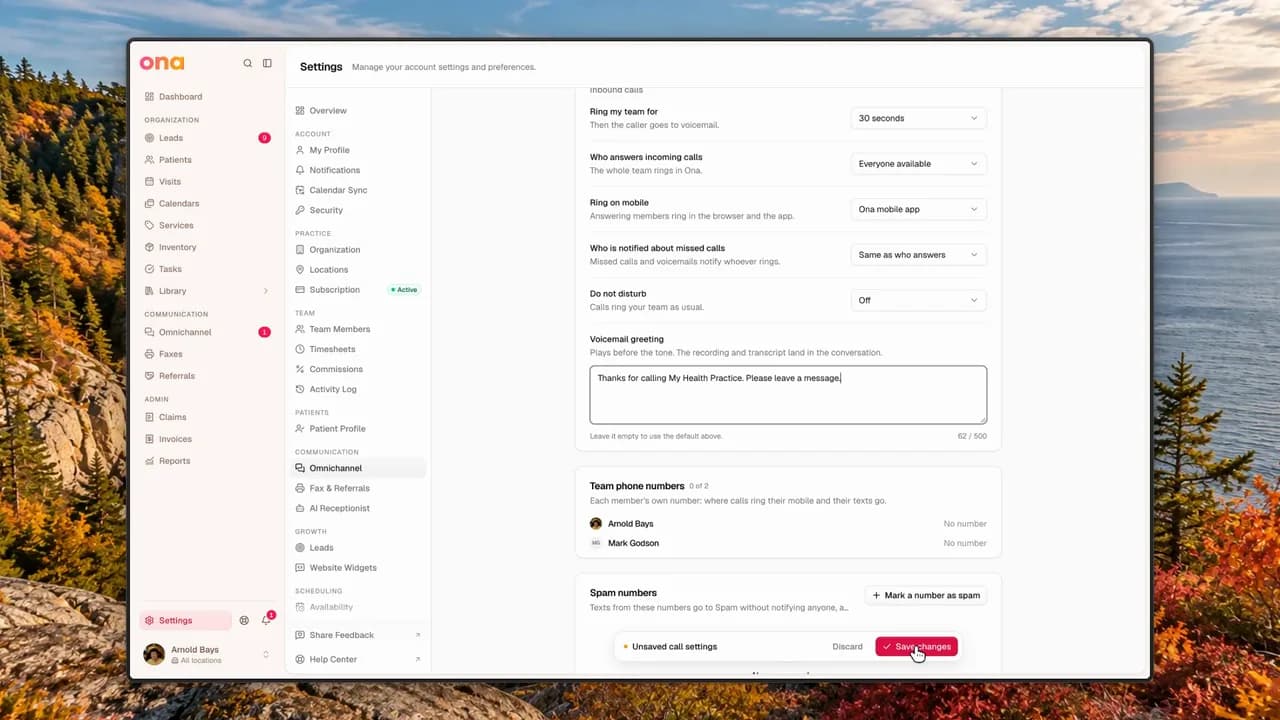
Close it, then select Save changes to keep your settings.
That's it. Your reminders, forms and messages now go out on their own.