Order your first lab
The guide
Transcript
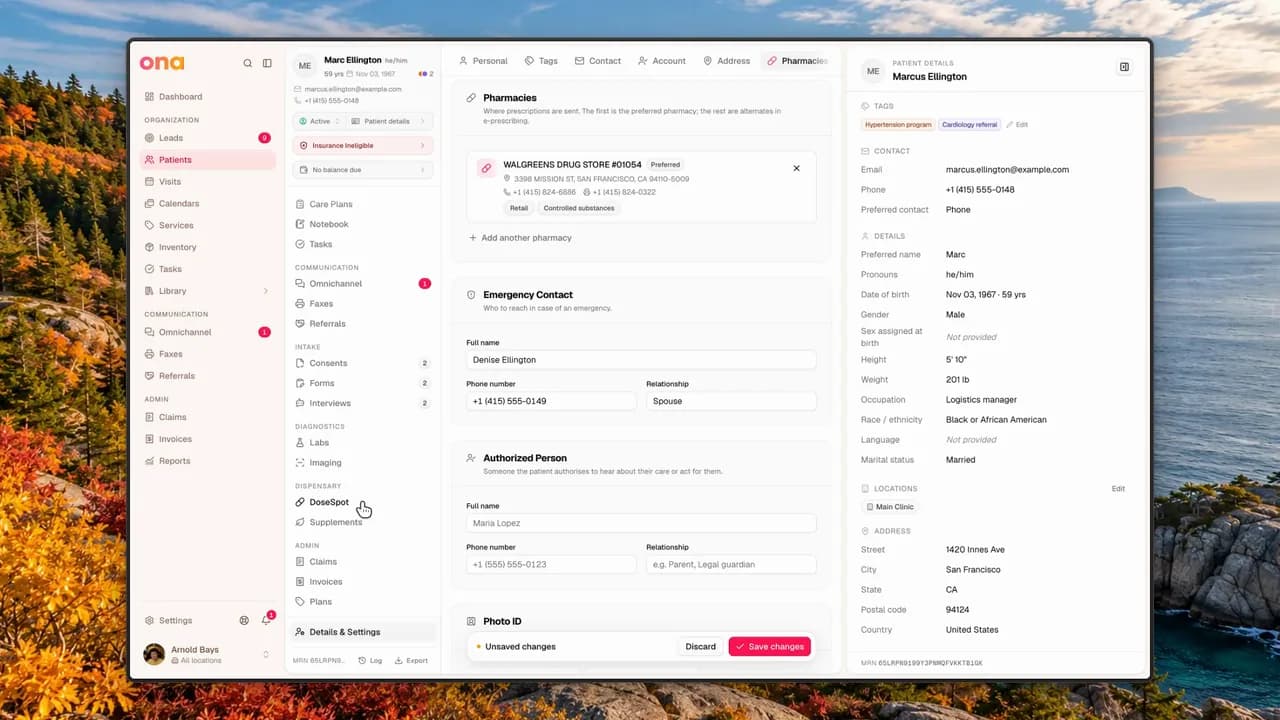
Here's how to order labs. You'll also see where a patient's results arrive. Open Patients in the sidebar, then select the patient you're ordering labs for.
In their chart, scroll down the sections and choose Labs under Diagnostics. Select Order labs at the top right. A menu lists your ordering choices.
Until your clinic is connected, the first choice reads Connect Junction. When Junction reads Ready, choose Order via Junction, pick a panel or tests, and submit. Your orders show here under Orders, and Junction updates their status on its own.
Results come back as a lab report under Reports, marked Review. Open the report to check each result against its range. When you're done, select Approve all to mark the report reviewed.
That's it. Once Junction is connected, your orders go straight to the lab, and results come back here.