Turn on Labs
The guide
Transcript
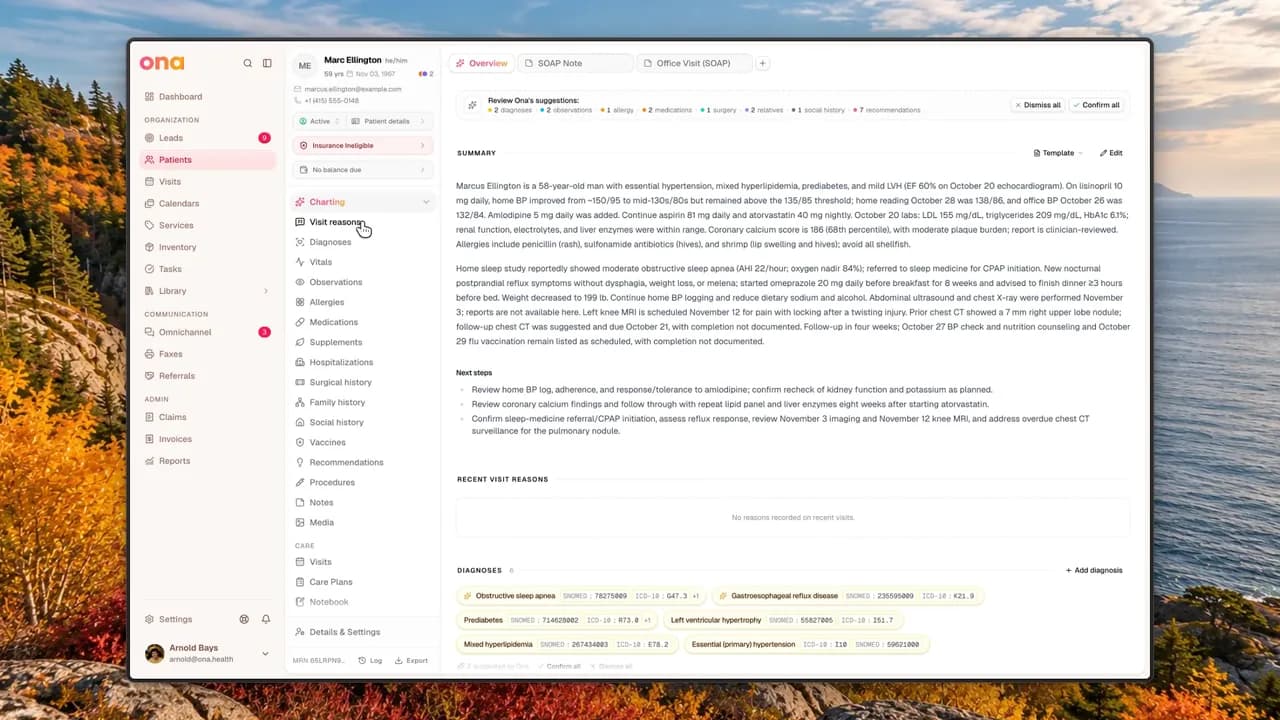
Here's how to turn on Labs. Once it's on, every chart has lab orders and lab reports. Go to Settings at the bottom of the sidebar, then choose Labs under Diagnostics.
Turn on Labs to add lab orders and reports to patient and visit pages. Then select Save changes, and it's on for the whole practice. Under Complete setup, you can connect Junction or Fullscript to order labs.
That's it. Lab orders and lab reports now show on every patient's chart and visit.