Pick your note templates
The guide
Transcript
Here's how to pick your note templates. They give each note the same shape, every time. Open Library in the main sidebar, then choose Templates from its list.
Under Library, choose a specialty such as Primary Care to browse its templates. Templates your practice already has are marked Added, like Office Visit (SOAP) here. Select another one to preview it, like Annual Wellness Exam.
Text in brackets is a placeholder. Ona fills it in from the visit. Example shows a note Ona could write with it.
To use it, select Import. It's copied into Your templates. To adjust a template, open it from Your templates.
Change any text, or add a line with a placeholder in brackets. Select Save changes, then pick it when you chart a visit.
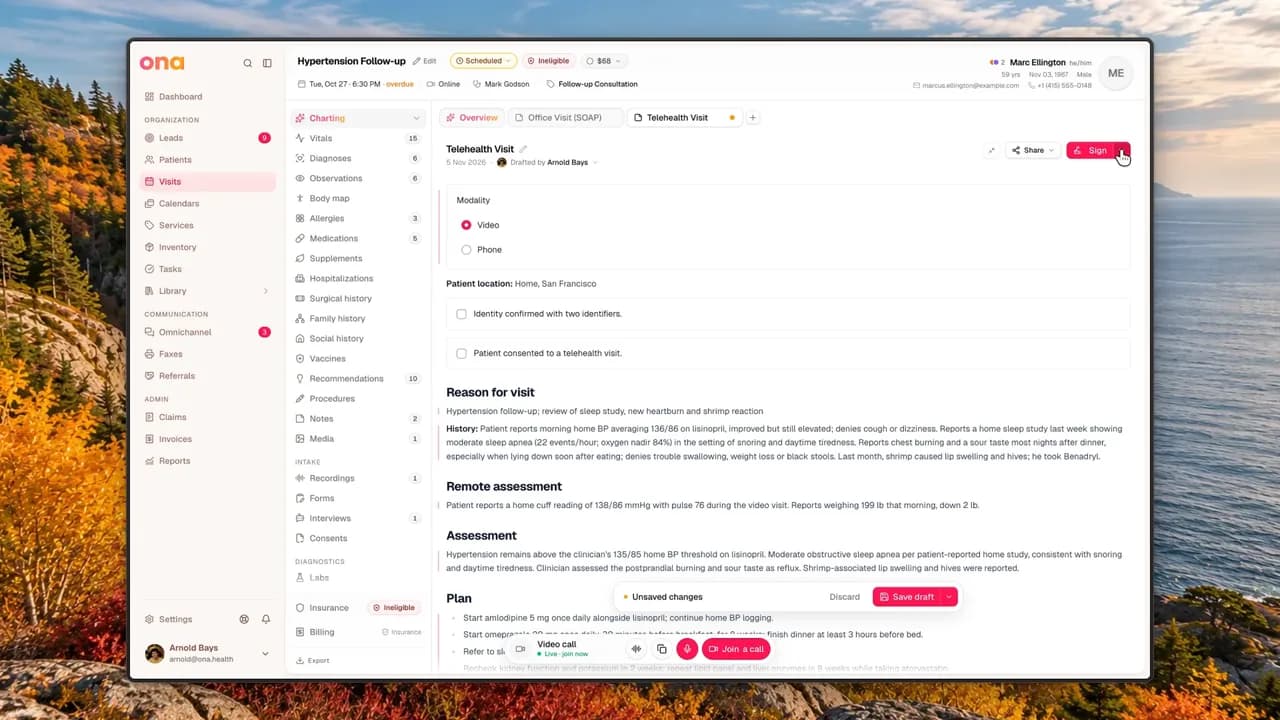
That's it. Your templates are ready. Pick one when you chart a visit.