Write a clinical note
The guide
Transcript
Here's how to write a clinical note with Ona, from the first draft to your signature. From Visits, open the visit you're documenting. Select the plus next to Overview, then New note.
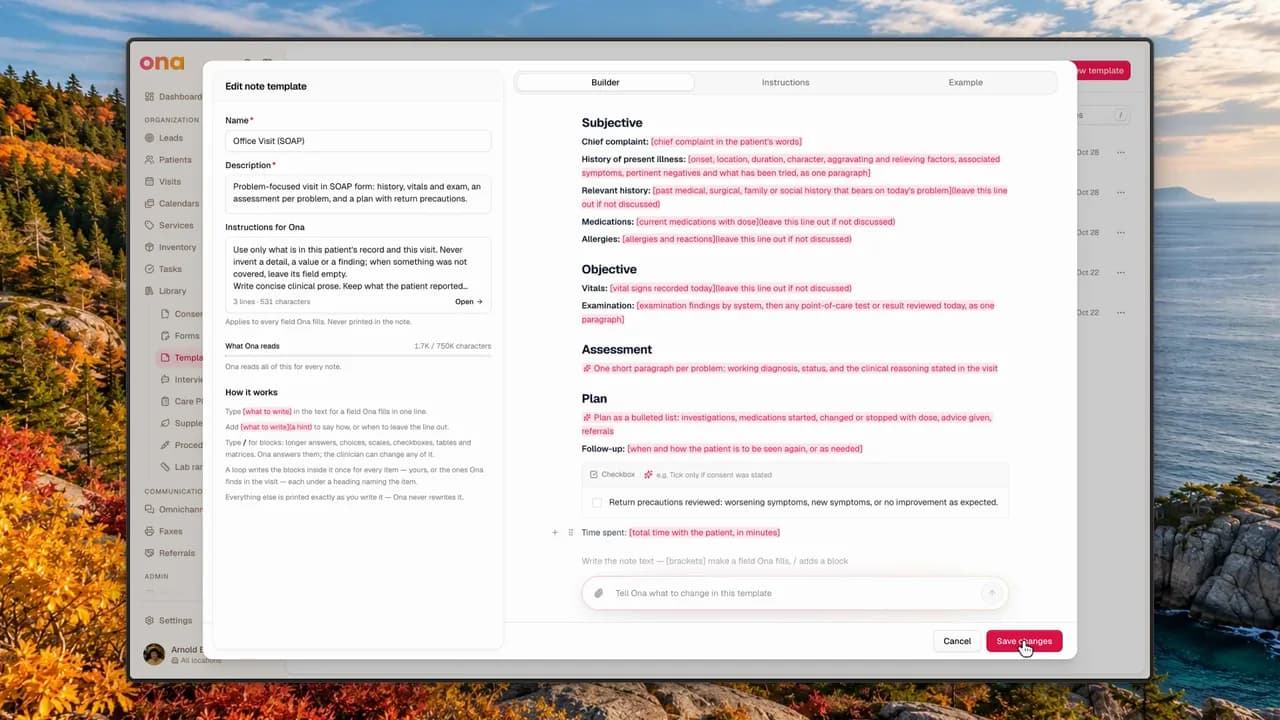
Start blank, copy a past note forward, or use a template. Point at a template to preview it. Select it, and Ona drafts the note from the visit and the chart.
The line in the margin marks the words Ona wrote. What the record can't answer stays empty, for you to fill in. Select Write by hand, and type it in.
Select a passage to have Ona polish it, or write it again. When it's right, select Sign. Sign and share also puts it on the patient's portal.
Once it's signed, any change becomes an amendment.
That's it. To shape what Ona writes, build your own templates in Library, under Templates.