Brand your practice
Getting started1:13
The guide
Transcript
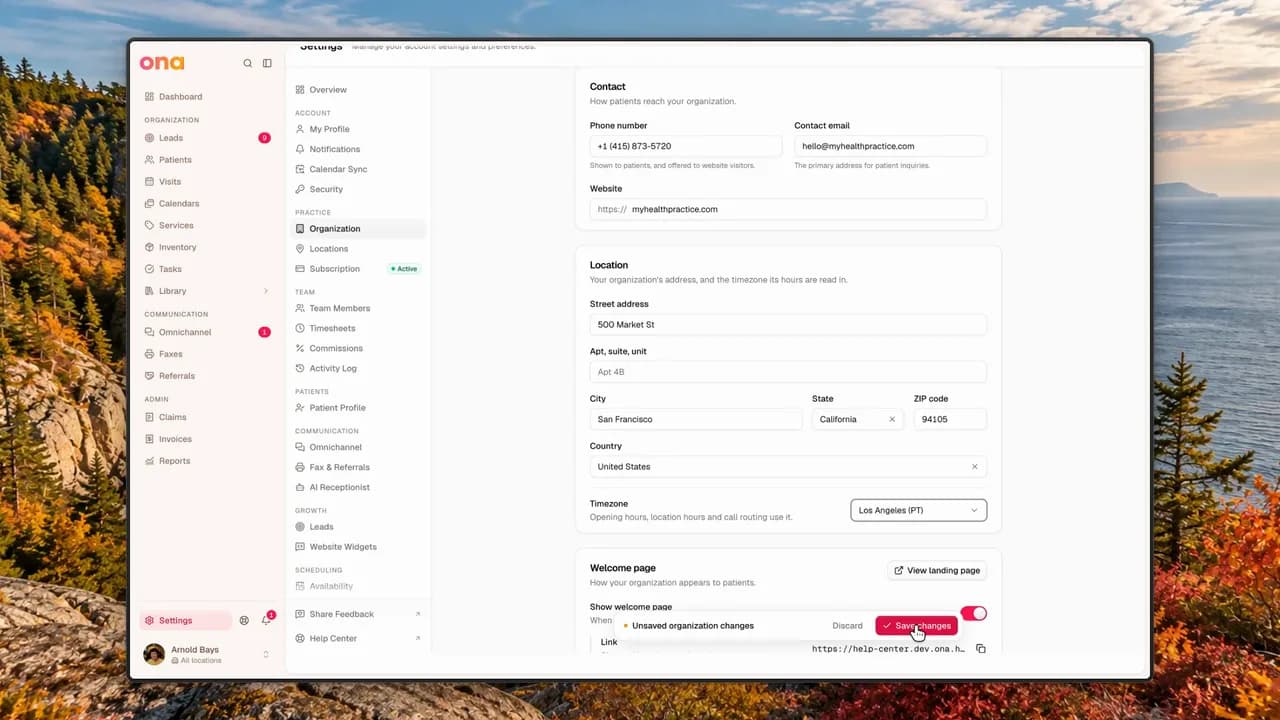
Here's how to brand the pages patients see, with your logo and colors. Open Settings, then choose Organization under Practice. Under Logo and icon, select Upload logo.
It goes on your invoices too. Upload icon adds a square icon, which patients see in their browser tab. In Colors, pick an accent, or use the custom swatch for your exact brand color.
Then choose a background. Ona tells you if it's too dark to read. Under Welcome page, keep Show welcome page on to give patients a landing page.
Add a short tagline that sums up your practice. Then add your specialties, one at a time. When it looks right, select Save changes.
Once saved, your logo and colors appear on your booking page, forms, emails and patient portal.