Add your organization details
Getting started0:51
The guide
Transcript
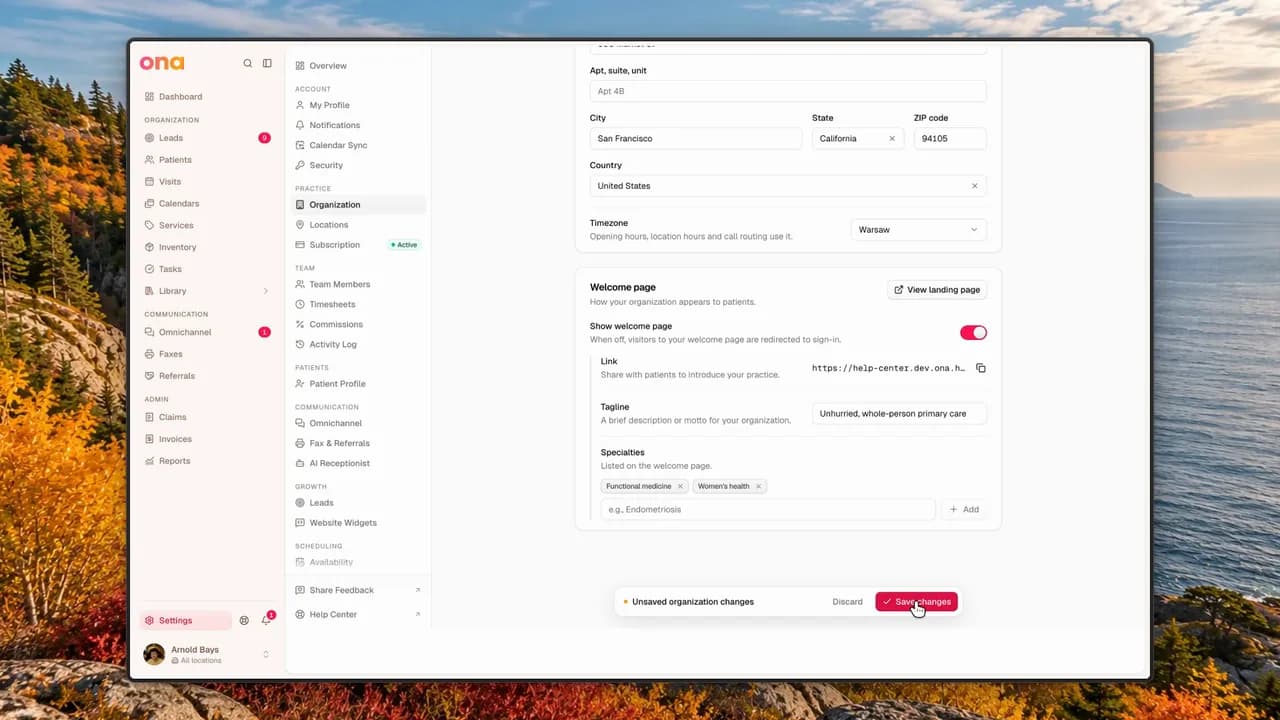
Here's how to add your practice's contact details. You'll also set its address and timezone. In Settings, under Practice, choose Organization.
In Contact, add the phone number patients can call. Then add your contact email and your website. Your address goes under Location, so patients know where to find you.
Set your Timezone. Your opening hours and call routing use it. When you're done, select Save changes.
Once saved, patients see these details in their emails, on invoices and on your booking page.