Turn features on and off
Getting started0:54
The guide
Transcript
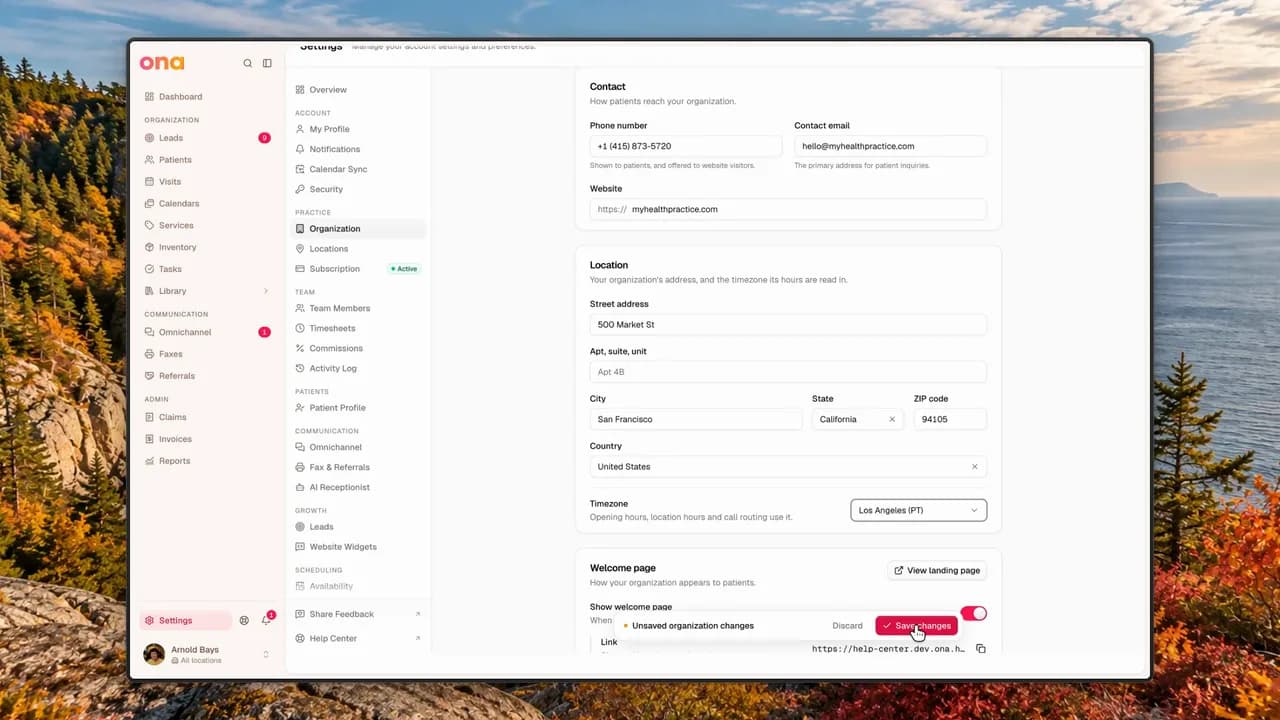
Here's how to turn Ona's optional features on and off for your whole practice. Optional features are turned on and off in Settings. To find a feature, type its name in Find a setting.
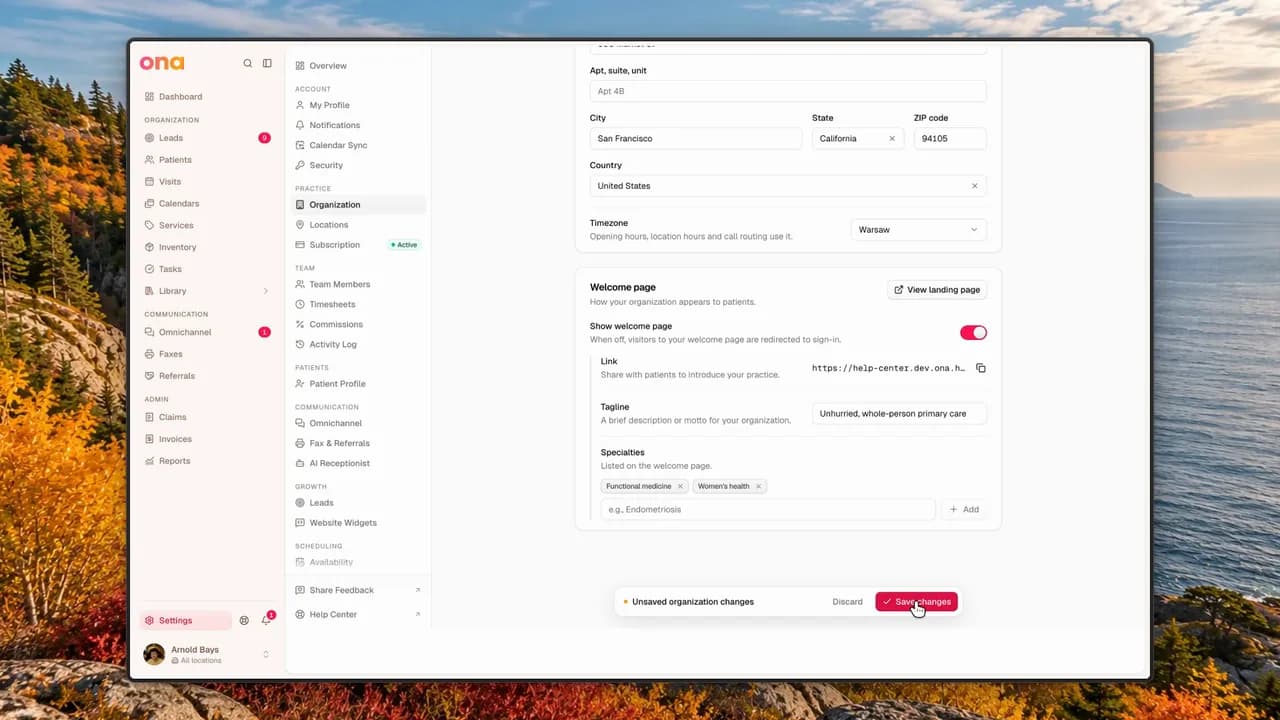
Choose Timesheets to open its page. Each feature's page says what it adds, with one switch to turn it on. To keep the change, select Save changes.
Timesheets now appears in the sidebar, under Admin. To turn it off again, flip the same switch and save. That's all it takes.
Owners and admins can change these whenever your practice grows.