Set up your consents
Forms & consents1:08
The guide
Transcript
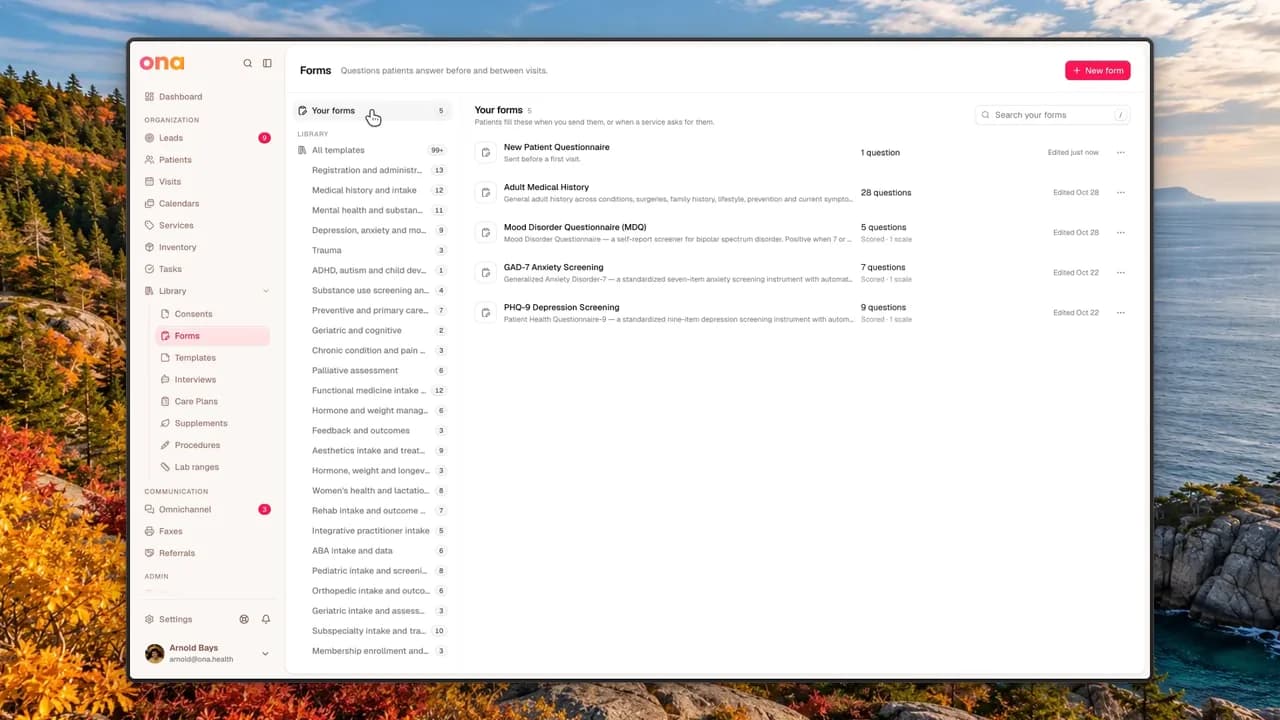
Here's how to get the consents your practice needs, without writing them from scratch. In the sidebar, open Library, then Consents. Your consents are the ones your practice already uses.
Under Library, All templates holds ready-made consents. Search for the one you need. Select it to read it first.
Select Import to get your own copy. Select Open template to edit your copy. Change any wording right on the page.
Or tell Ona what to change, in plain words. Select Preview, to see it the way patients will. Select Save changes, and it's ready under Your consents.
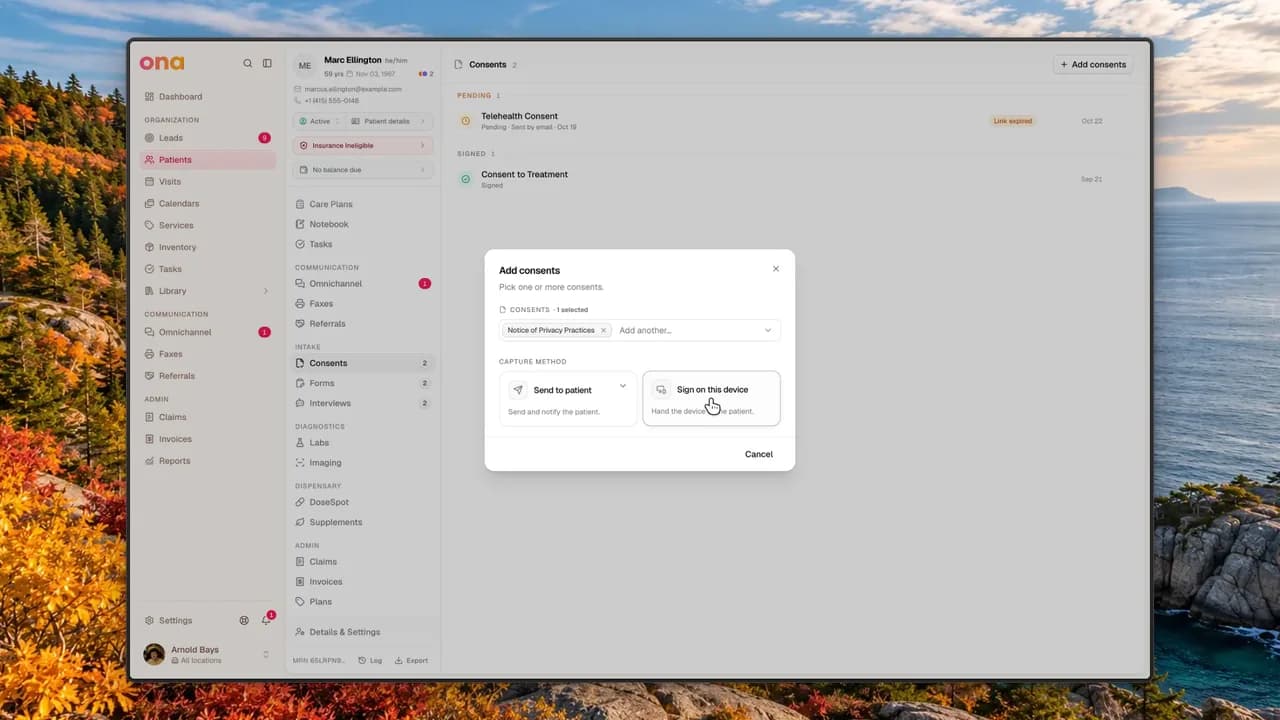
That's it. Add it to a service, and patients get it before their visit.