Set up your forms
Forms & consents1:12
The guide
Transcript
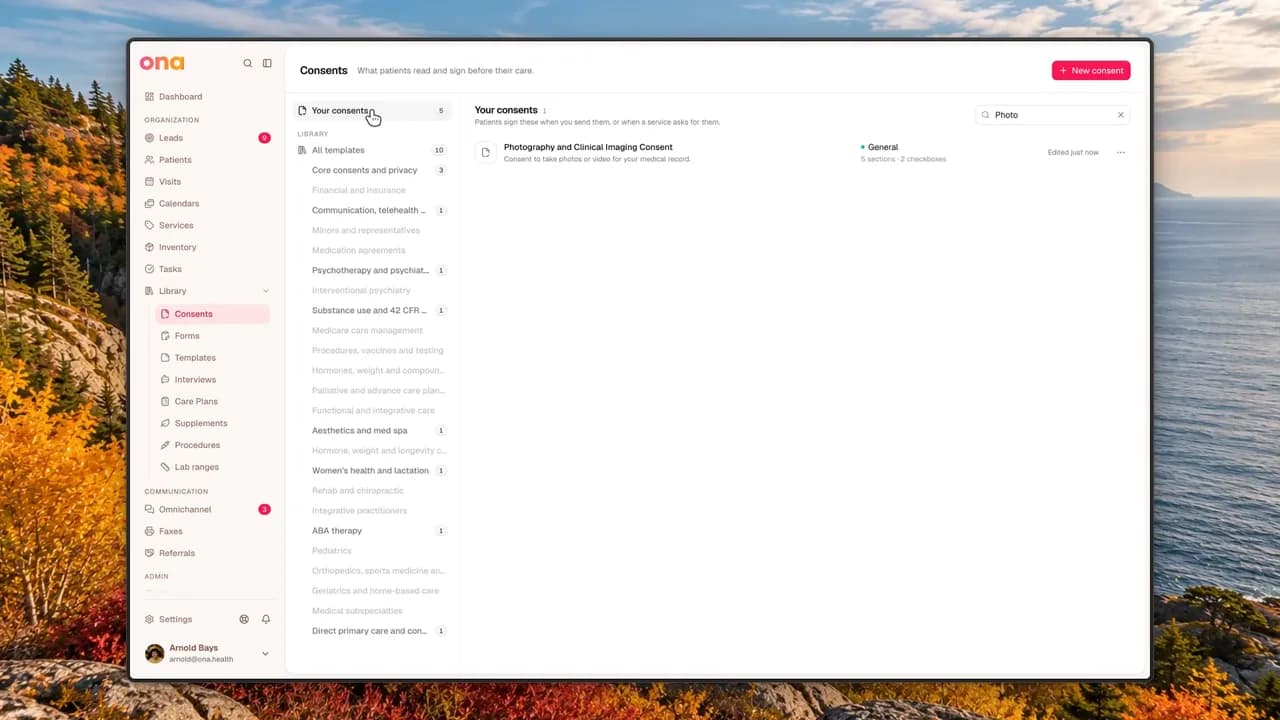
Here's how to set up the forms patients fill in, before and between visits. In the sidebar, open Library, then Forms. All templates holds ready-made forms and screeners you can import.
To build your own, select New form. Give it a title, and a short description for your team. On the page, type slash to choose a block.
Pick Single choice for a question with one answer. Write the question and its answers. Select the asterisk to make it required.
Preview shows it the way patients will see it. Select Create form, and it joins Your forms.
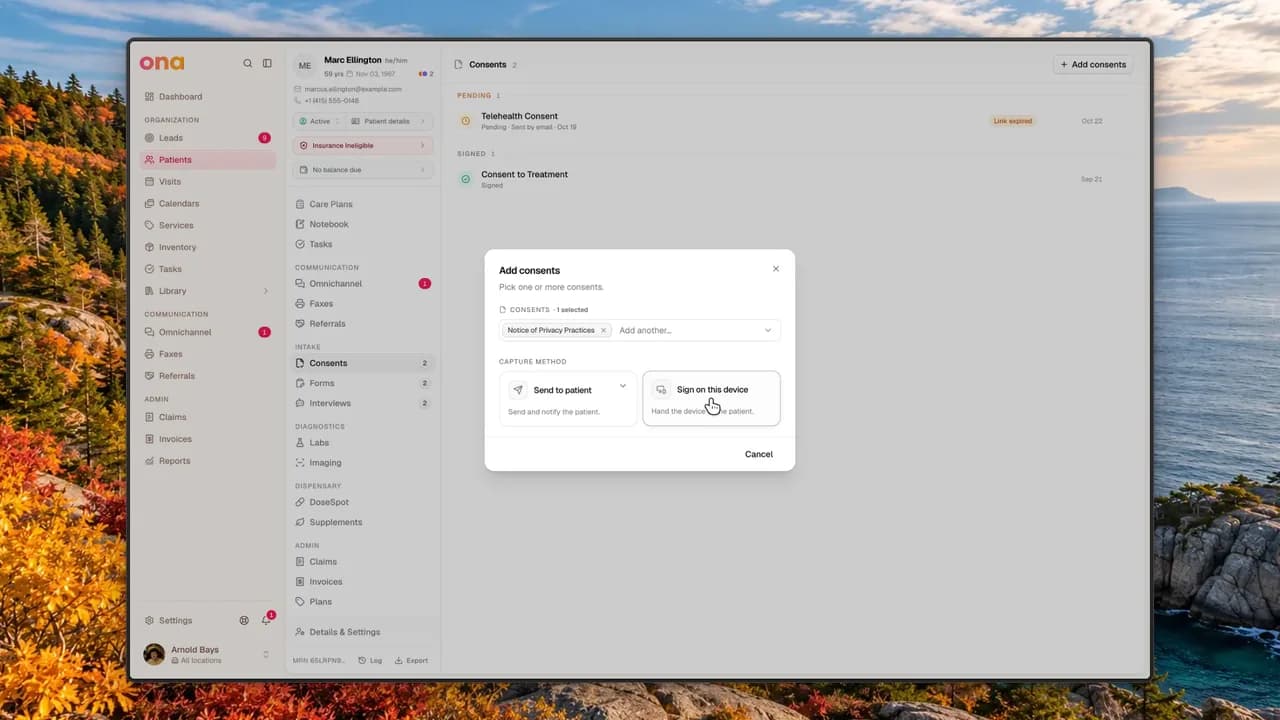
That's it. Add it to a service, or send it from any patient's chart.