Chart a visit
Patient chart1:18
The guide
Transcript
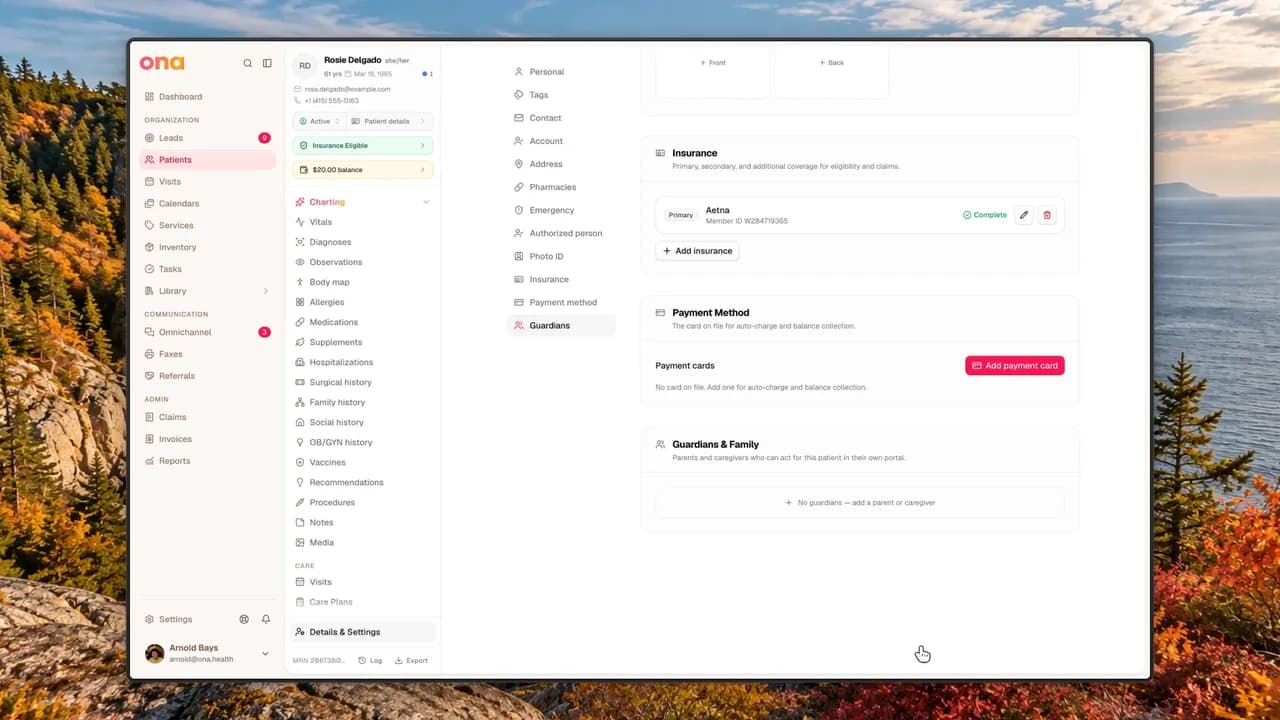
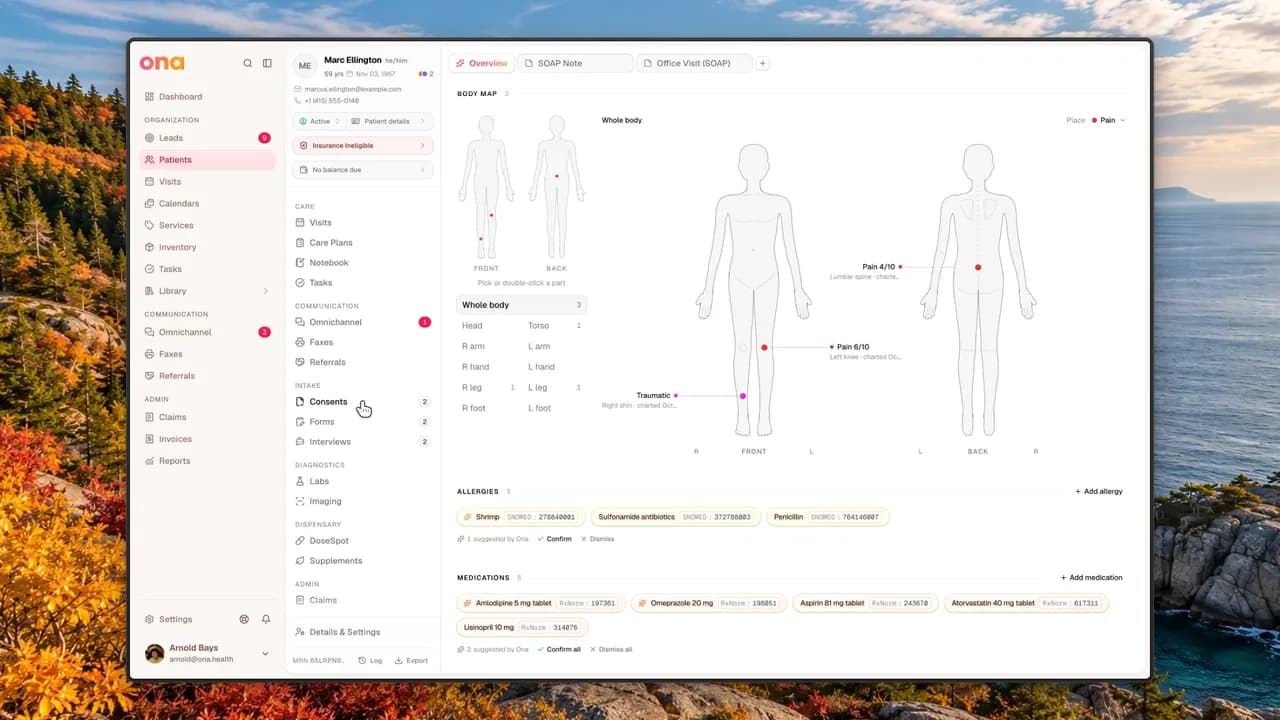
Here's how to chart a visit: log vitals, carry records forward, and add what's new. From Visits, open the visit you're charting. It opens on the charting sections your practice chose.
Under Vitals, select Log vitals. Fill in only what you measured. Select Save vitals, and the reading joins the visit.
Under Diagnoses, From the chart lists what's already on record. Select the copy icon on one to carry it into this visit. To add a new one, select Add diagnosis.
Search by name or code, and narrow it down to a billable code. Select Next, then Add diagnosis. Allergies, medications and the other sections work the same way.
That's it. Everything you add here also shows on the patient's chart.