Find your way around the chart
Patient chart1:02
The guide
Transcript
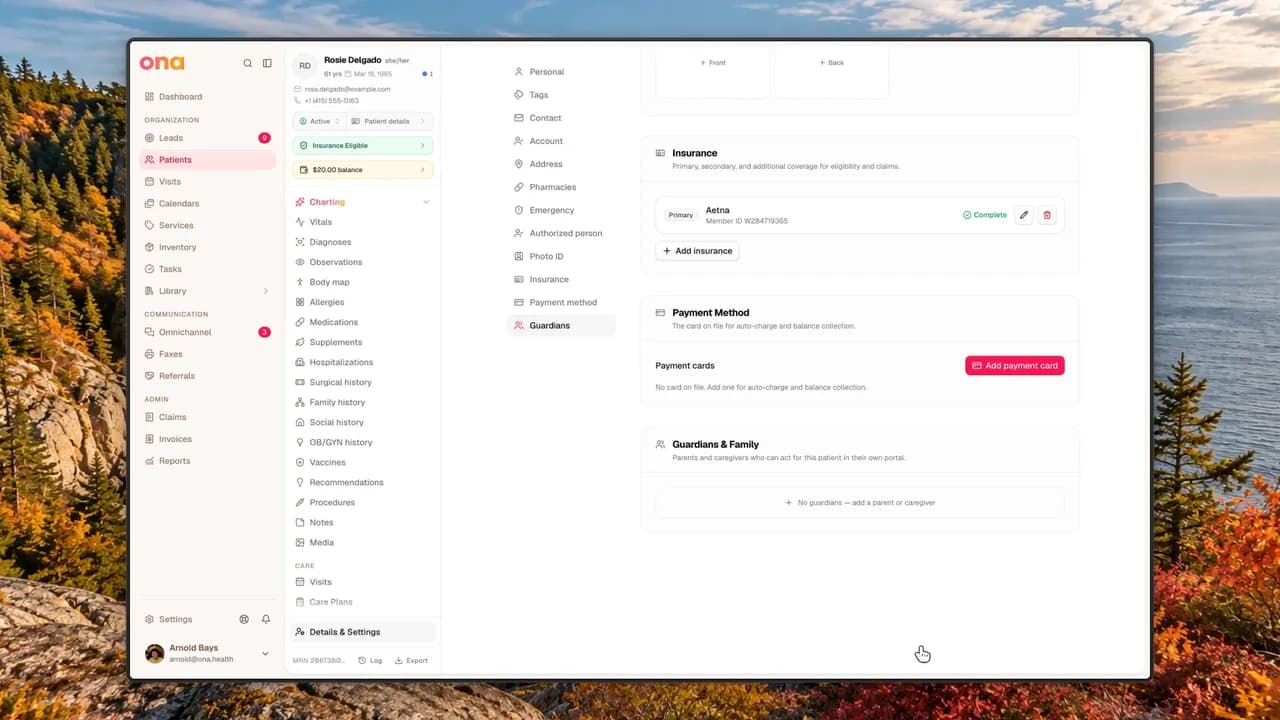
Here's how to find your way around a patient's chart, and everything in it. From Patients, select a patient to open their chart. Their details, status and balance stay in view on the left.
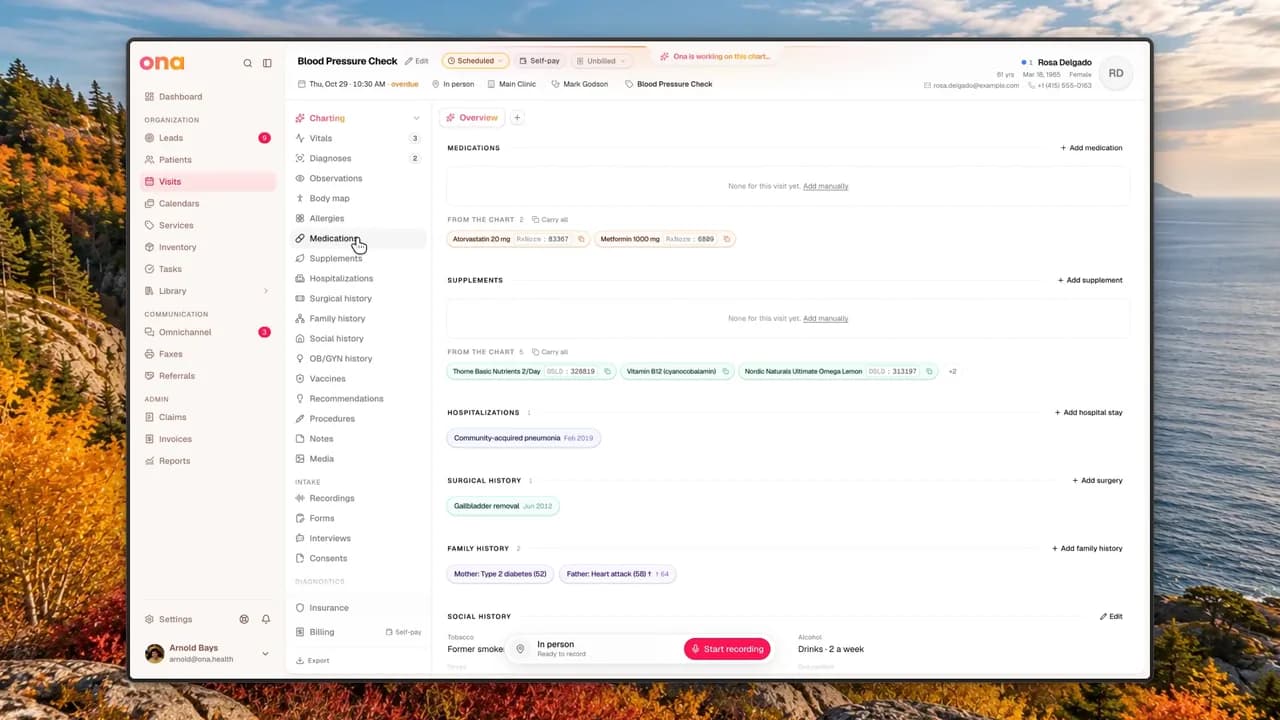
The chart opens on a summary Ona keeps up to date, with next steps. Anything Ona suggests waits up here for your review. The Charting list jumps to any section.
A sparkle marks what Ona suggested: select it to confirm or dismiss it. Body map shows pain and findings where they are on the body. Further down, Care holds their visits, care plans, notebook and tasks.
Their messages, consents, labs and invoices have their own groups too. That's the chart: one place for everything about your patient.