Choose your clearinghouse
The guide
Transcript
Here's how to choose your clearinghouse. It carries your claims and eligibility checks. Go to Settings at the bottom of the sidebar, then choose Clearinghouse under Insurance.
Choose Ona to use Ona's own clearinghouse, with no separate account to set up. Or, if your practice has its own Claim MD account, choose it here. Then paste the API key from your Claim MD account settings into API key.
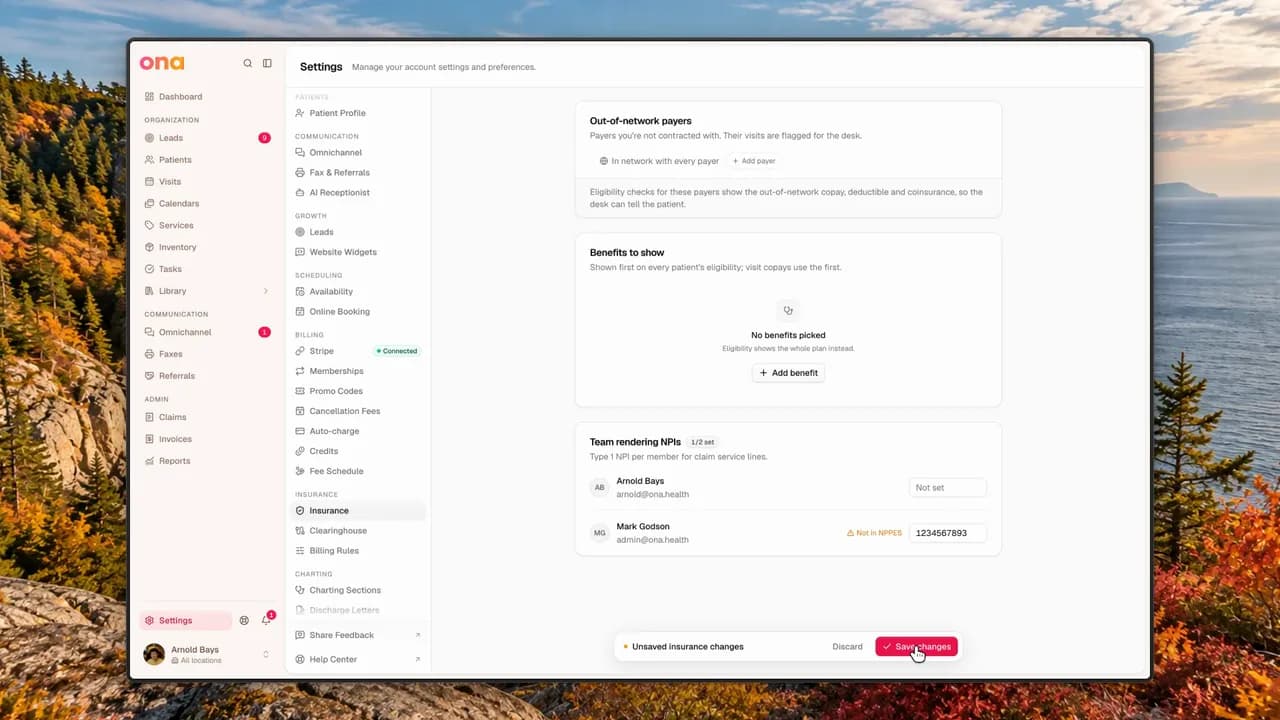
Select Save changes, and Ona asks you to confirm the switch. Nothing is deleted, but payers need enrolling again through the new clearinghouse. Select Switch to Claim MD to finish.
If you'd rather keep Ona, select Cancel and then Discard the unsaved switch.
That's it. Your claims and eligibility checks go through the clearinghouse you chose.