Turn on insurance
The guide
Transcript
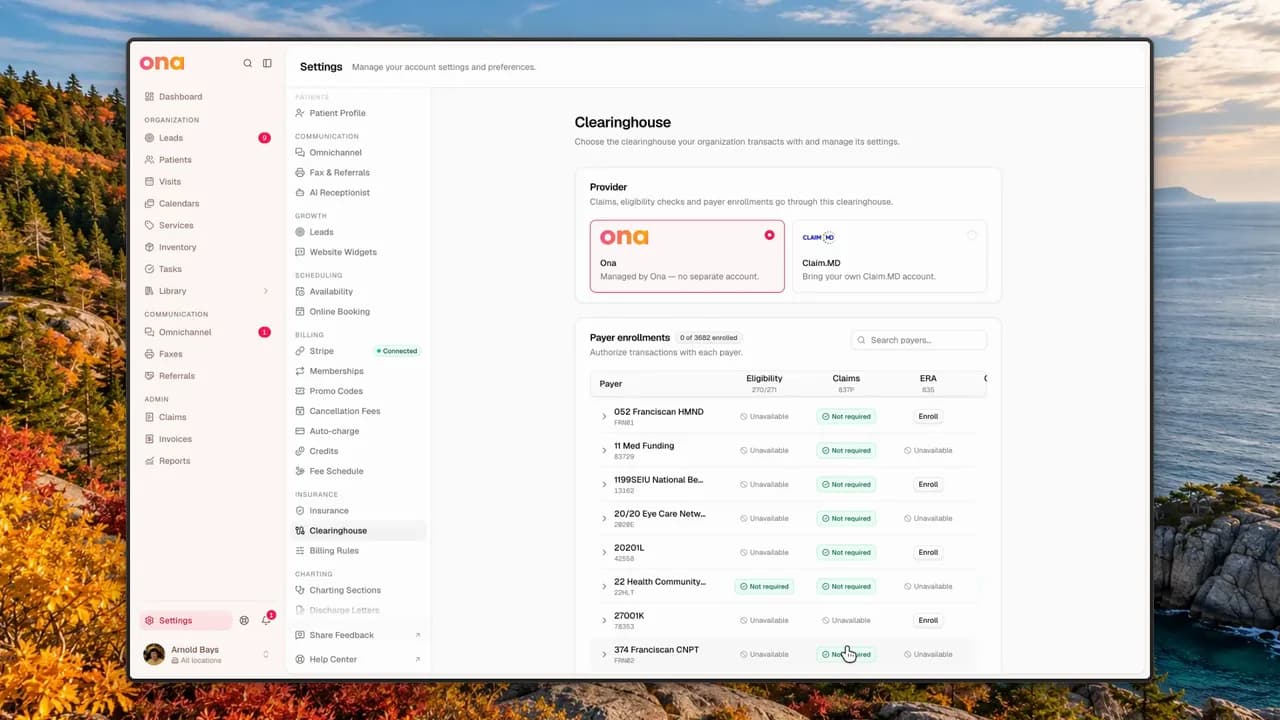
Here's how to turn on insurance in Ona. You'll also add your billing details. Go to Settings at the bottom of the sidebar, then choose Insurance near the end of the settings menu.
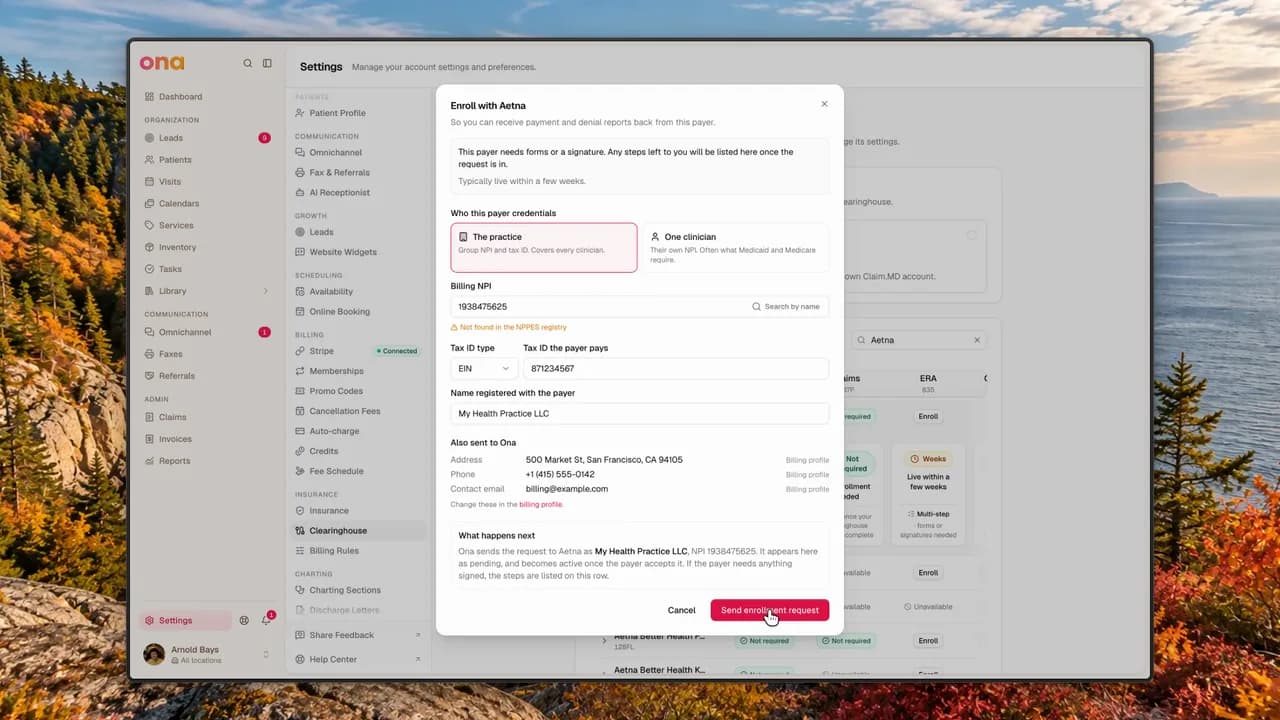
Turn on Insurance, so Ona can check eligibility and send claims. Then fill in the Organization billing provider, the details on every claim you send. Enter your practice's Type 2 billing NPI here, and Ona checks it with the national registry.
Then enter your Tax ID, which is your EIN for most practices. Add the legal name payers know you by, then your billing phone and address. Lower down, under Team rendering NPIs, add each clinician's own NPI for the claims they bill.
Select Save changes, and if Ona asks for a clearinghouse, choose one first.
That's it. Once it's saved, Ona can check eligibility and send claims for your practice.