Link your prescribers and staff
The guide
Transcript
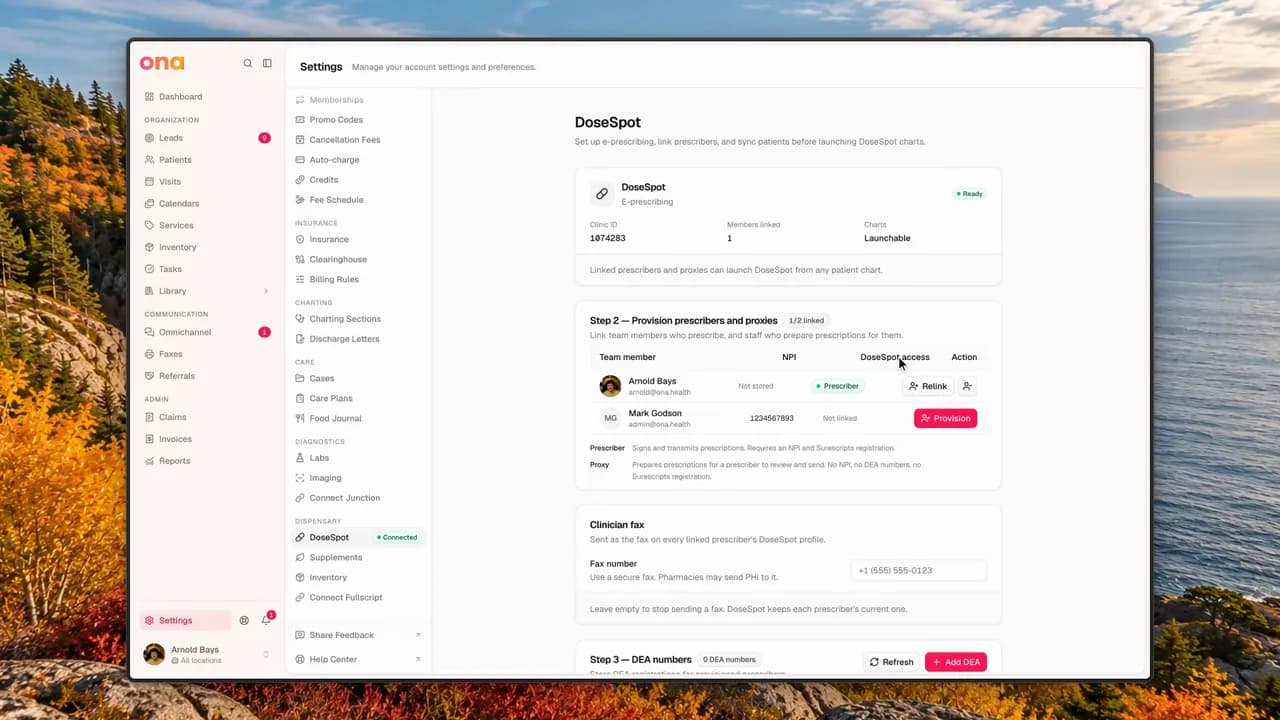
Here's how to link your prescribers and staff to DoseSpot. Each person gets their own account. Go to Settings at the bottom of the sidebar, then choose DoseSpot under Dispensary.
Step 2 lists your team, with each person's NPI and their DoseSpot access. Prescribers sign and send prescriptions. Proxies are staff who queue them for a prescriber to review.
Mark Godson isn't linked yet, so select Provision on his row. Under Account type, choose Proxy for staff who prepare prescriptions but don't need an NPI. Mark writes prescriptions himself, so choose Prescriber, and his NPI fills in from his profile.
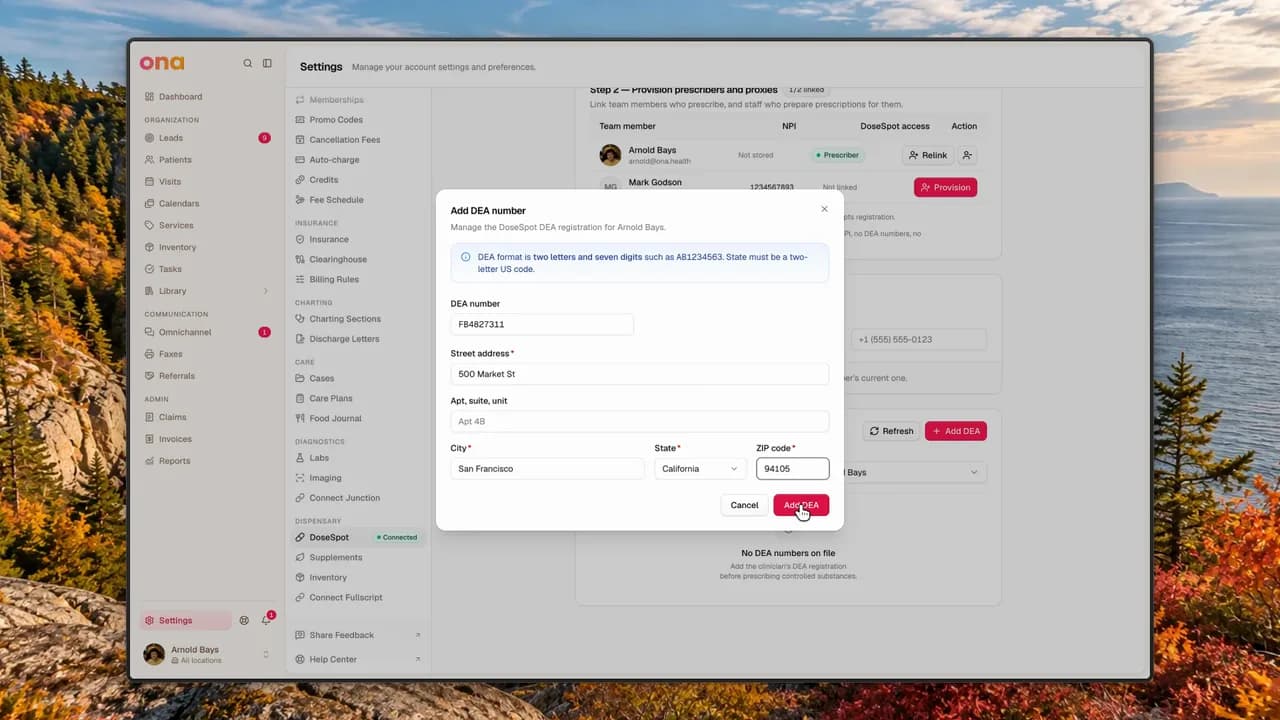
Start with his date of birth, typed as month, day, and year. Then enter the address DoseSpot should keep on file, with its state and ZIP code. Add a primary phone.
A fax number is optional. Select Provision prescriber to create his account. DoseSpot may take a few minutes to check his NPI.
That's it. When DoseSpot has checked his NPI, Mark shows as a Prescriber in the table.