Turn on EPCS
The guide
Transcript
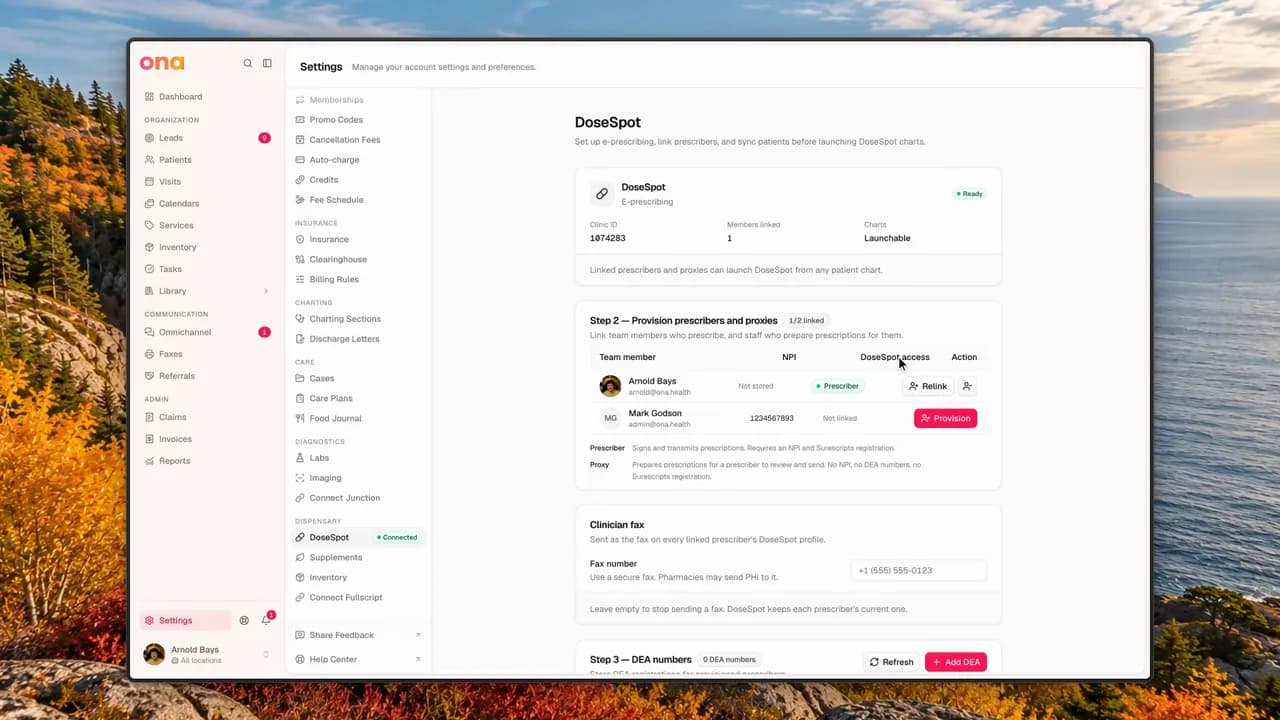
Here's how to turn on EPCS, so your prescribers can send controlled substances electronically. Go to Settings at the bottom of the sidebar, then choose DoseSpot under Dispensary. To turn on EPCS, email support at Ona dot health, and our team sets it up for your prescribers.
Each prescriber also needs a DEA number on file, so scroll down to Step 3. Under Clinician, choose the prescriber you're adding it for. Only linked prescribers are listed.
Select Add DEA at the top of the section to open the registration form. Type the DEA number as it's registered, with two letters and then seven digits. Then enter the address the registration is for.
Select Add DEA to save it in DoseSpot for that prescriber.
That's it. When you sign a controlled prescription, DoseSpot asks for its own two-factor check.