Set up DoseSpot for your clinic
The guide
Transcript
Here's how to set up DoseSpot for your clinic. It sends your prescriptions to pharmacies. Go to Settings at the bottom of the sidebar, then choose DoseSpot under Dispensary.
On a new practice, Step 1 asks for your clinic's phone and address, then Provision clinic. Once your clinic is provisioned, Step 1 goes away, and this card reads Ready. It shows your DoseSpot Clinic ID, and how many members are linked.
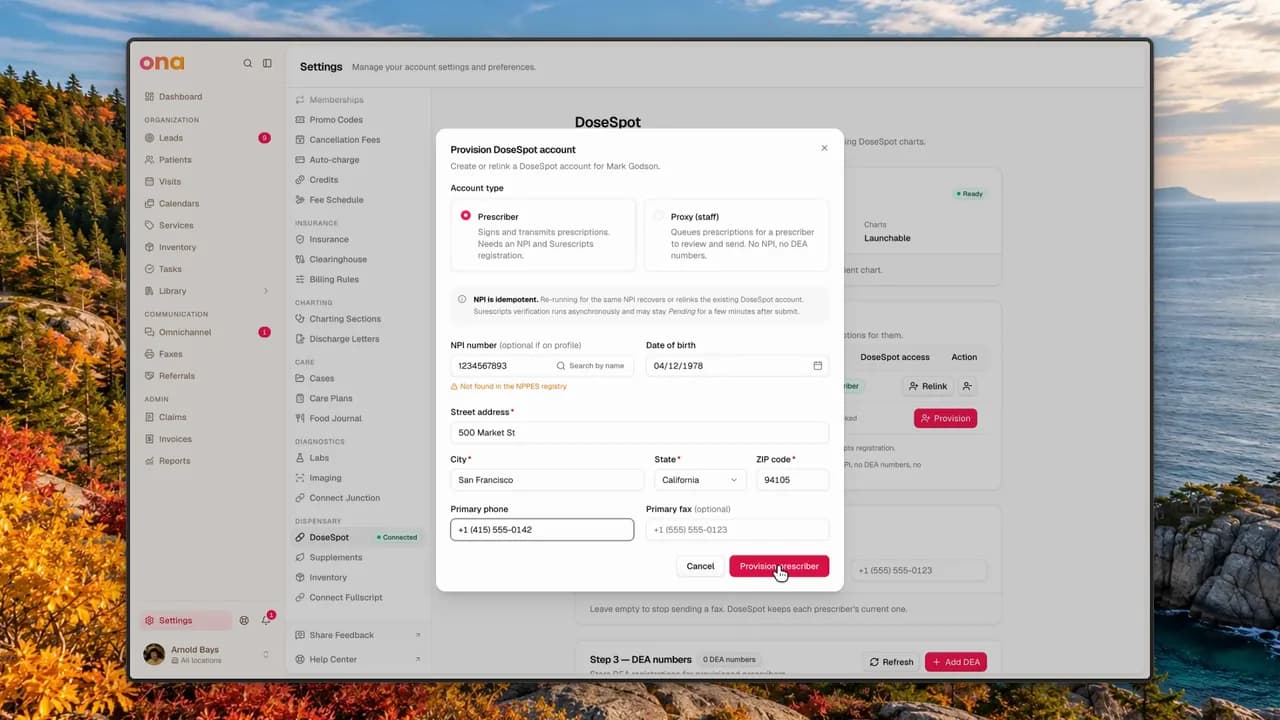
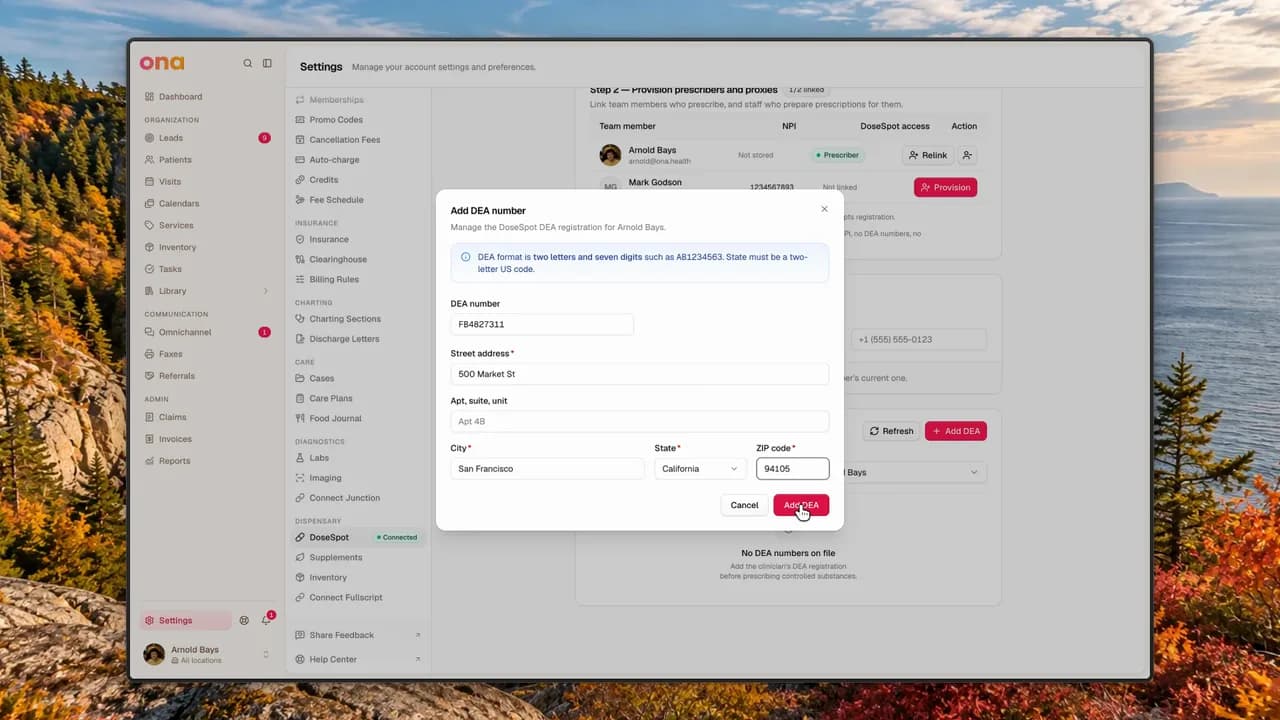
Charts reads Launchable once someone is linked, so DoseSpot opens from a patient's chart. Next, link your prescribers and staff under Step 2.
That's it. Your clinic is set up in DoseSpot, and ready for your prescribers.