
Invite your team
Team & access0:57
The guide
Transcript
Here's how to invite a colleague to Ona. You'll also choose their role. Go to Settings at the bottom of the sidebar, and choose Team Members.
Select Invite Member to add a colleague. Enter their work email. The invitation is sent there.
Under Roles, choose Staff for the front desk, or Clinician for providers. Add the display name they'll appear under. Select Send Invitation, and they'll get an email to join.
Once a clinician joins, open their row, then choose Provider info. Check their NPI and signature are on file, and add any that are missing. Each person signs in with their own account.
Their role decides what they can see.
More videos
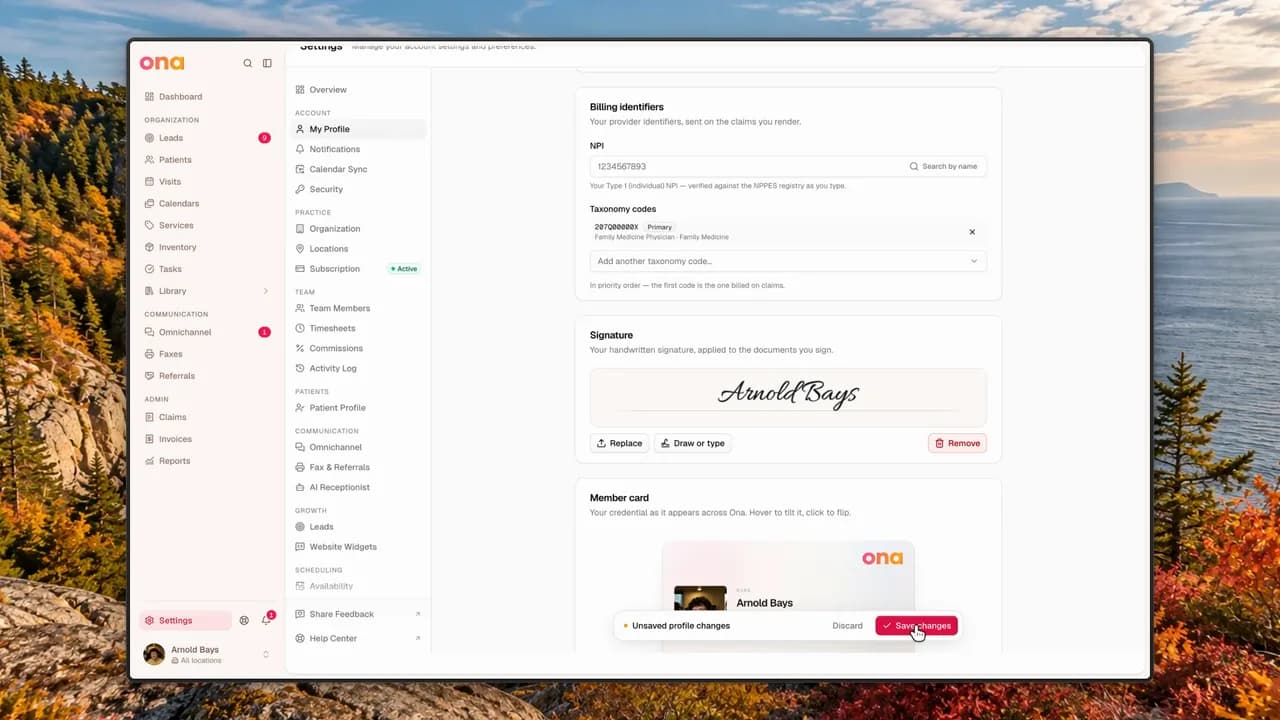 1:12Complete your profile
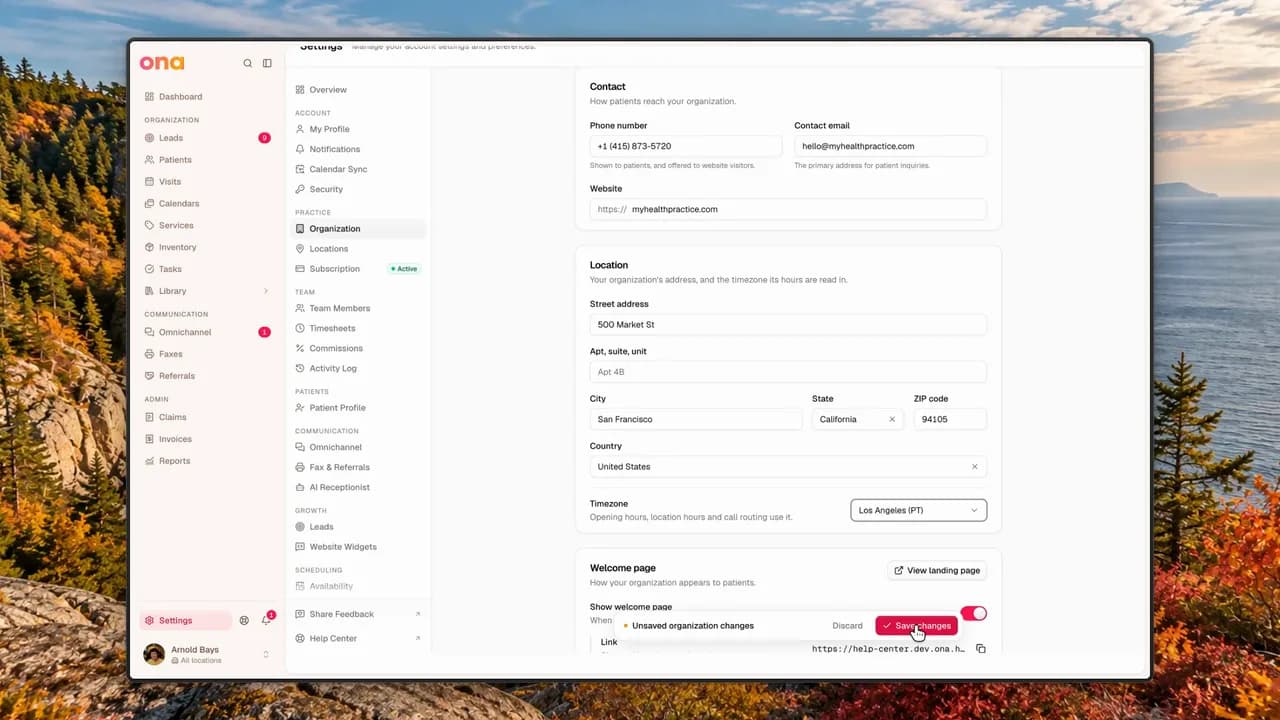 0:51Add your organization details
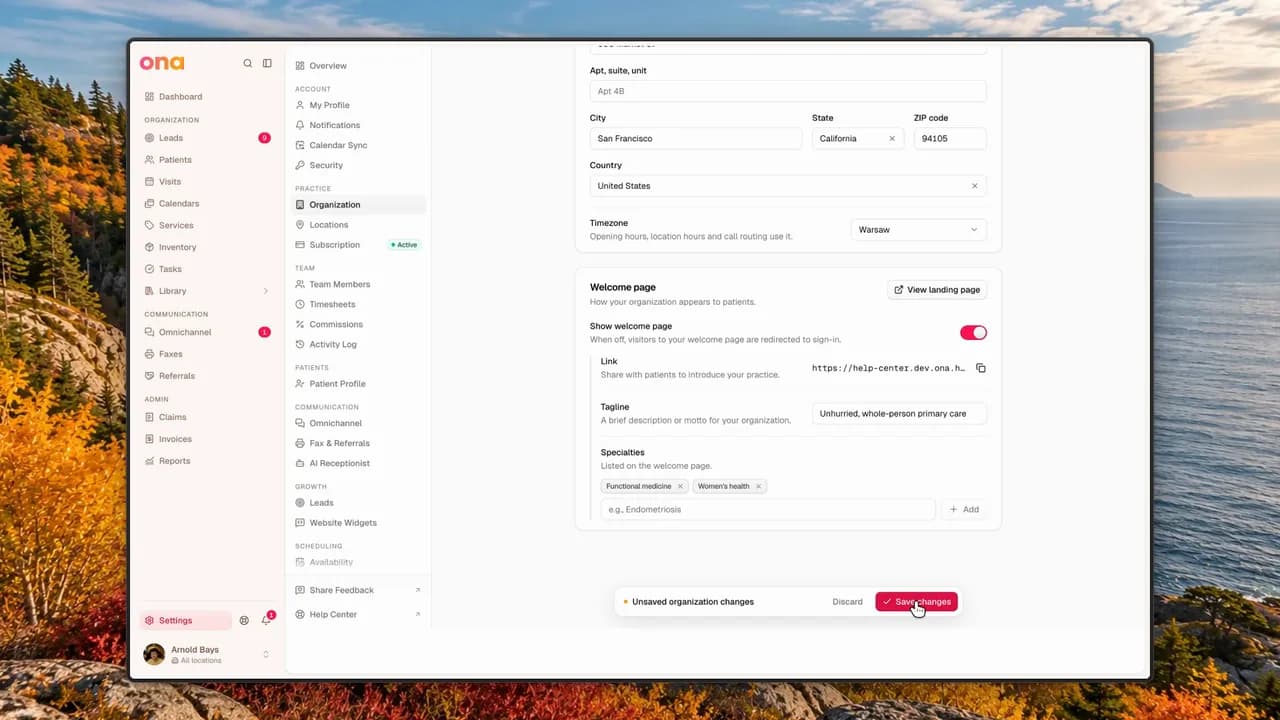 1:13Brand your practice
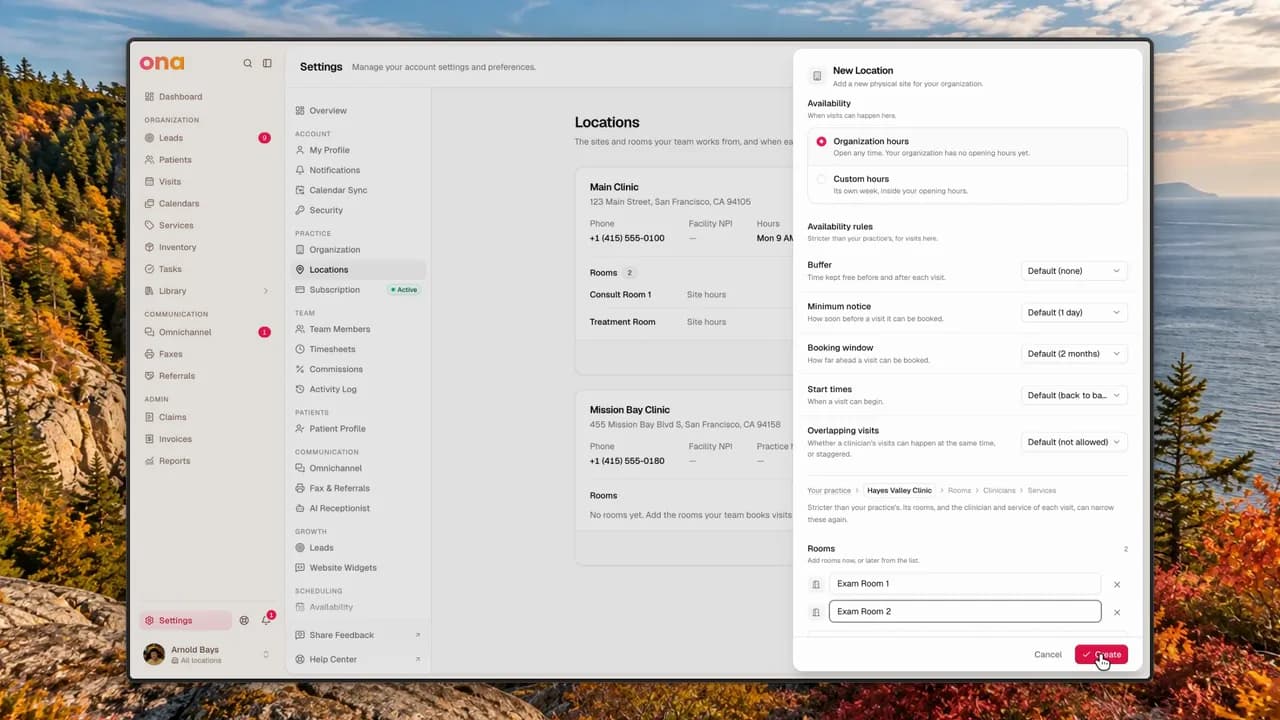 1:13Add your locations and rooms
 0:54Turn features on and off
 1:04Choose your charting sections
 1:05Decide what patients fill in
 1:12Set up a service
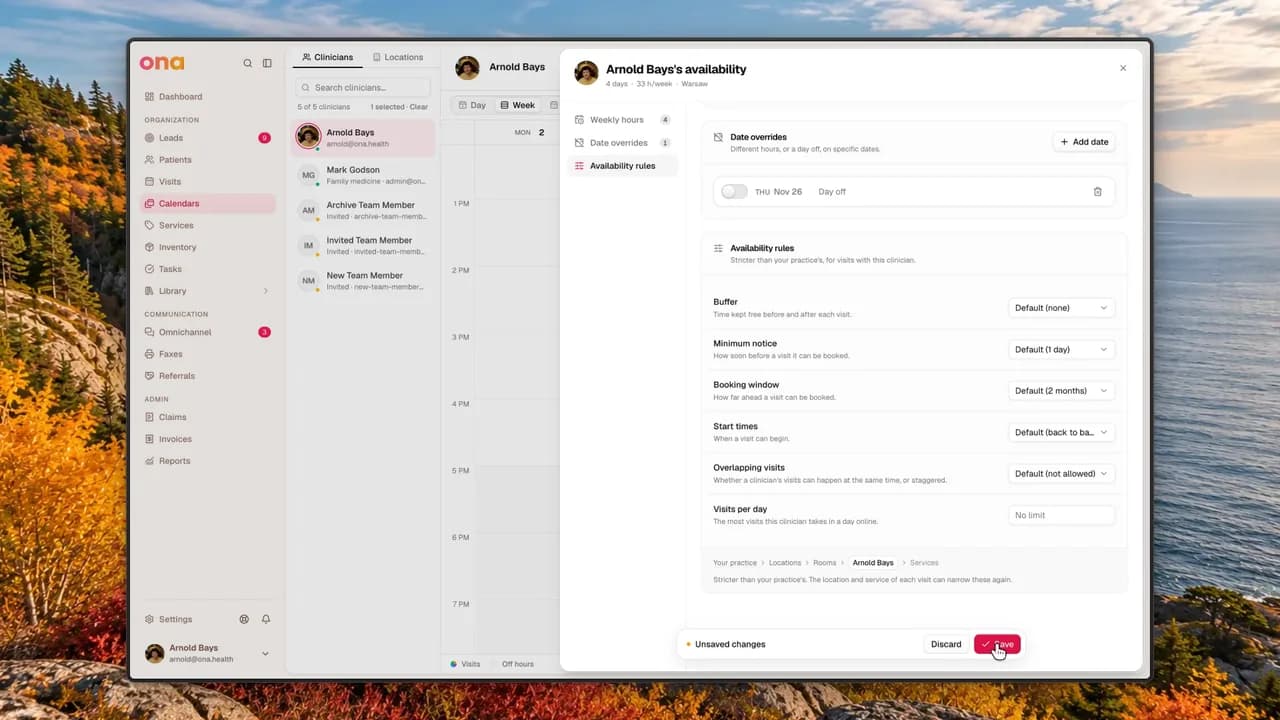 1:20Set your availability
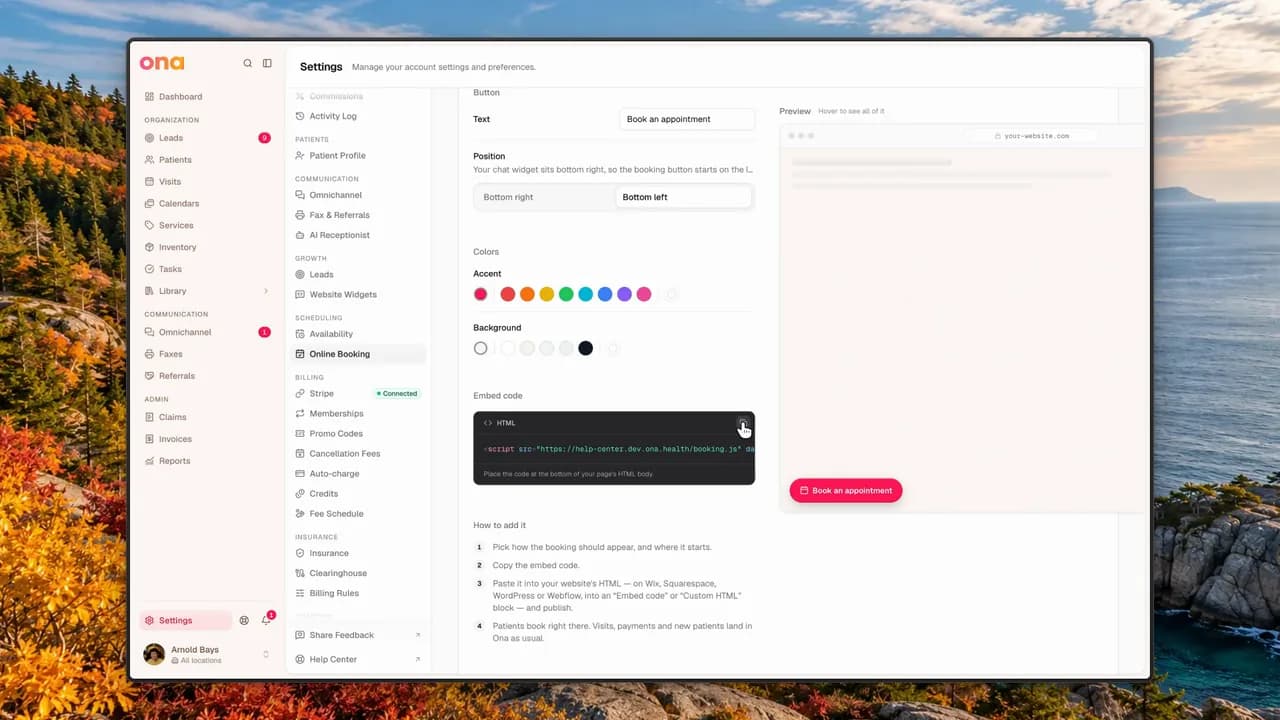 1:12Open online booking
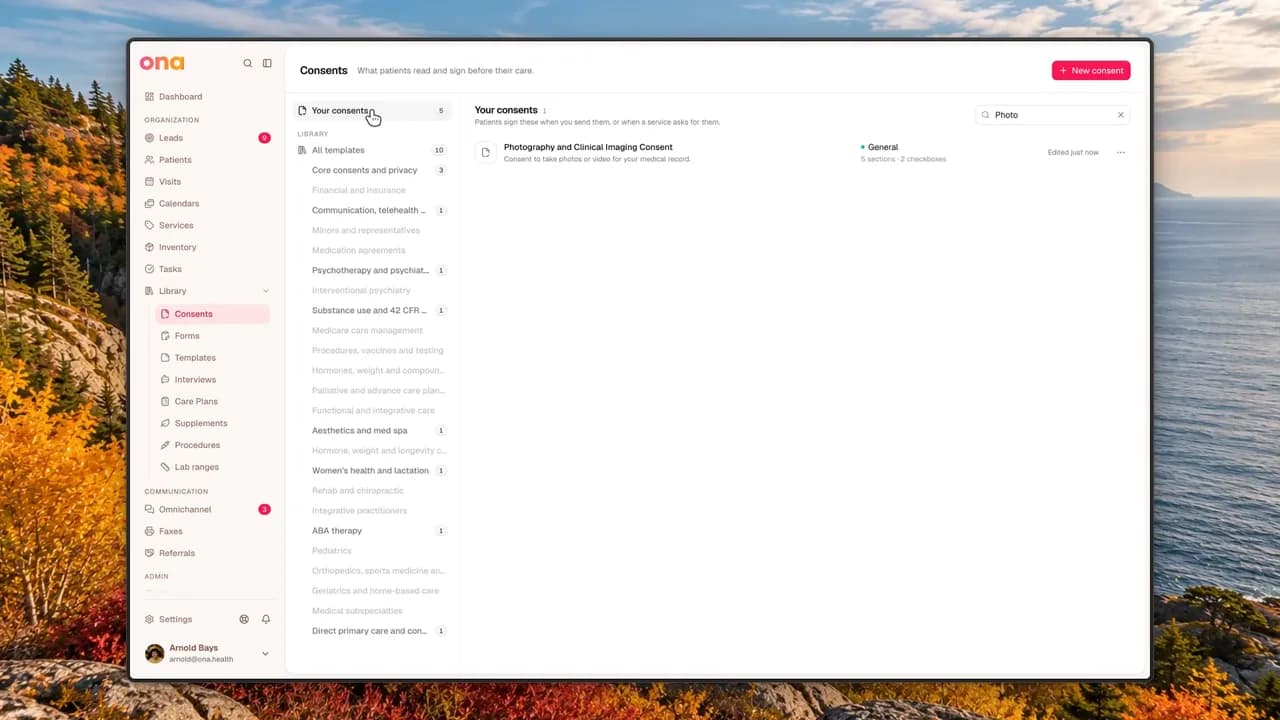 1:08Set up your consents
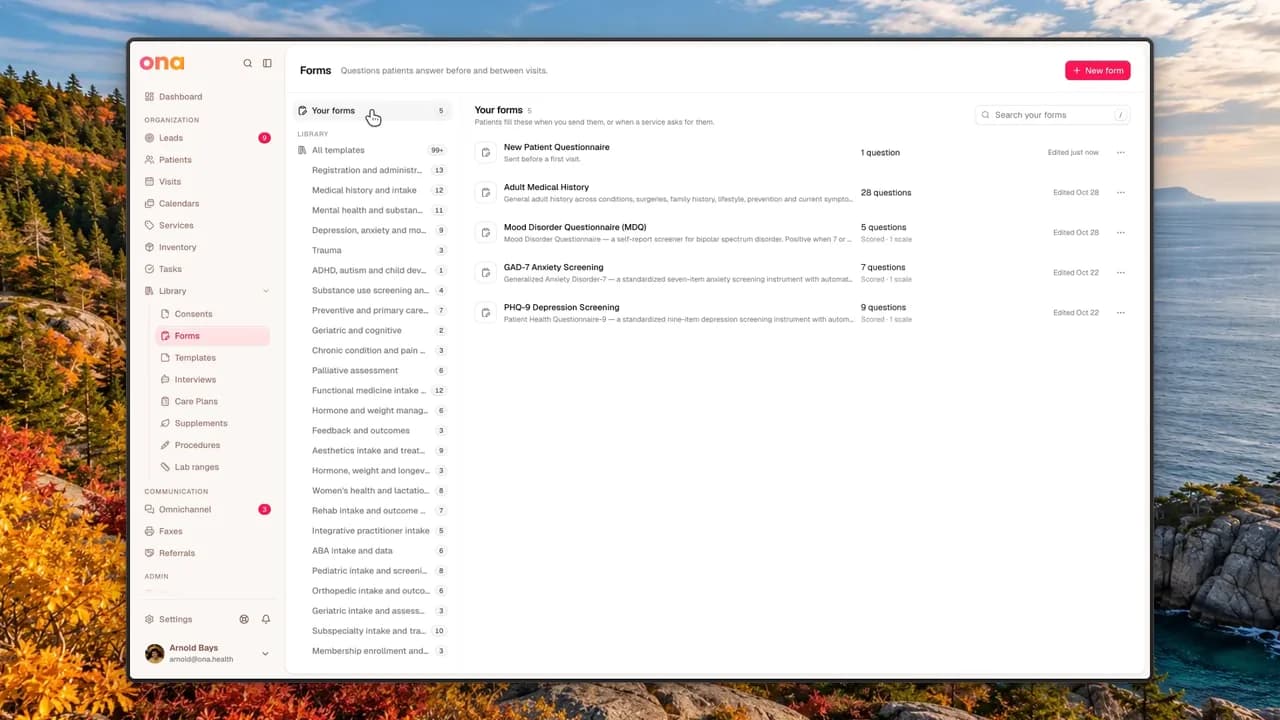 1:12Set up your forms
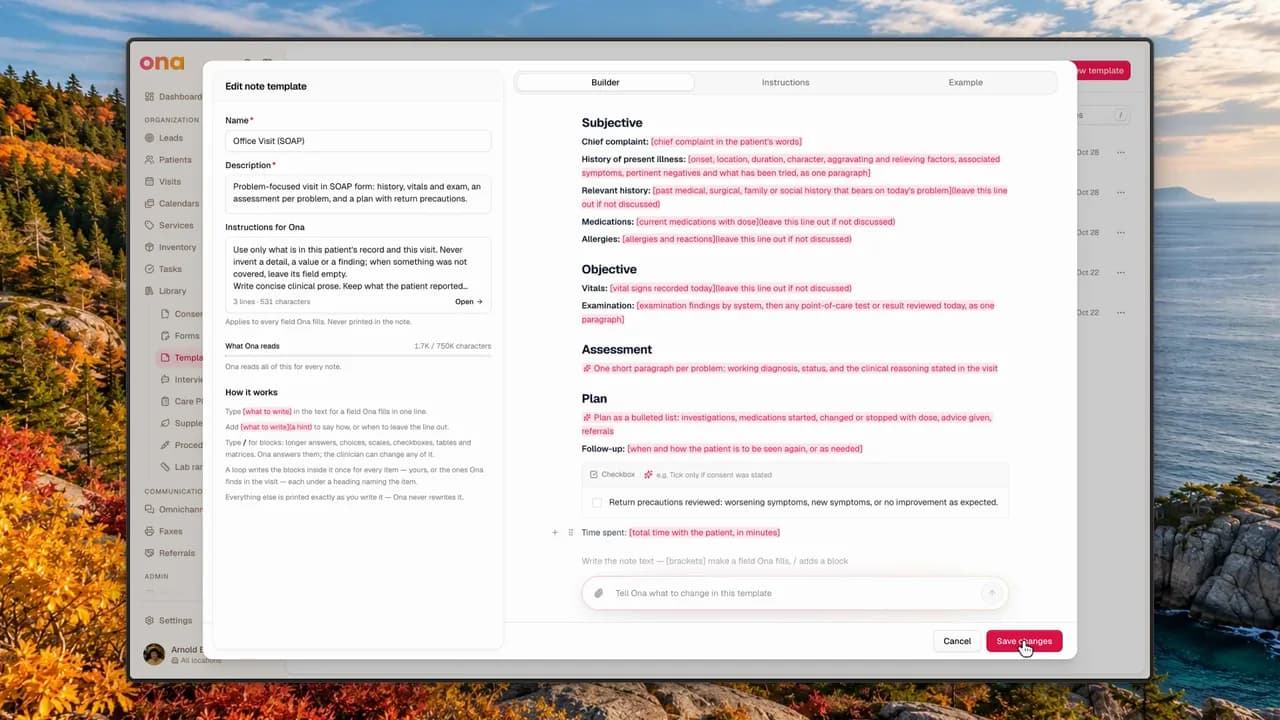 1:13Pick your note templates
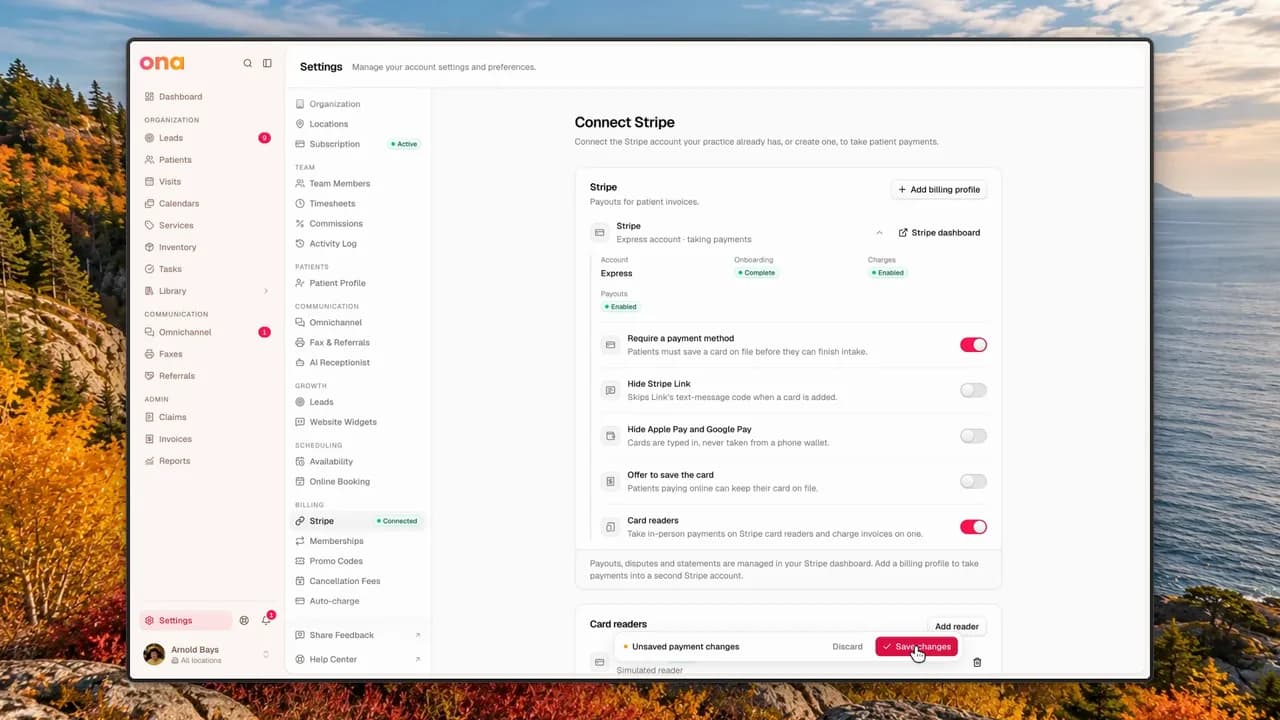 1:04Connect Stripe
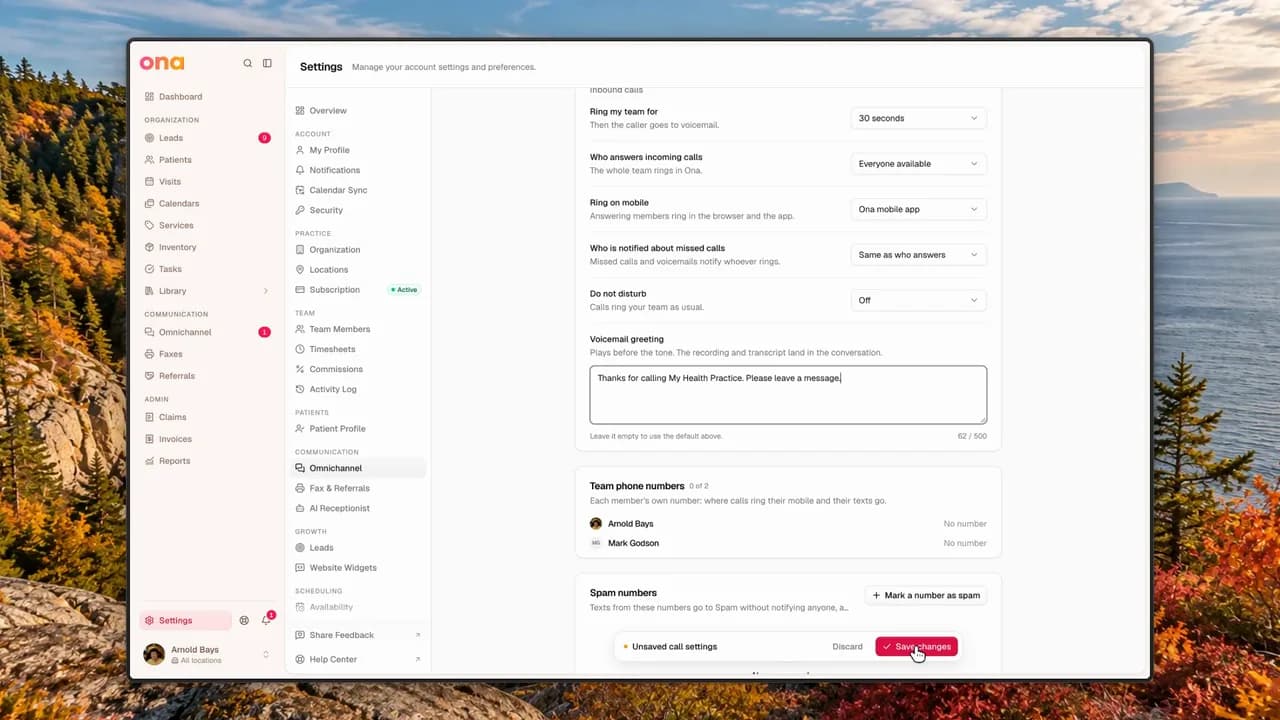 1:03Get your practice phone number
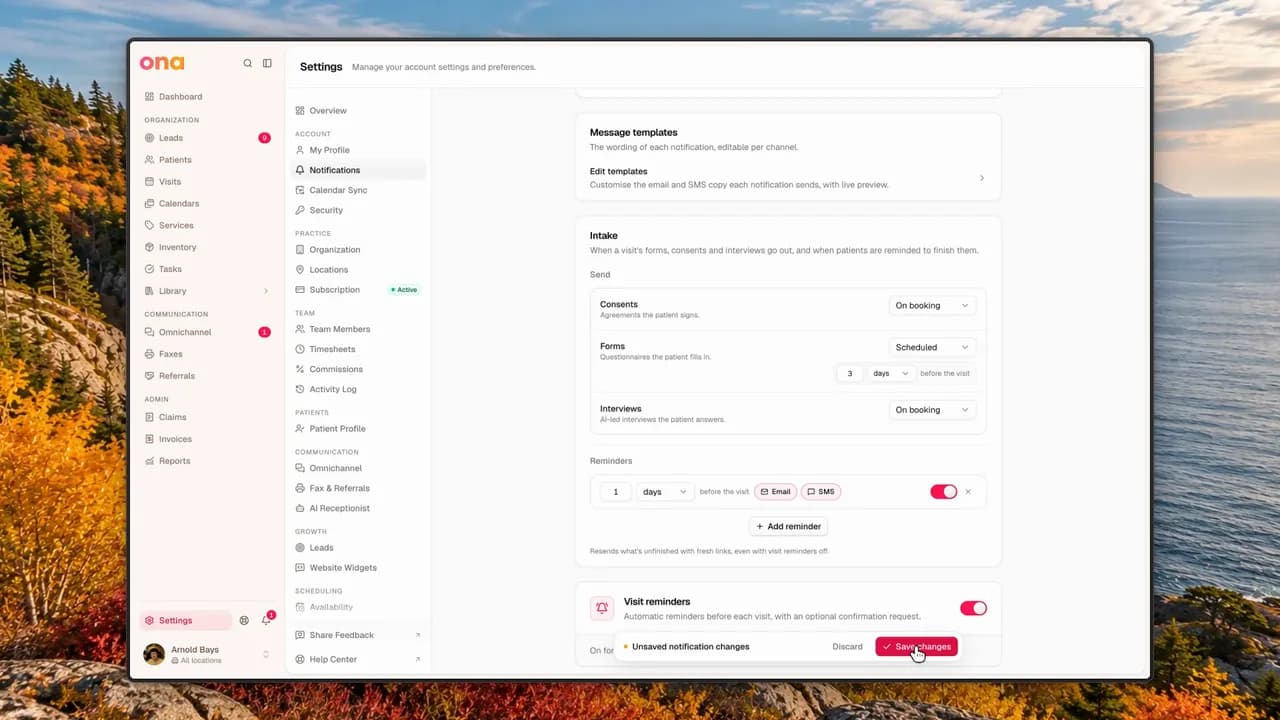 1:18Review patient notifications
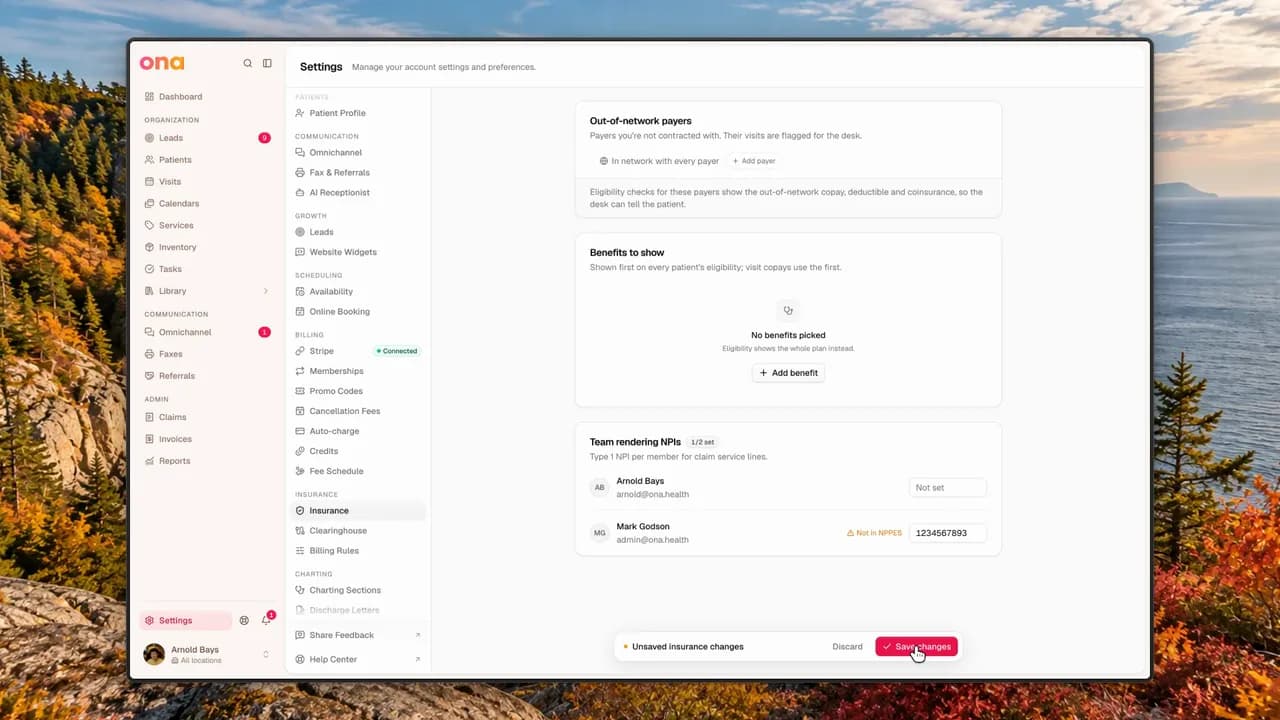 1:11Turn on insurance
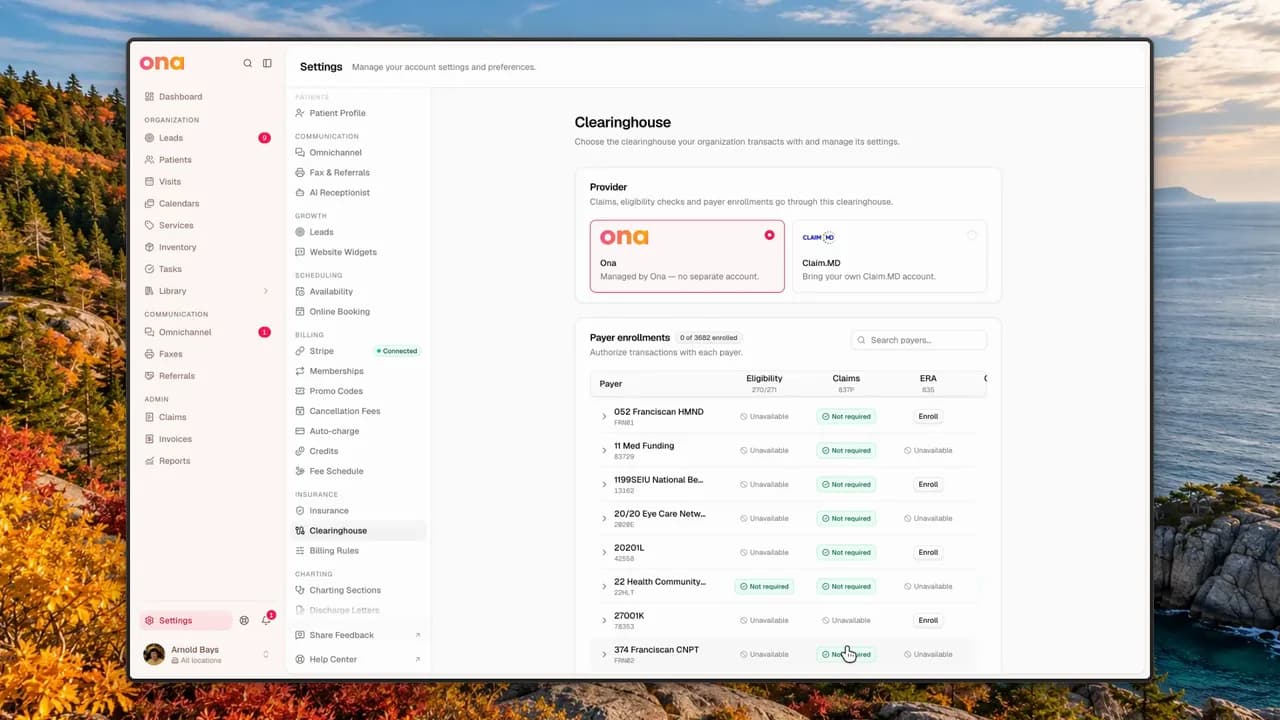 1:05Choose your clearinghouse
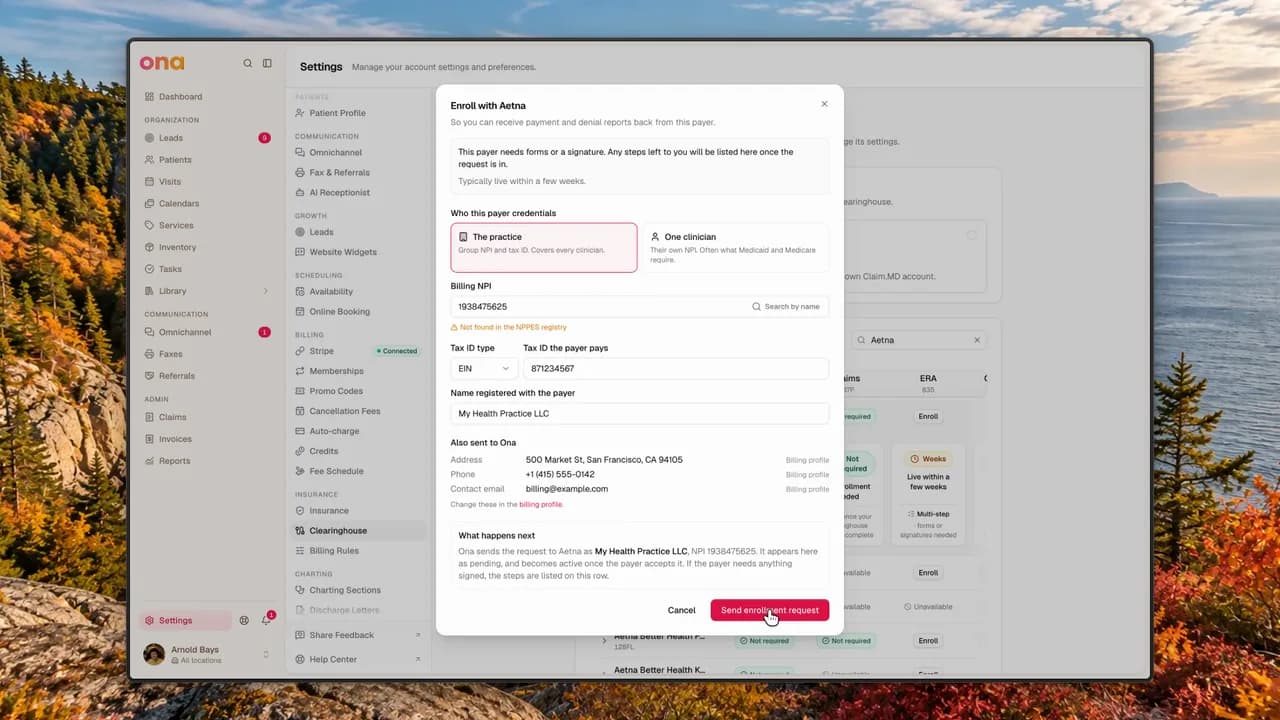 1:21Enroll with your payers
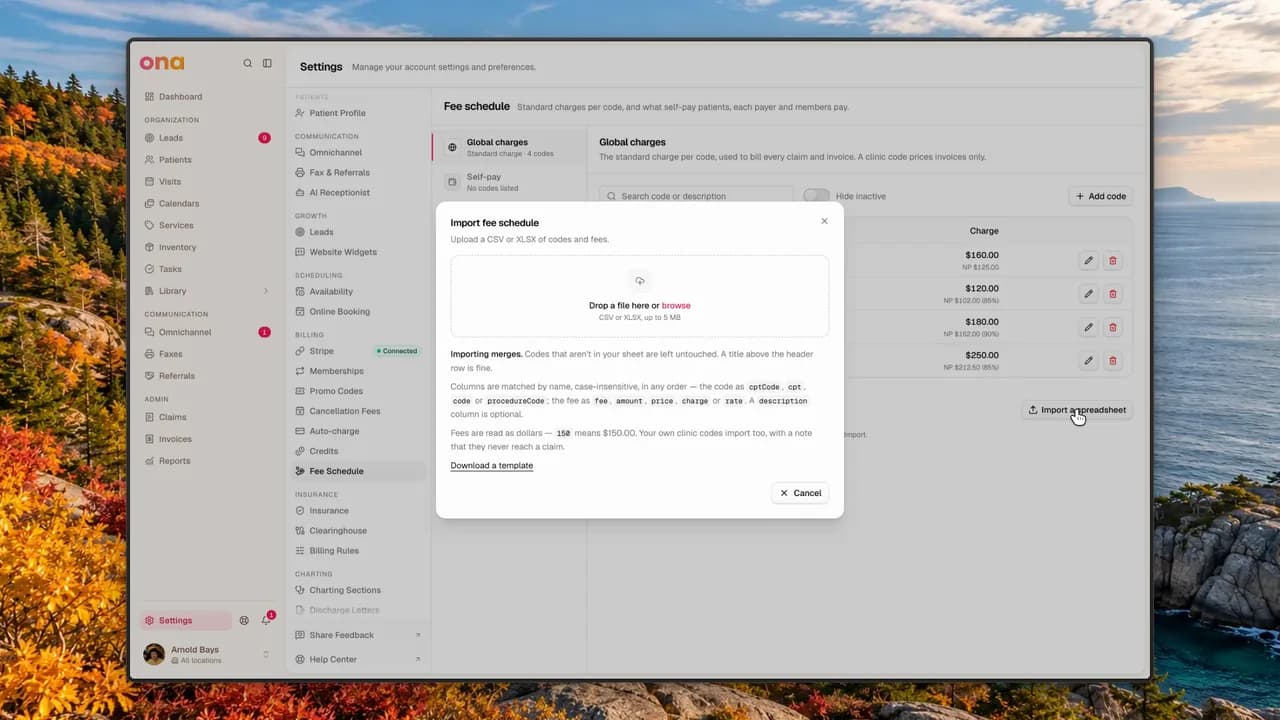 1:42Set your fee schedule
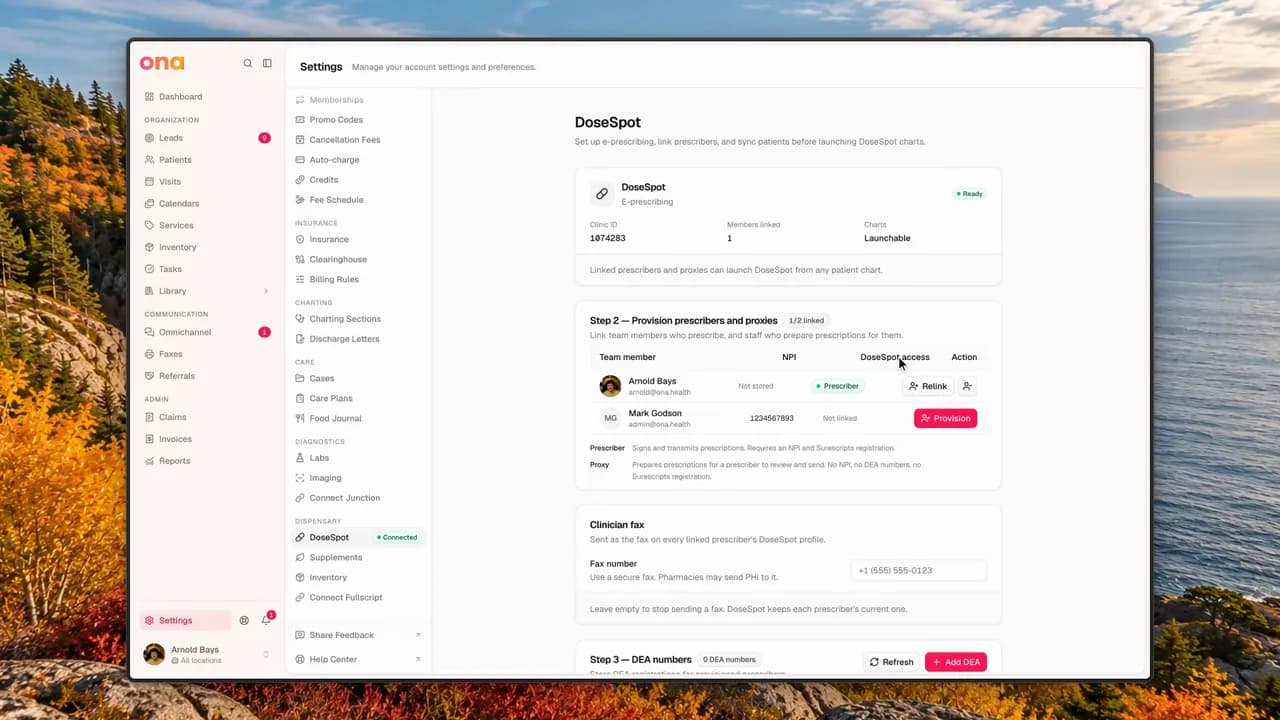 0:54Set up DoseSpot for your clinic
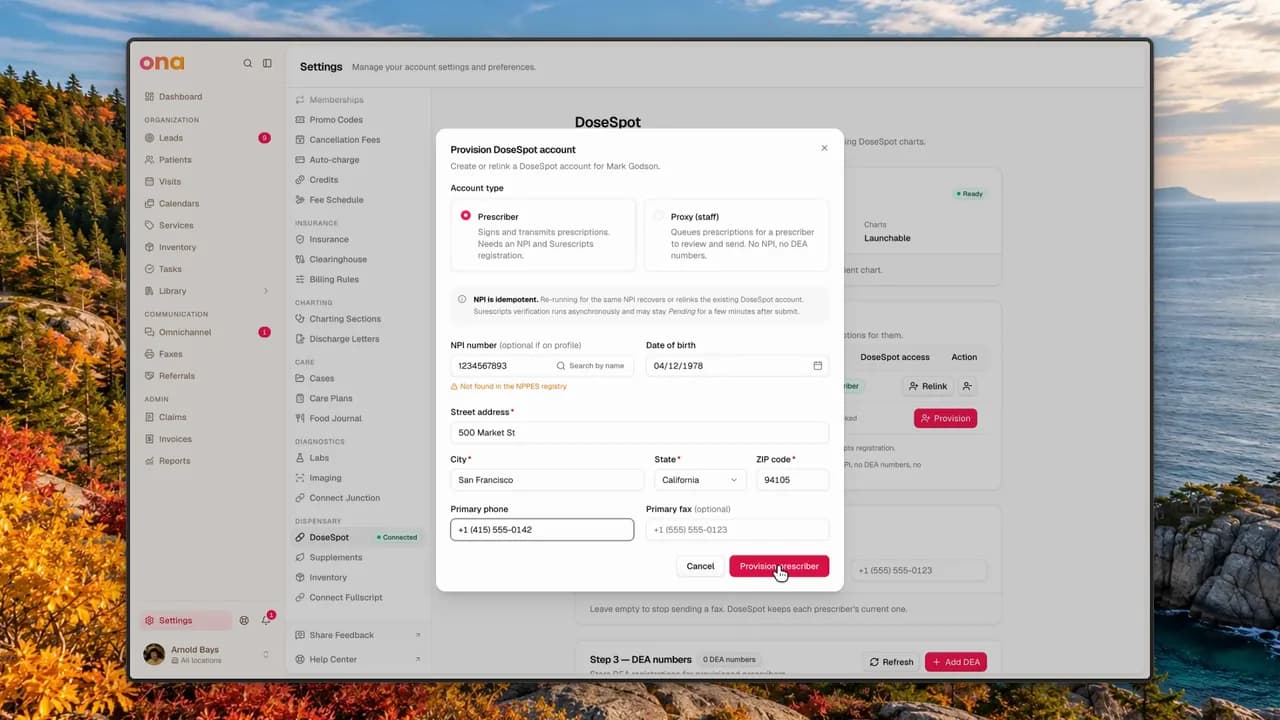 1:30Link your prescribers and staff
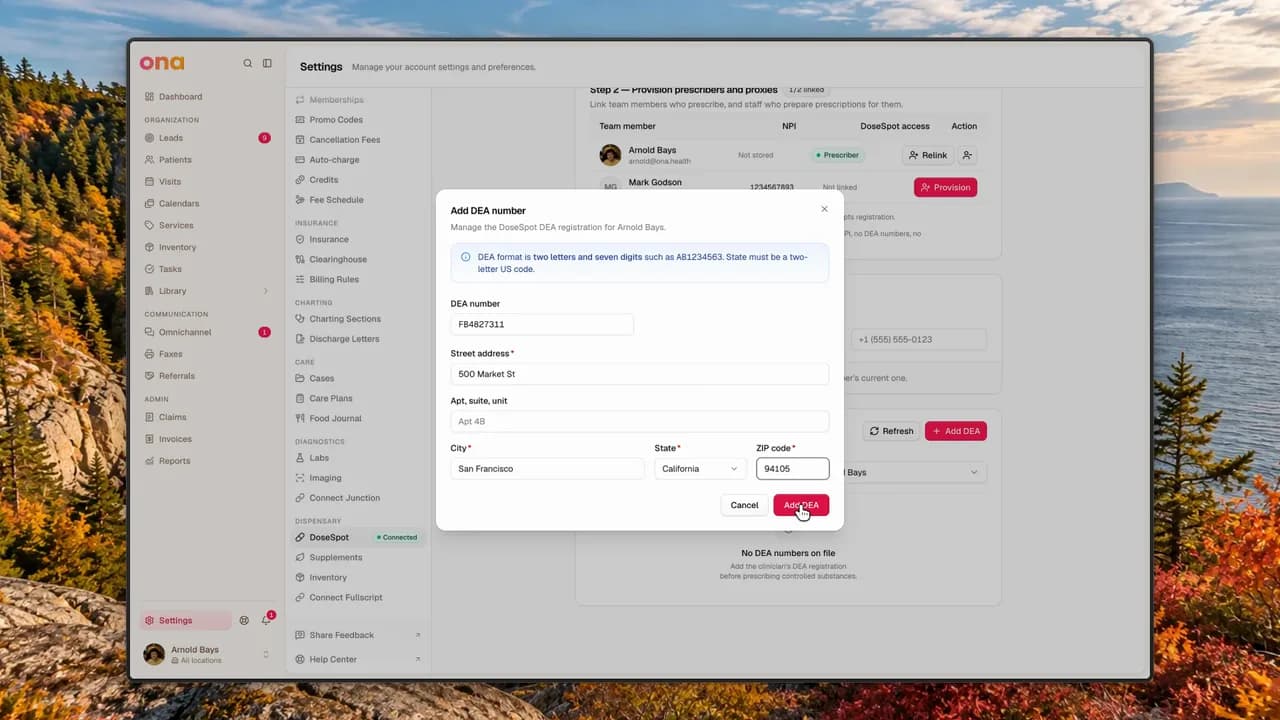 1:18Turn on EPCS
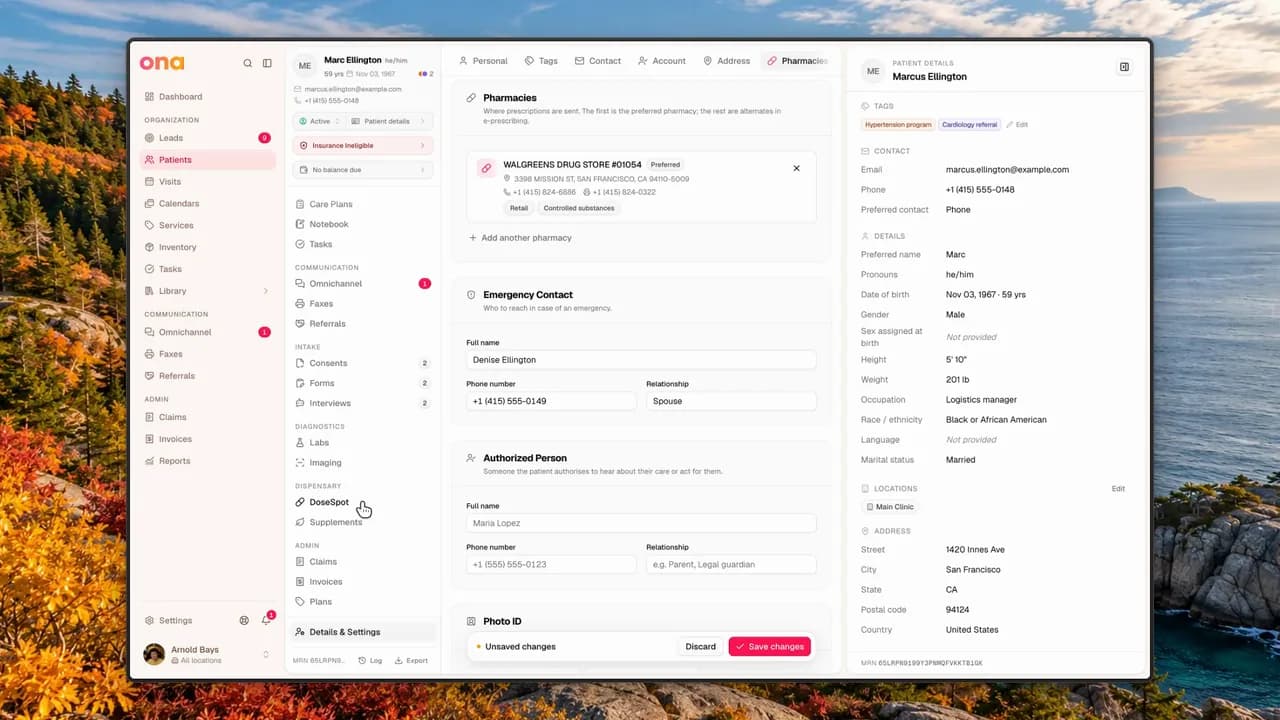 1:17Send your first prescription
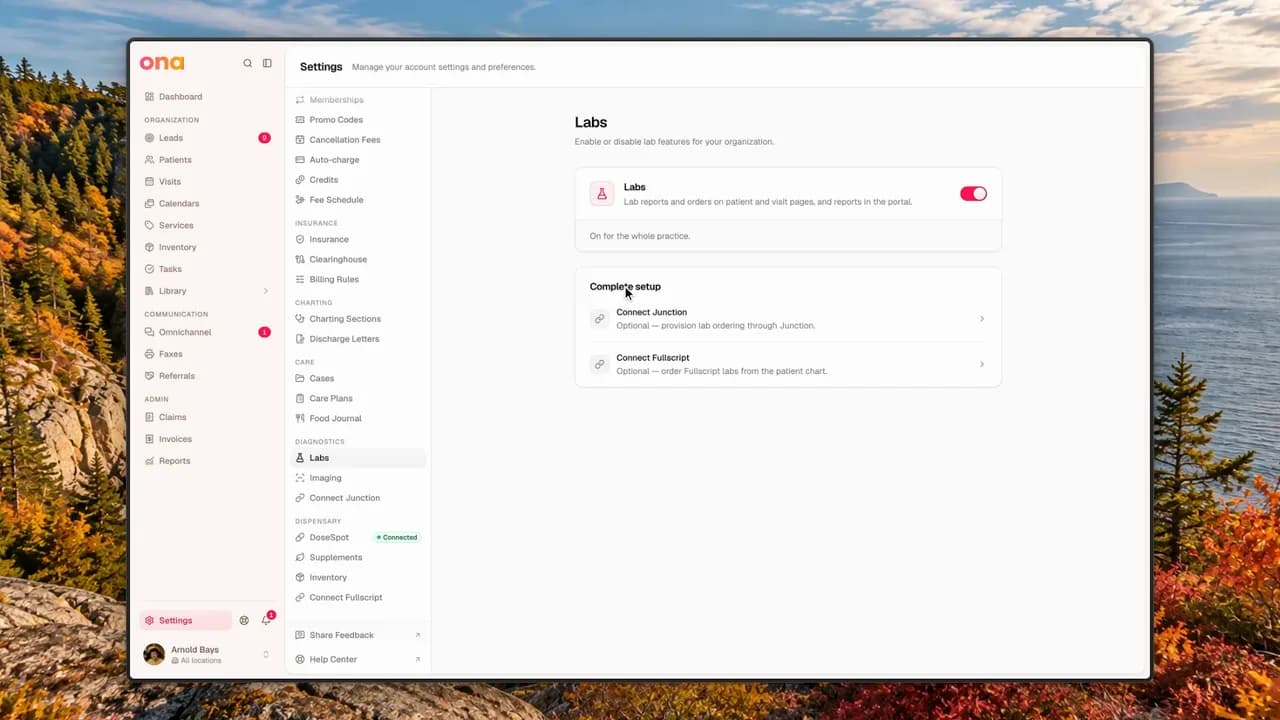 0:43Turn on Labs
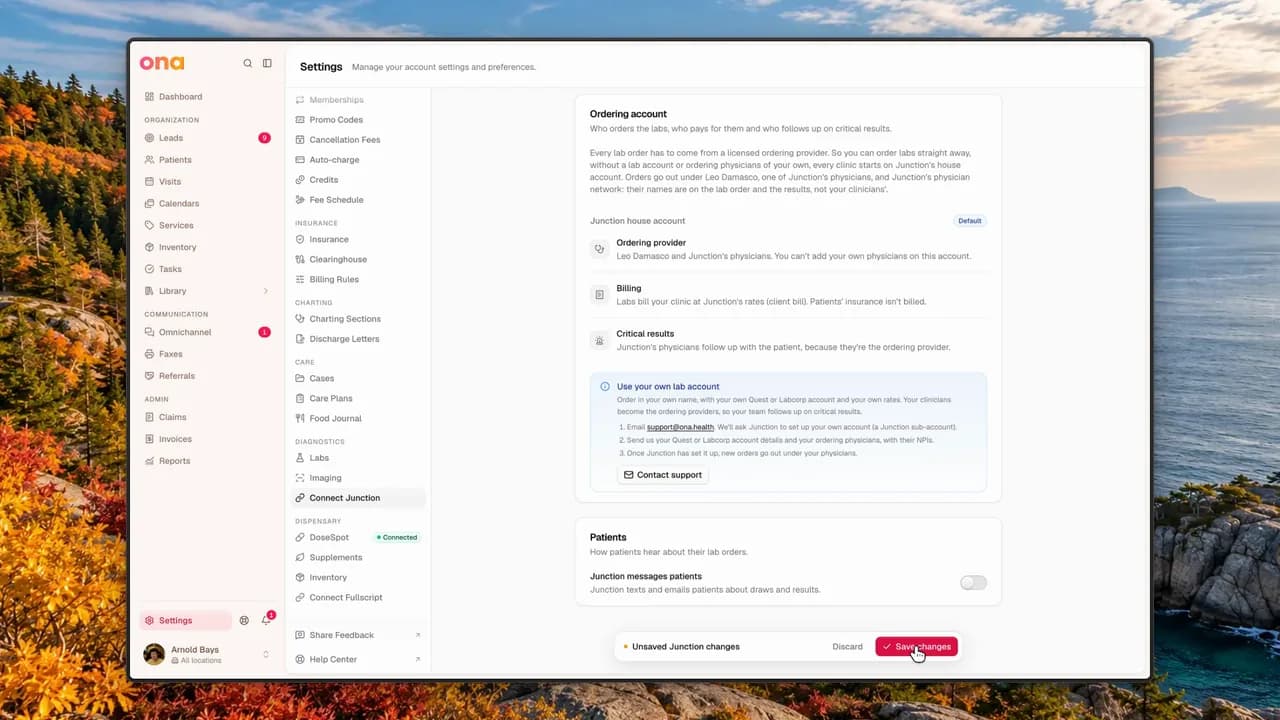 1:16Connect Junction
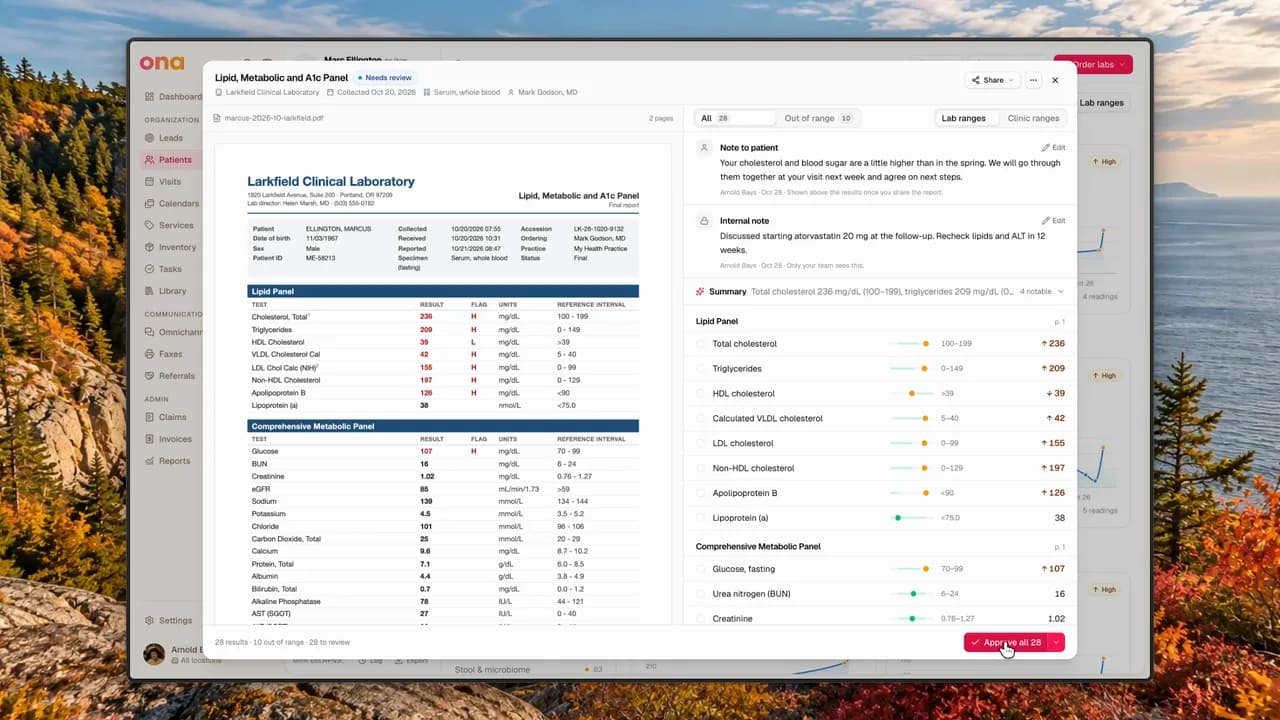 1:13Order your first lab
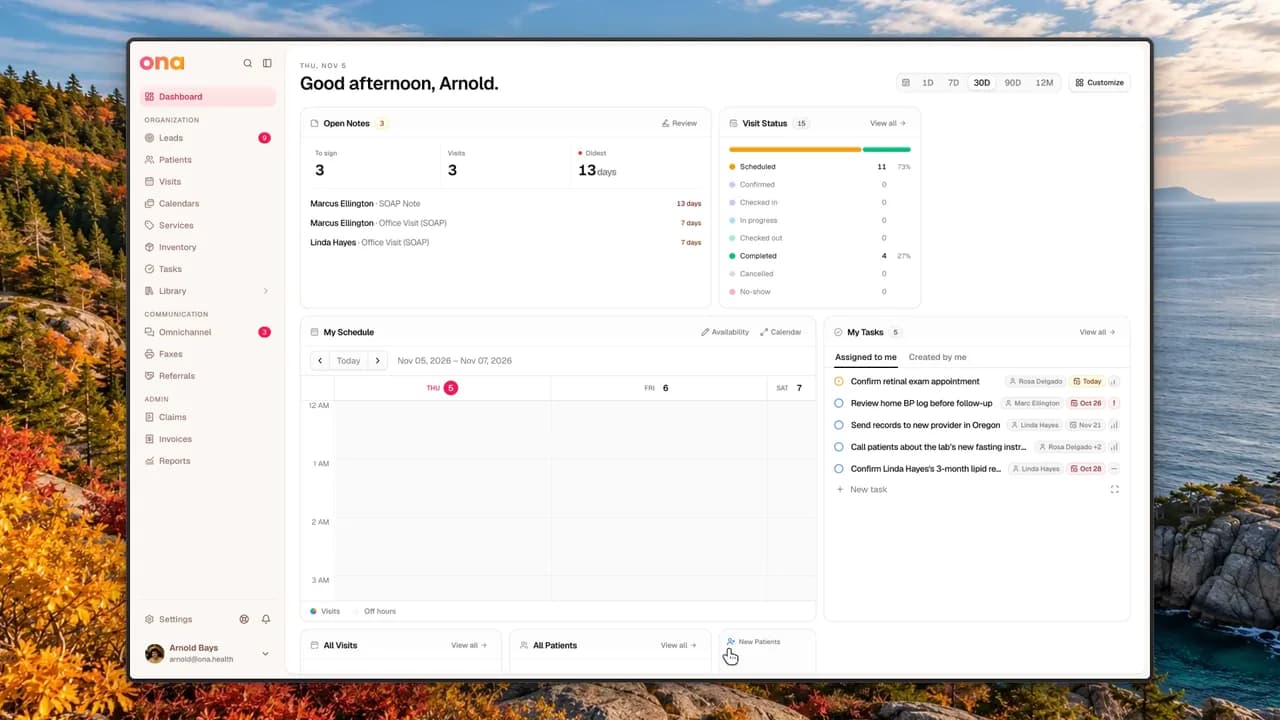 1:01Set up your dashboard
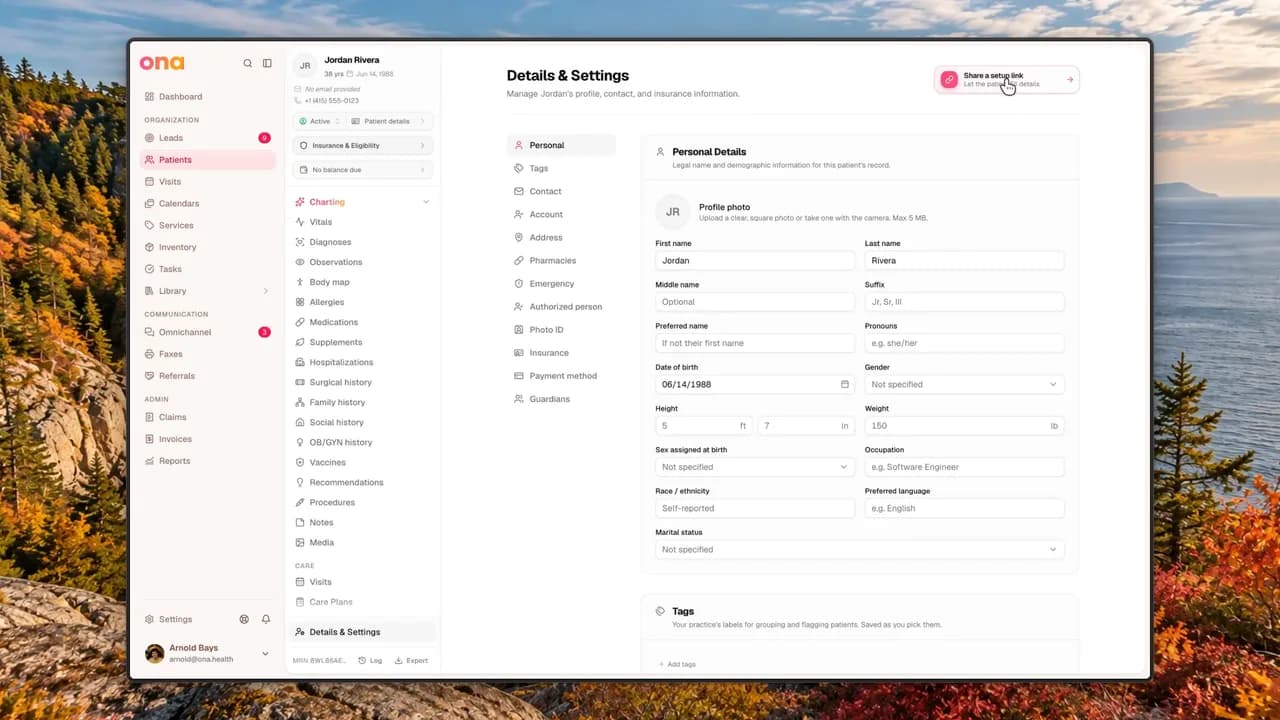 0:53Add a patient
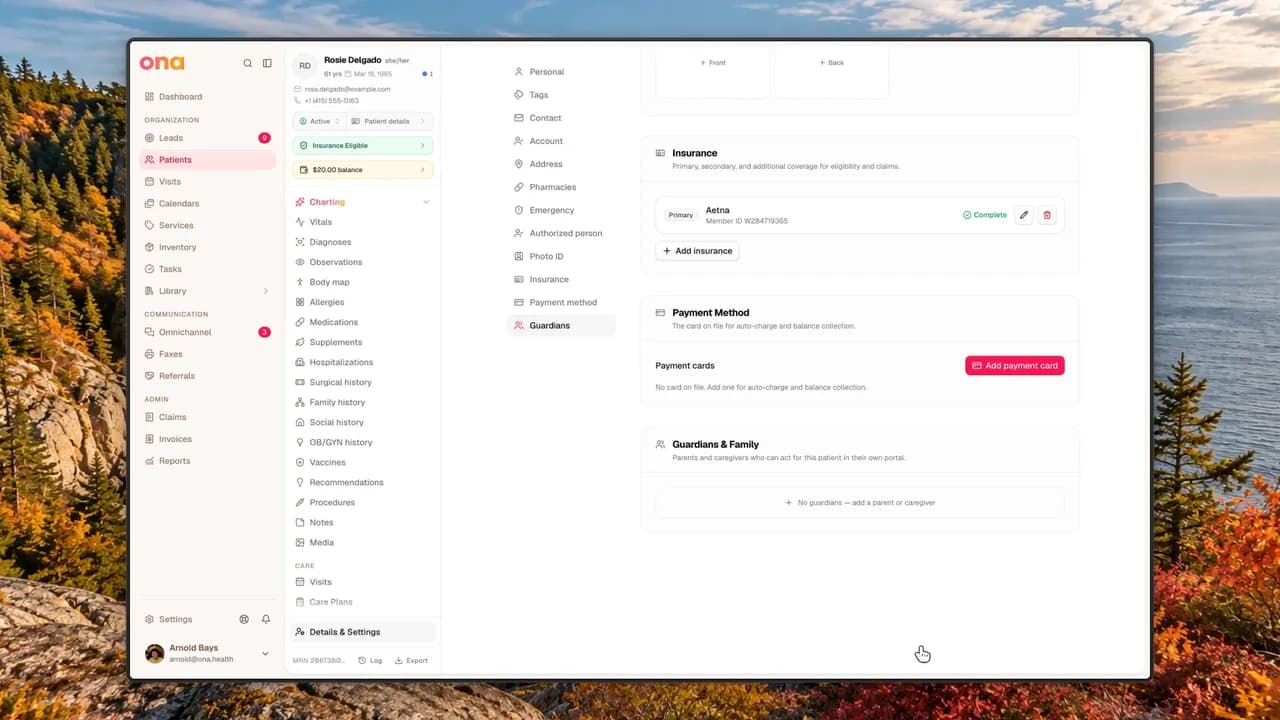 1:14Edit a patient's details
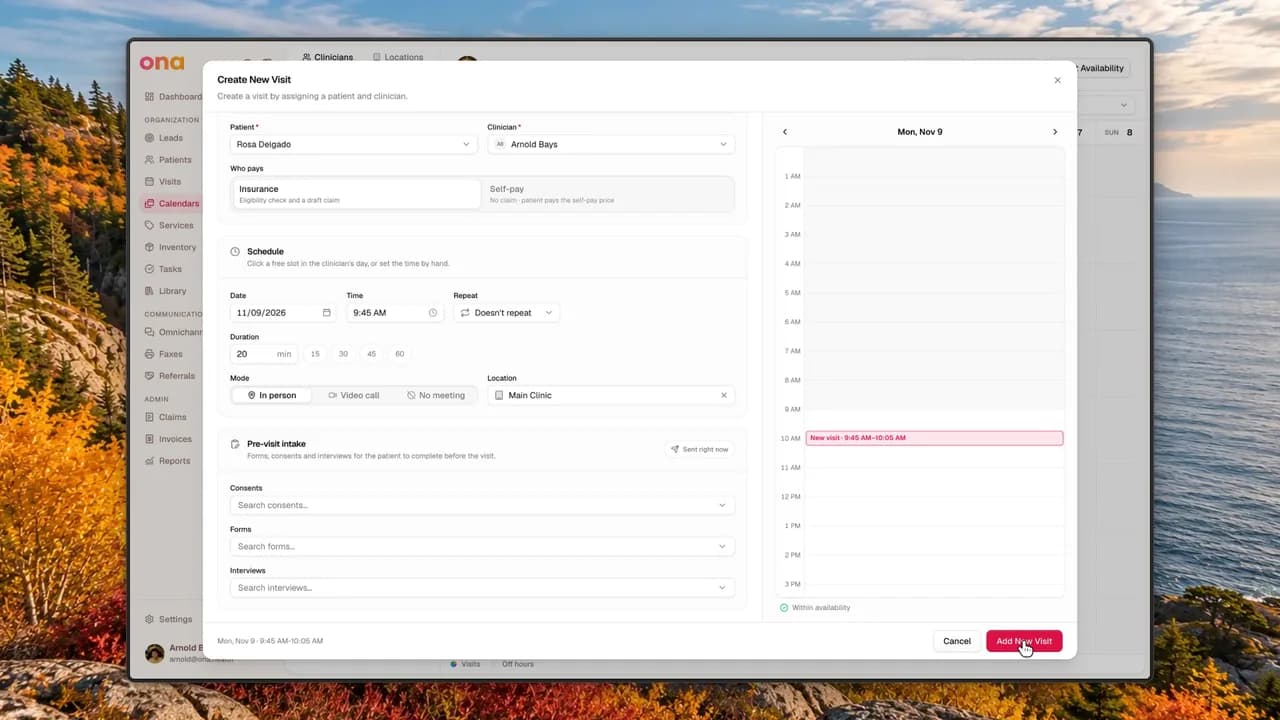 1:12Book a visit
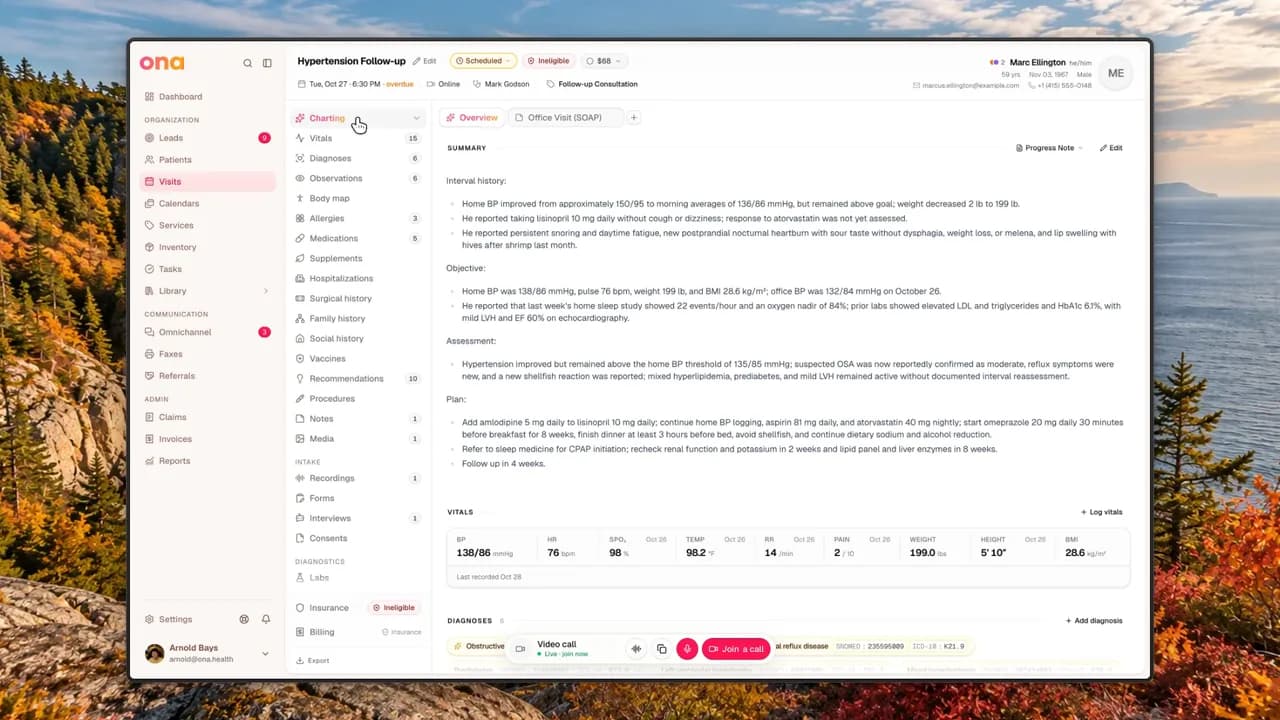 1:10Run a visit with Ona
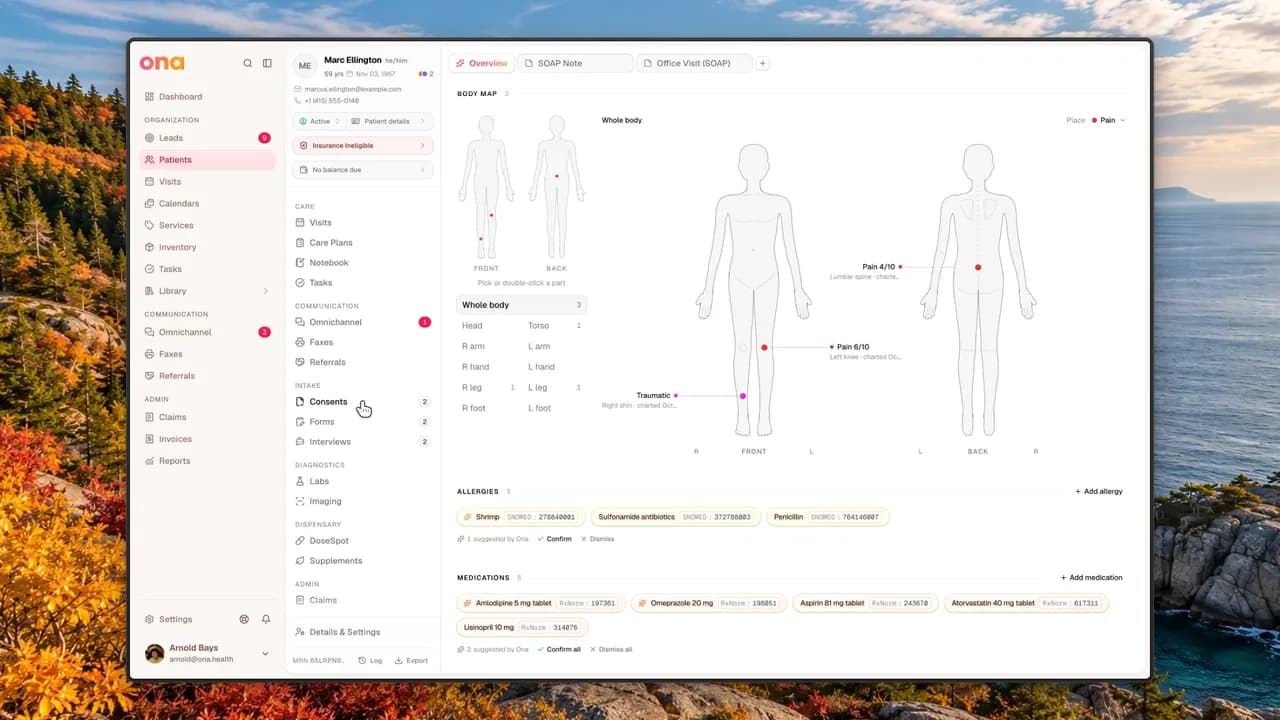 1:02Find your way around the chart
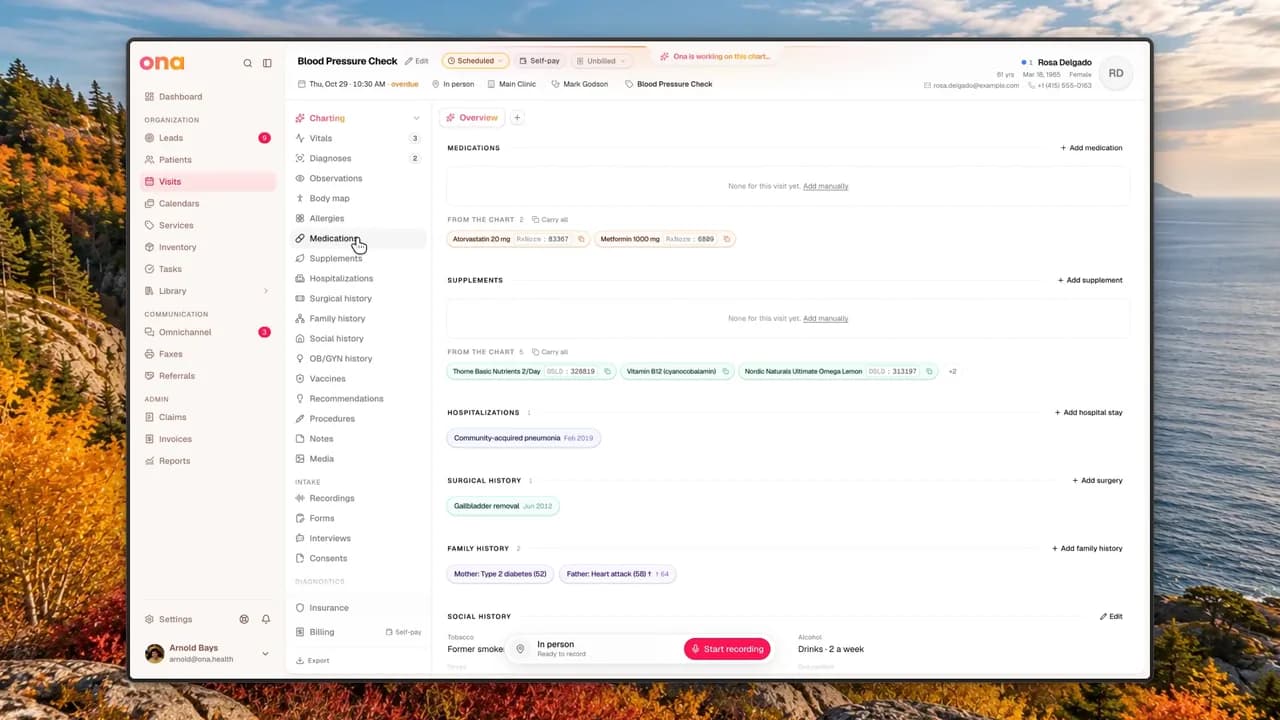 1:18Chart a visit
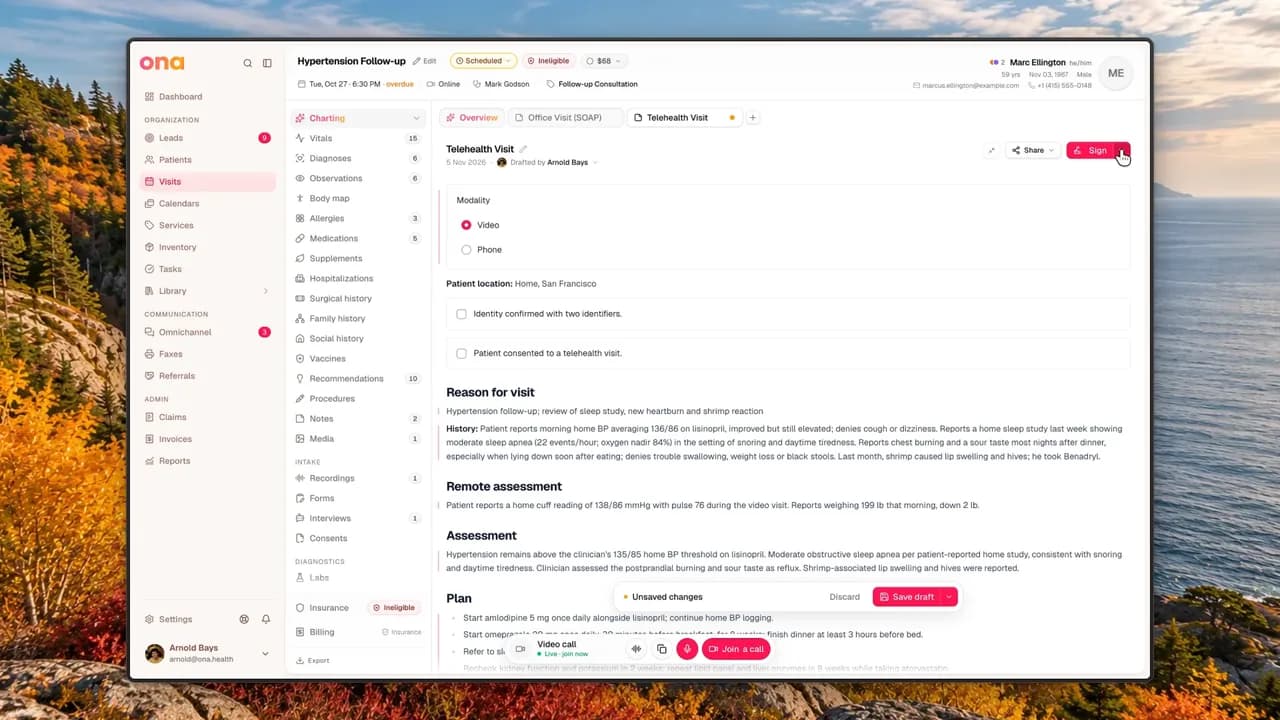 1:15Write a clinical note
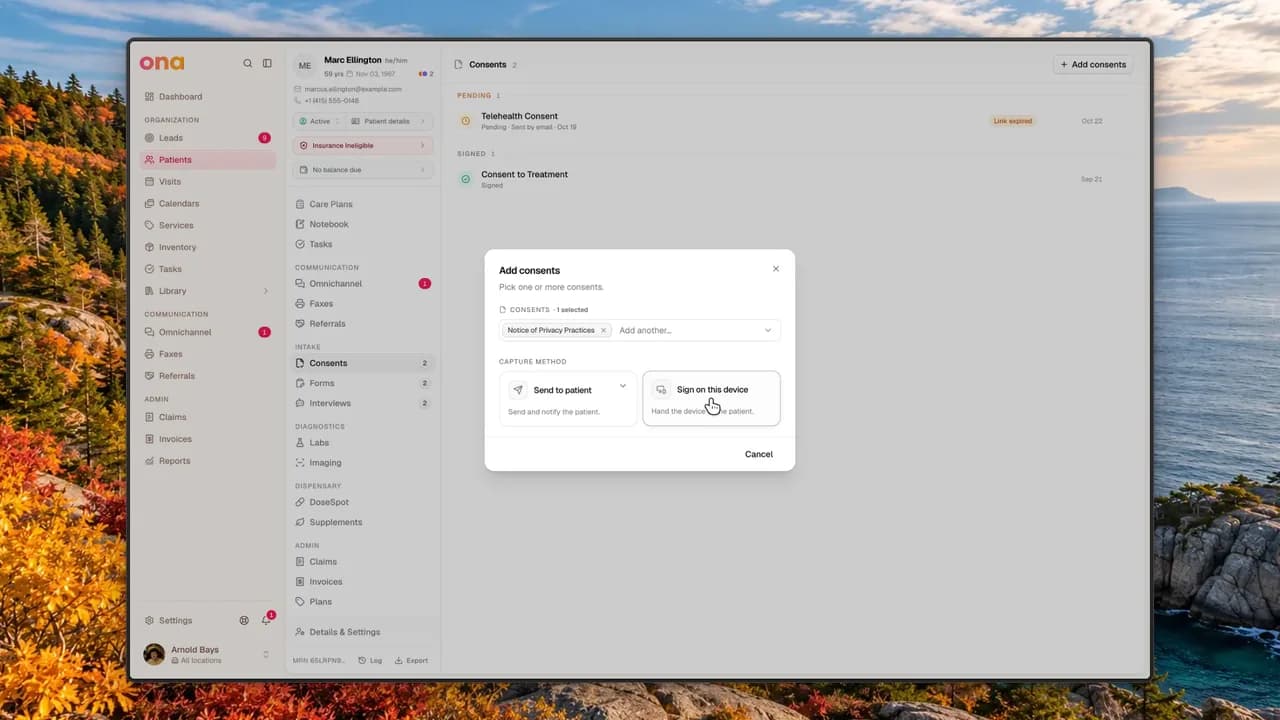 1:24Send forms and consents
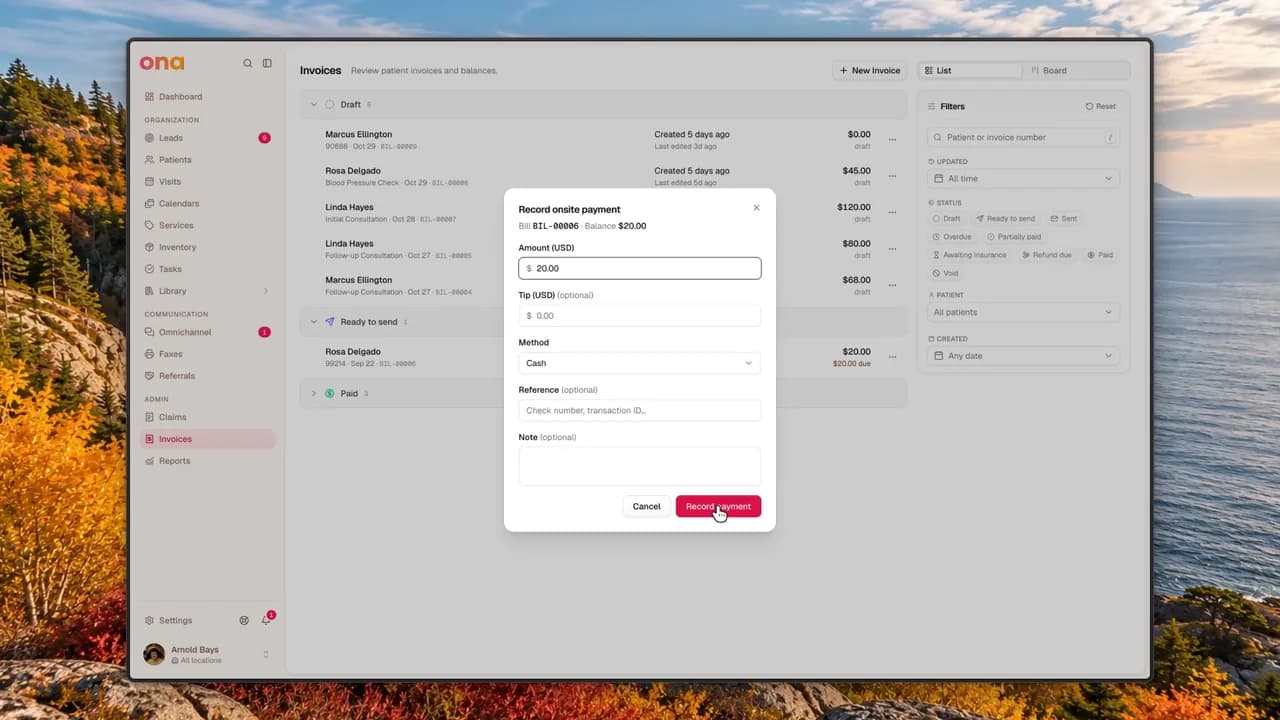 1:53Invoice and take payment
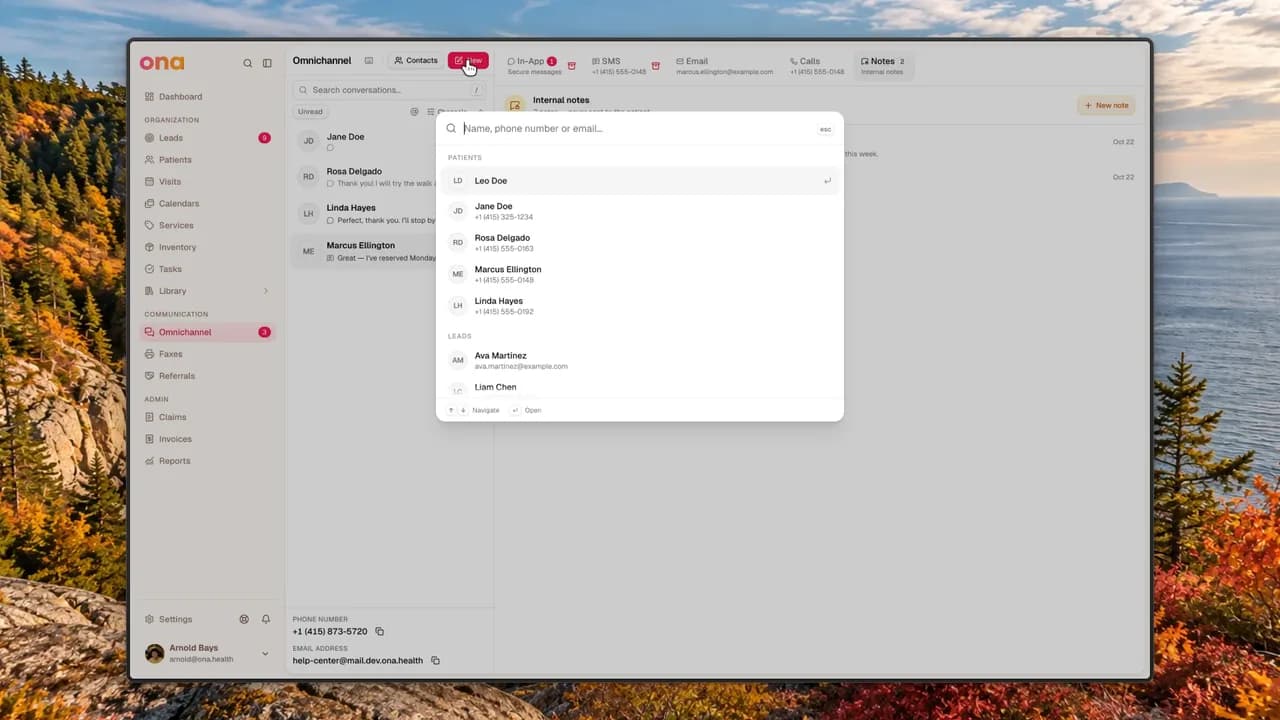 1:08Message patients in Omnichannel
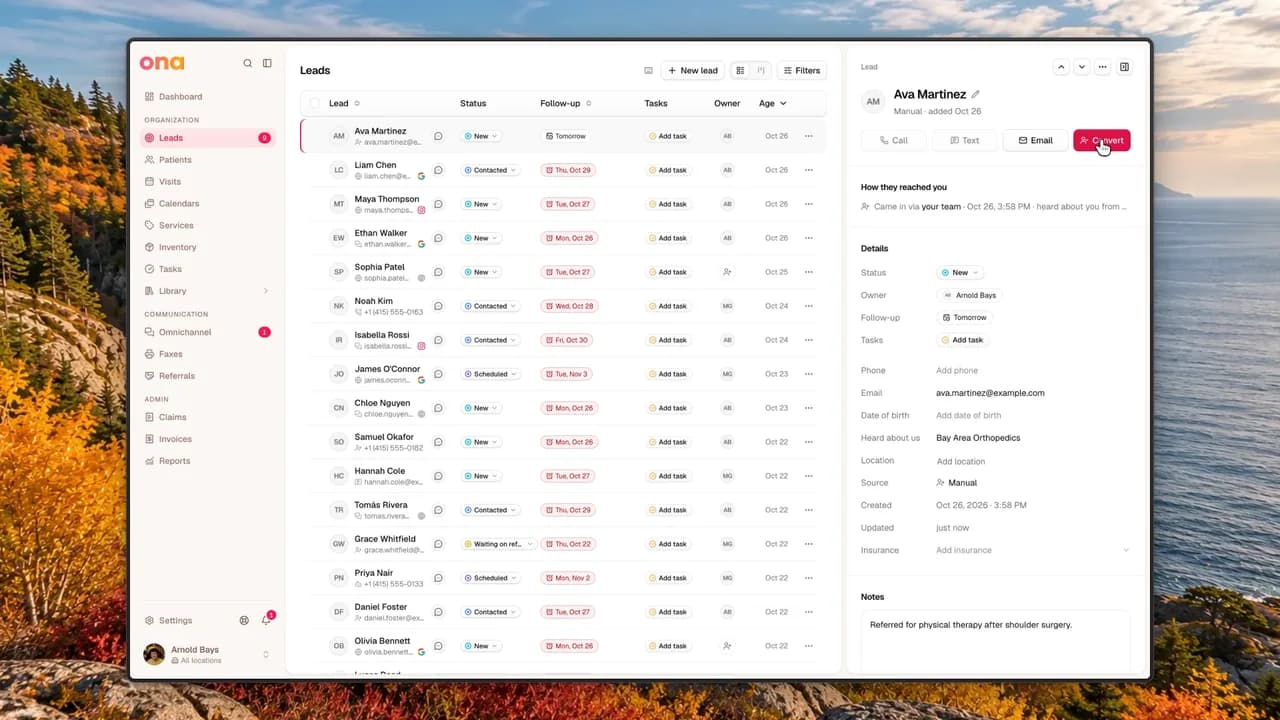 1:20Track your leads
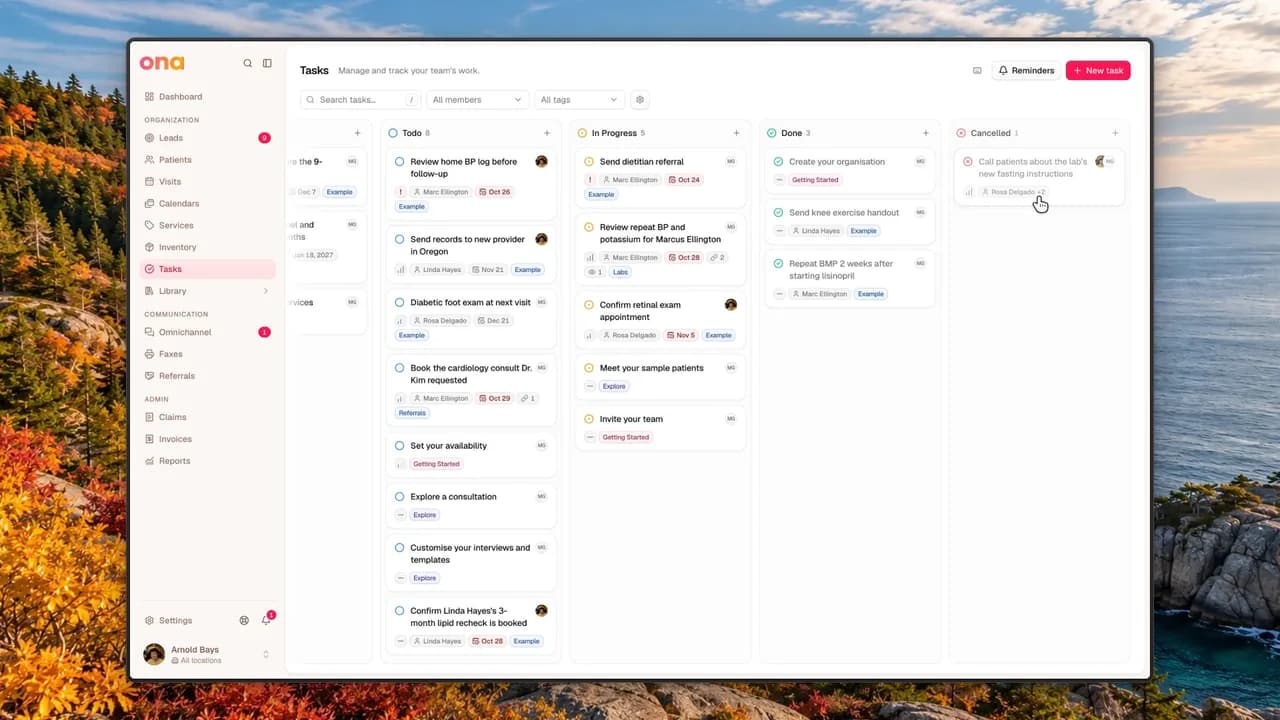 1:34Share work with tasks
 1:04Ask Ona Assistant