
Run a visit with Ona
Visits1:10
The guide
Transcript
Here's how a visit runs in Ona, from the first minute to a finished chart. From Visits, open the visit. The status at the top moves it along, from checked in to completed.
For a video visit, select Join a call. In the room, select the microphone to record the conversation. Afterwards, you'll find the recording and its transcript under Recordings.
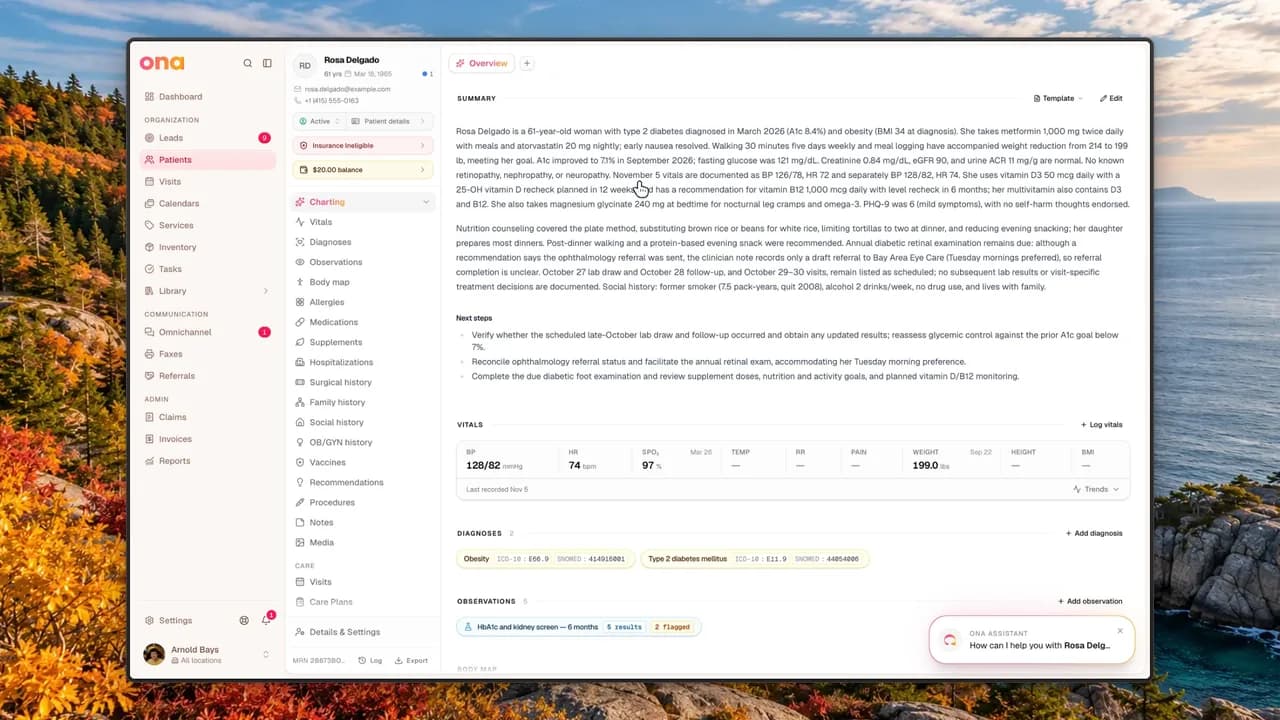
You can also upload a recording made somewhere else. Back in Charting, Ona has suggested what it heard. Select a suggestion to read where it came from.
Then confirm it, or dismiss it. Ona writes the summary too, and you can edit it. That's a visit: recorded, charted, and ready for your note.
More videos
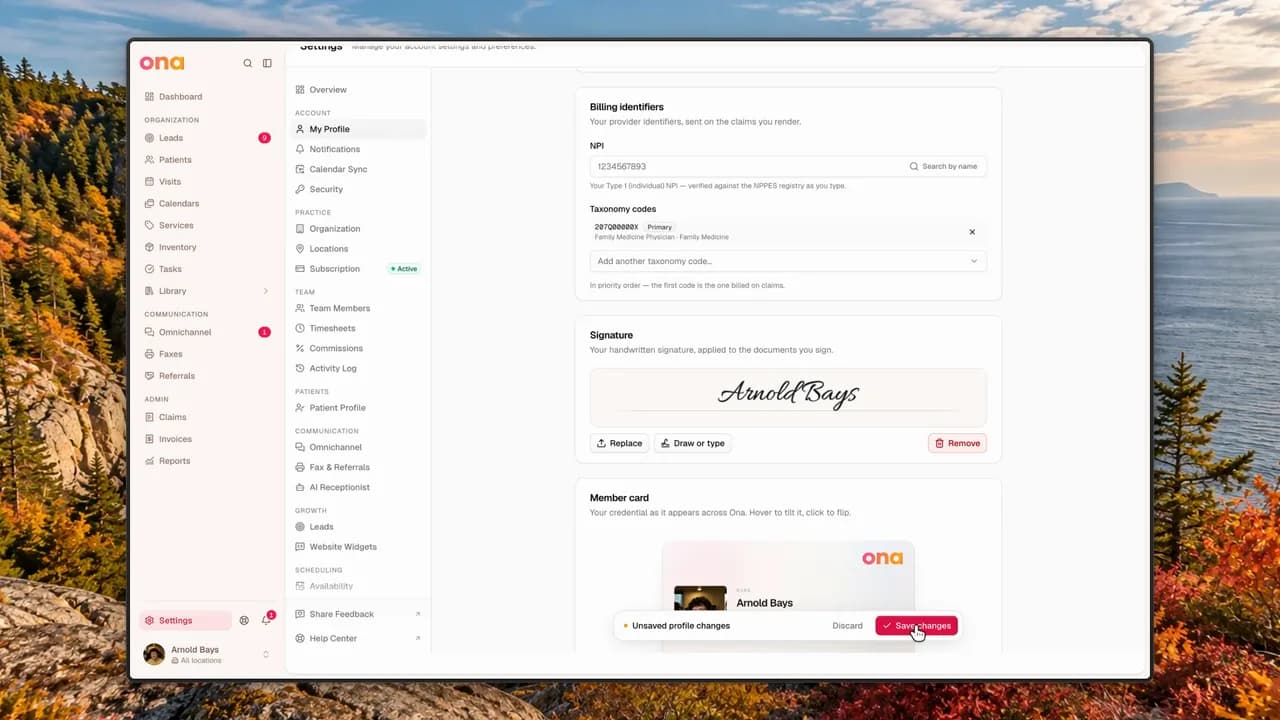 1:12Complete your profile
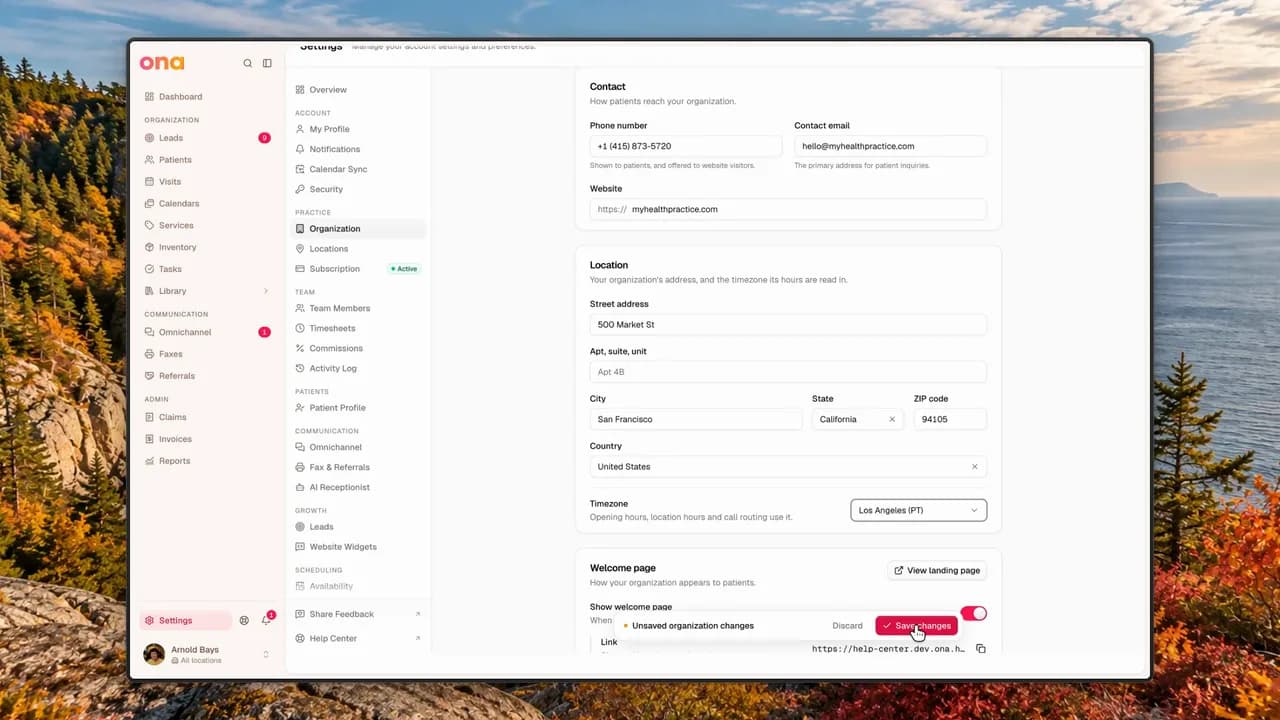 0:51Add your organization details
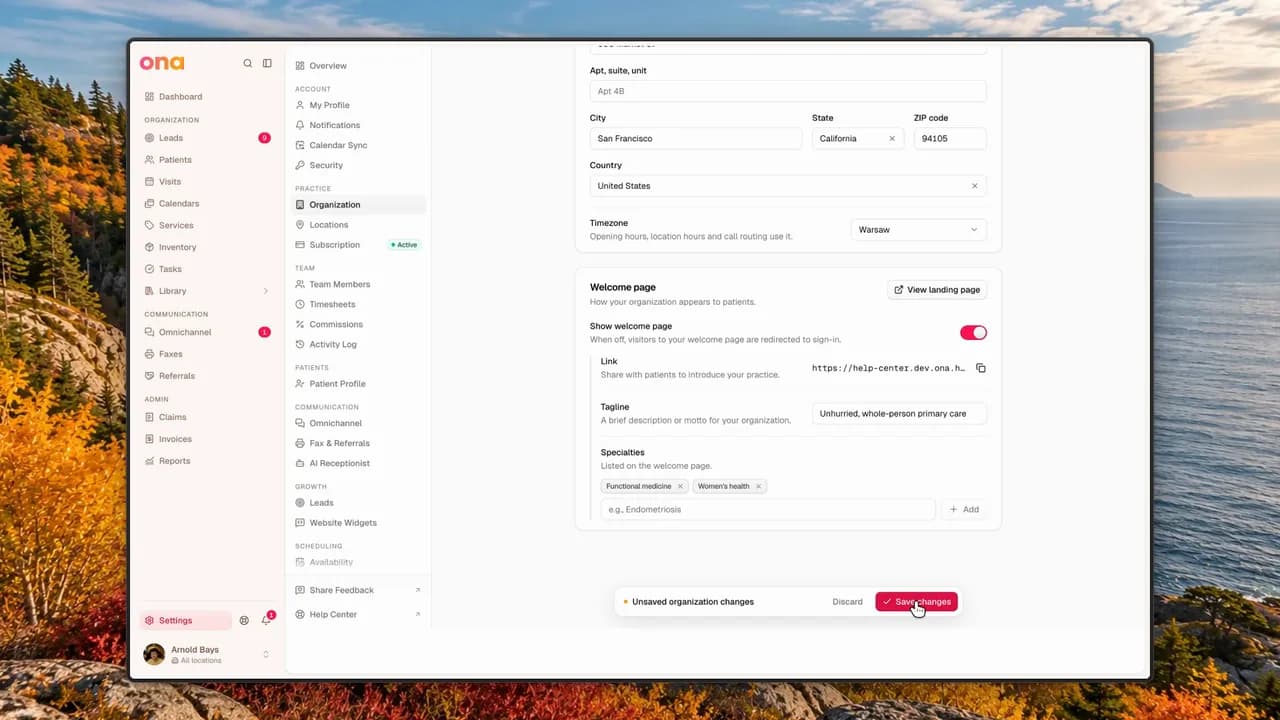 1:13Brand your practice
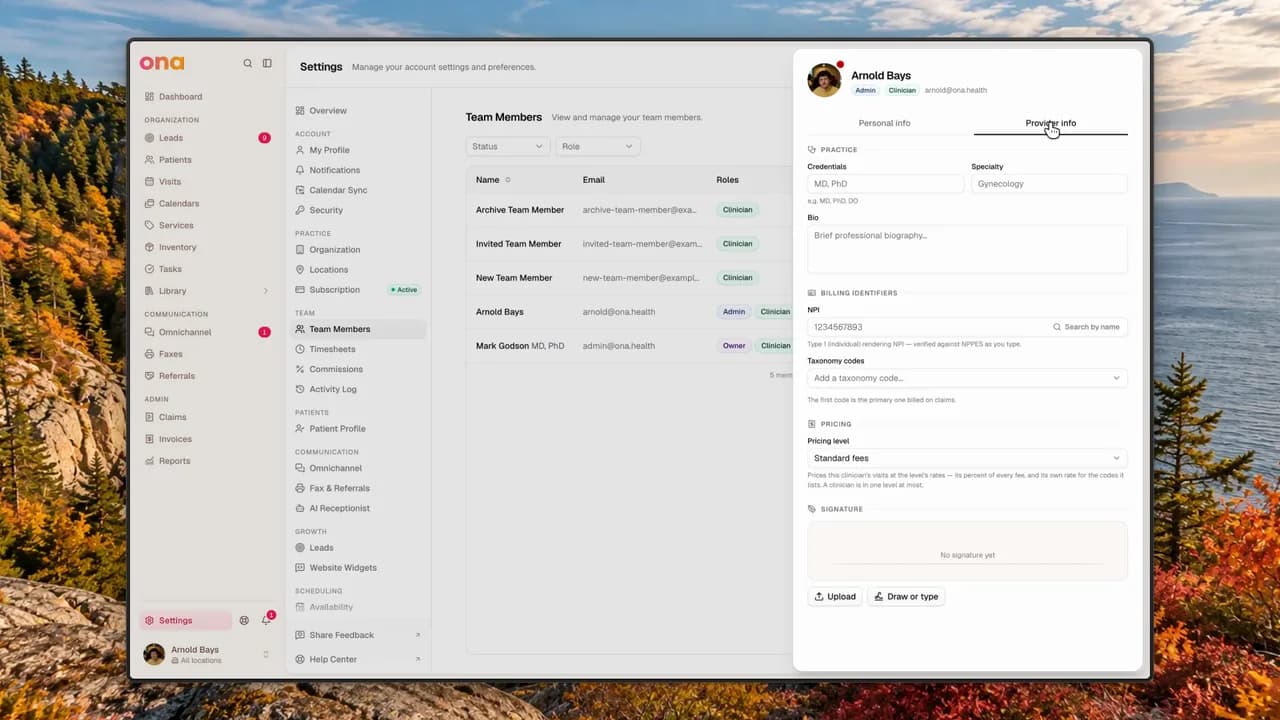 0:57Invite your team
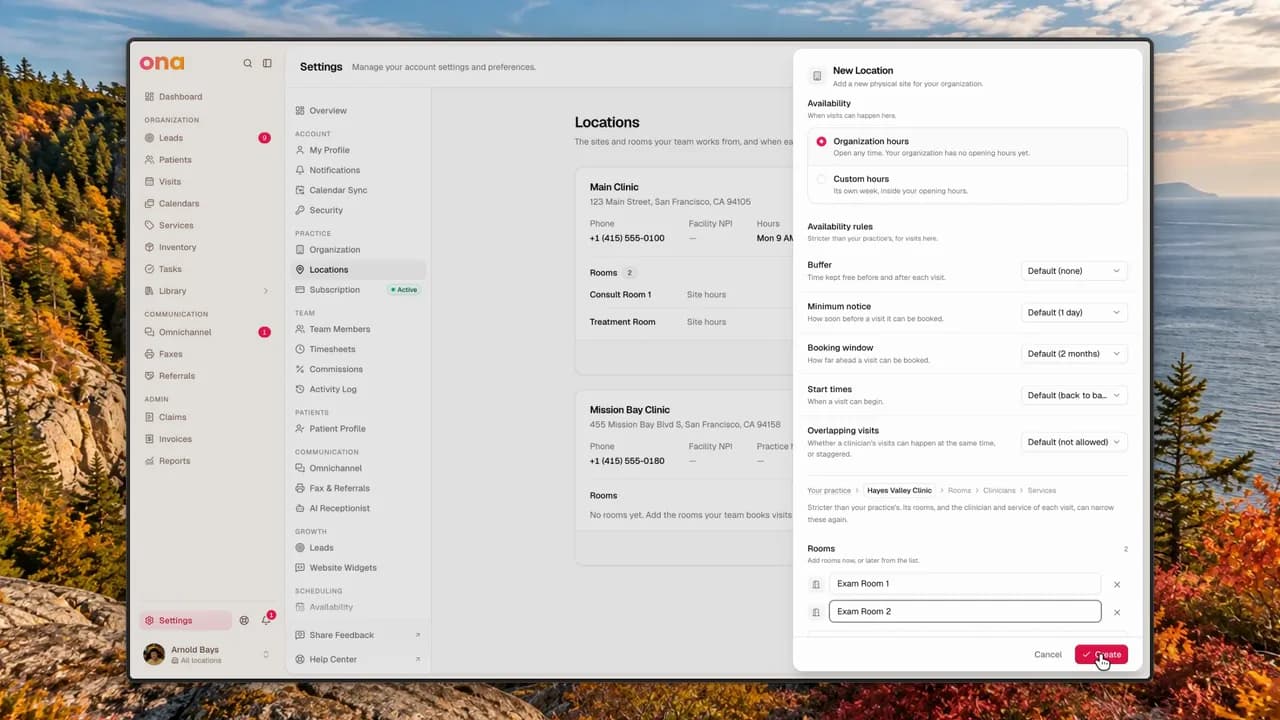 1:13Add your locations and rooms
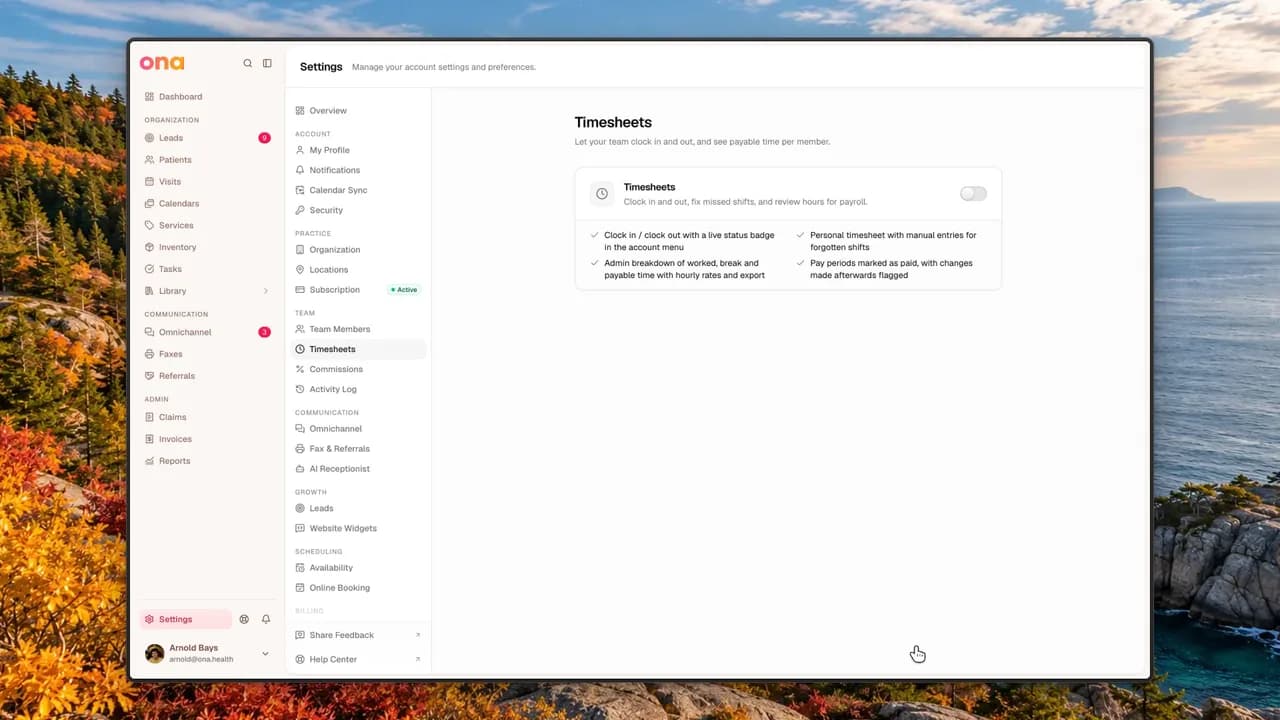 0:54Turn features on and off
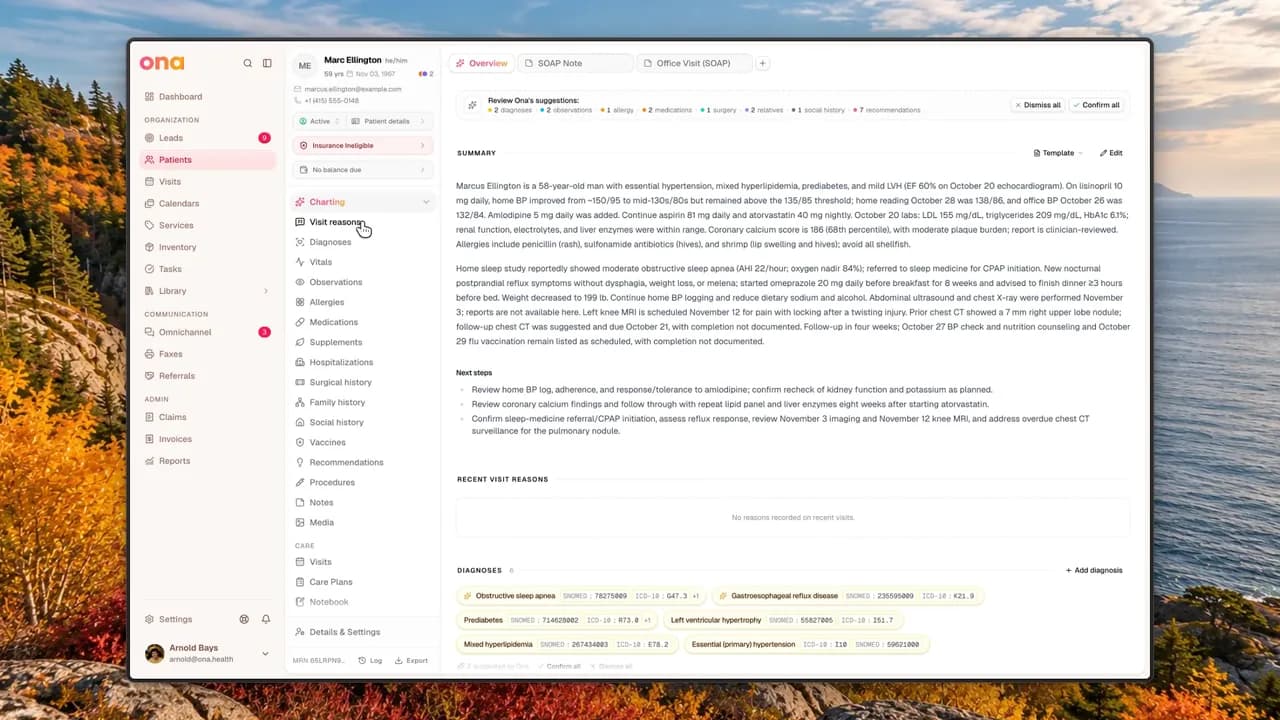 1:04Choose your charting sections
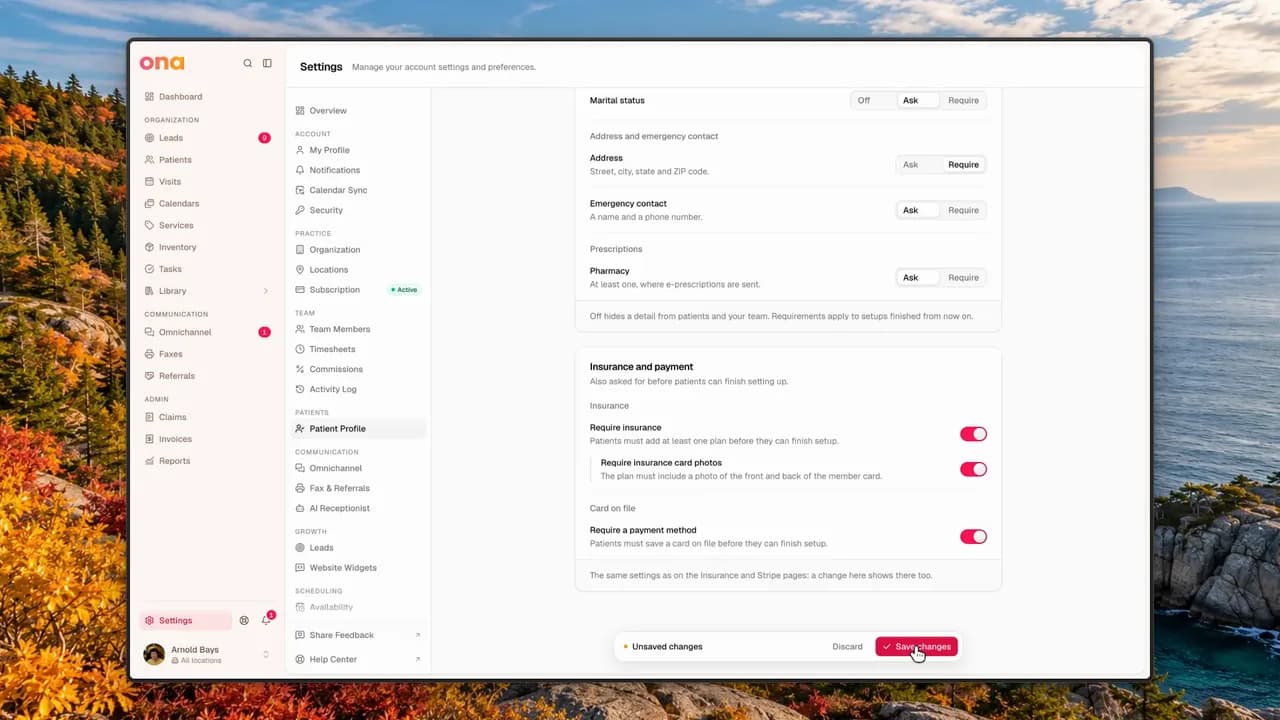 1:05Decide what patients fill in
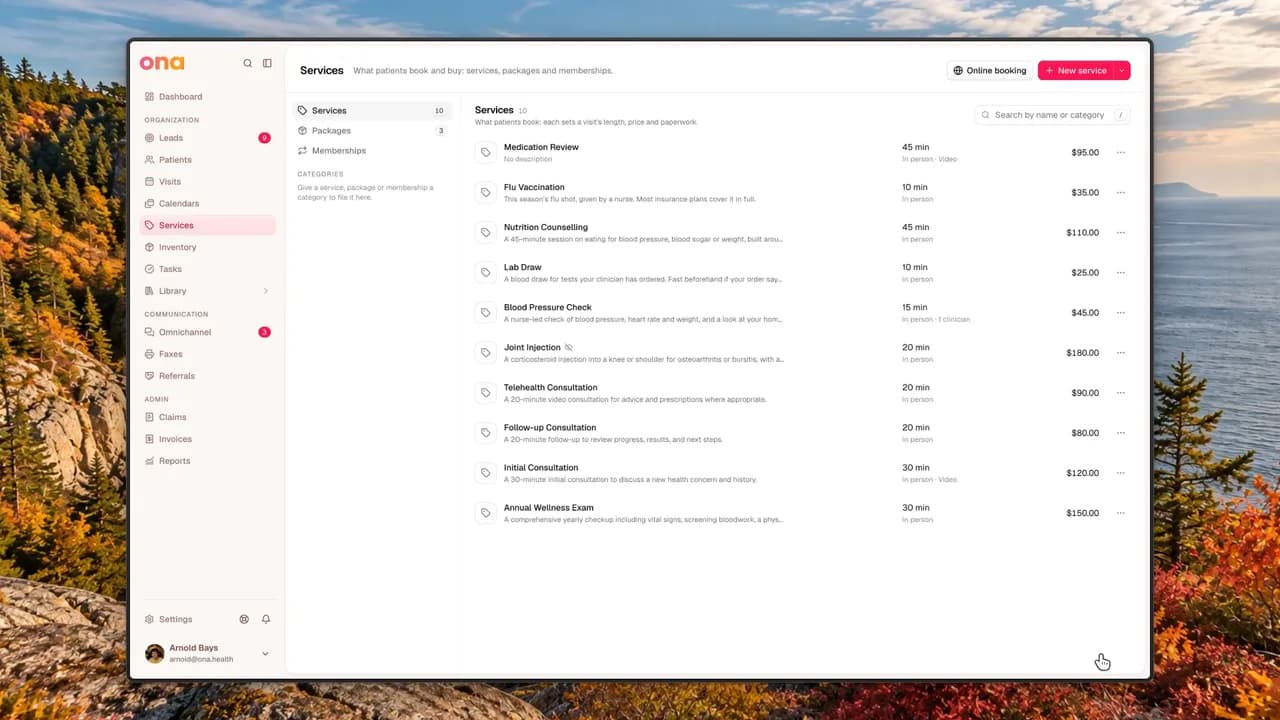 1:12Set up a service
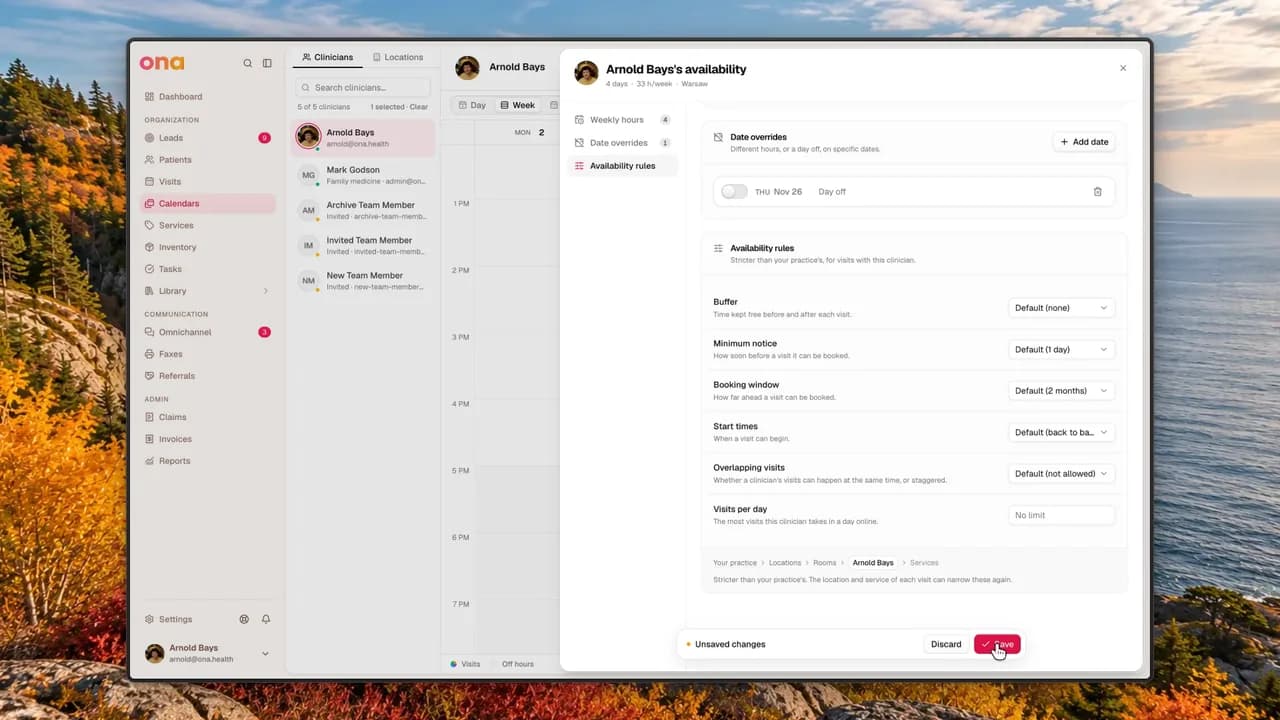 1:20Set your availability
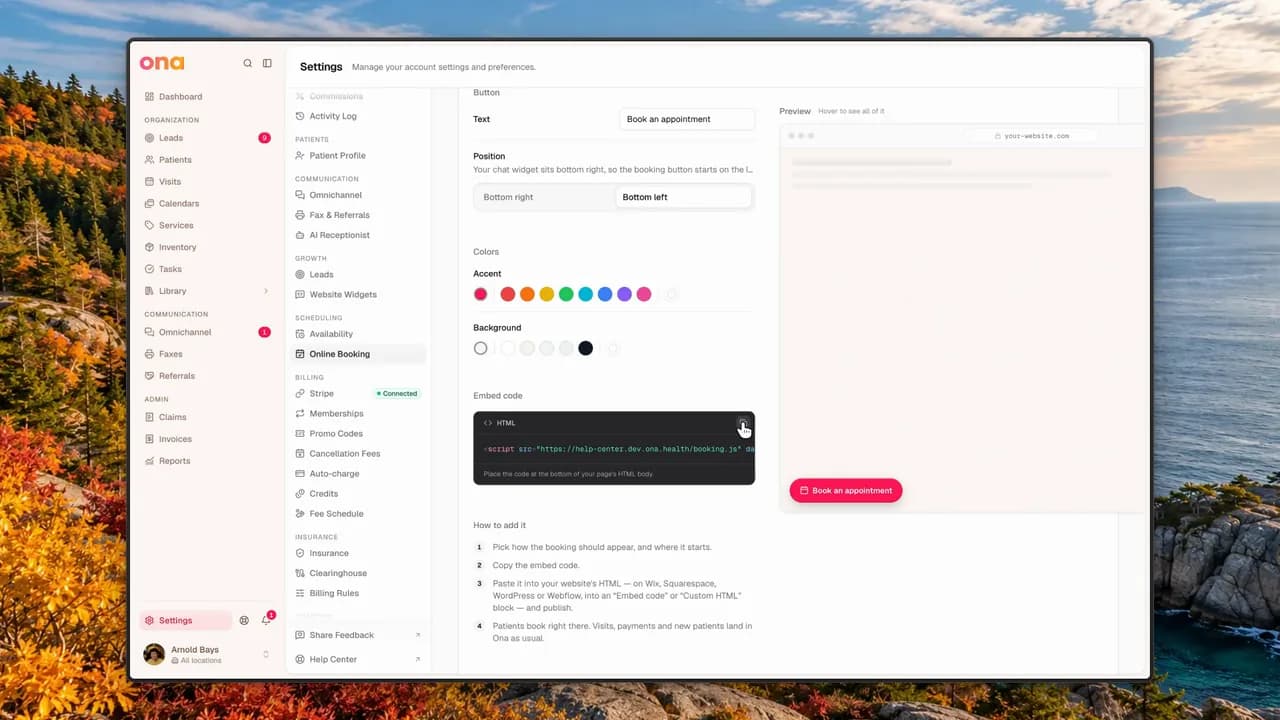 1:12Open online booking
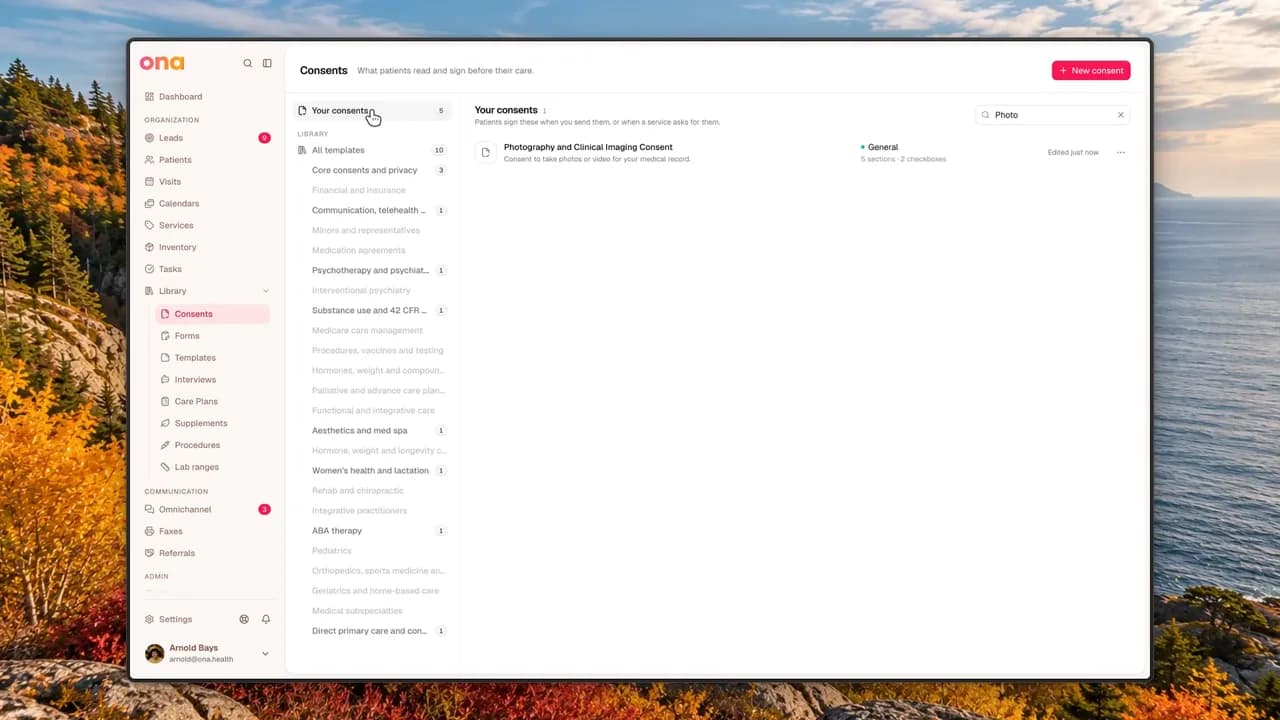 1:08Set up your consents
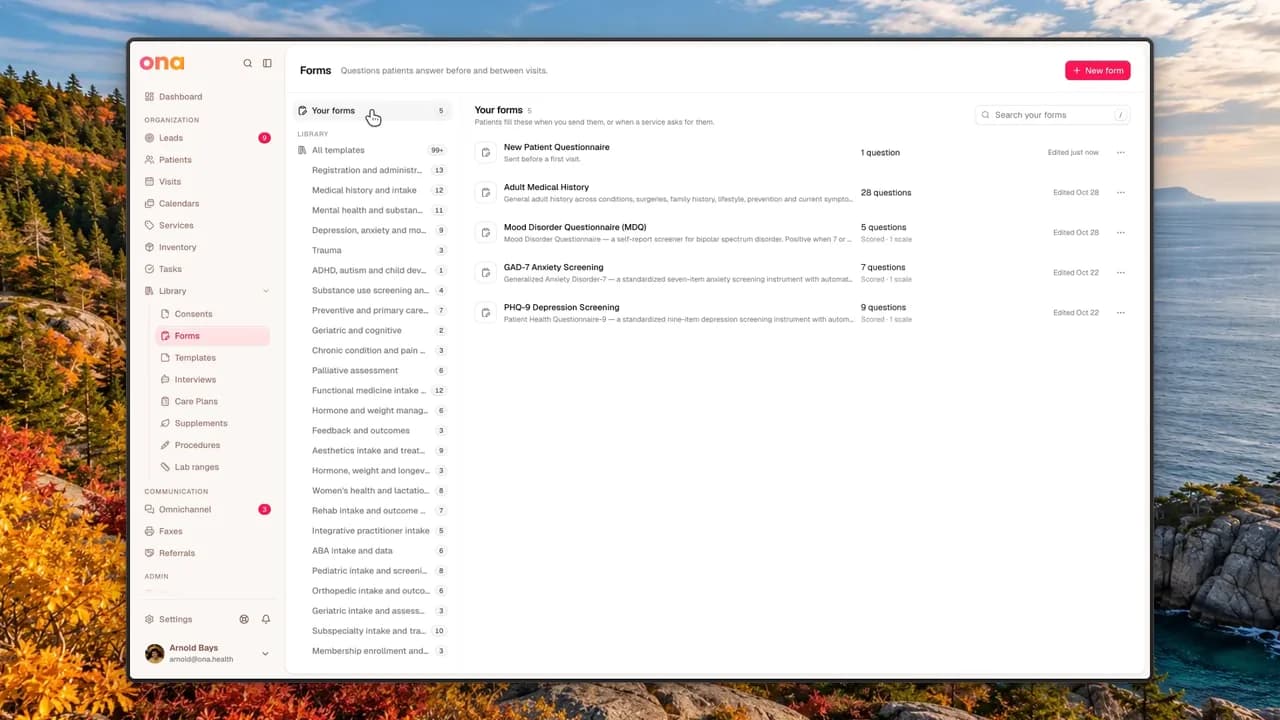 1:12Set up your forms
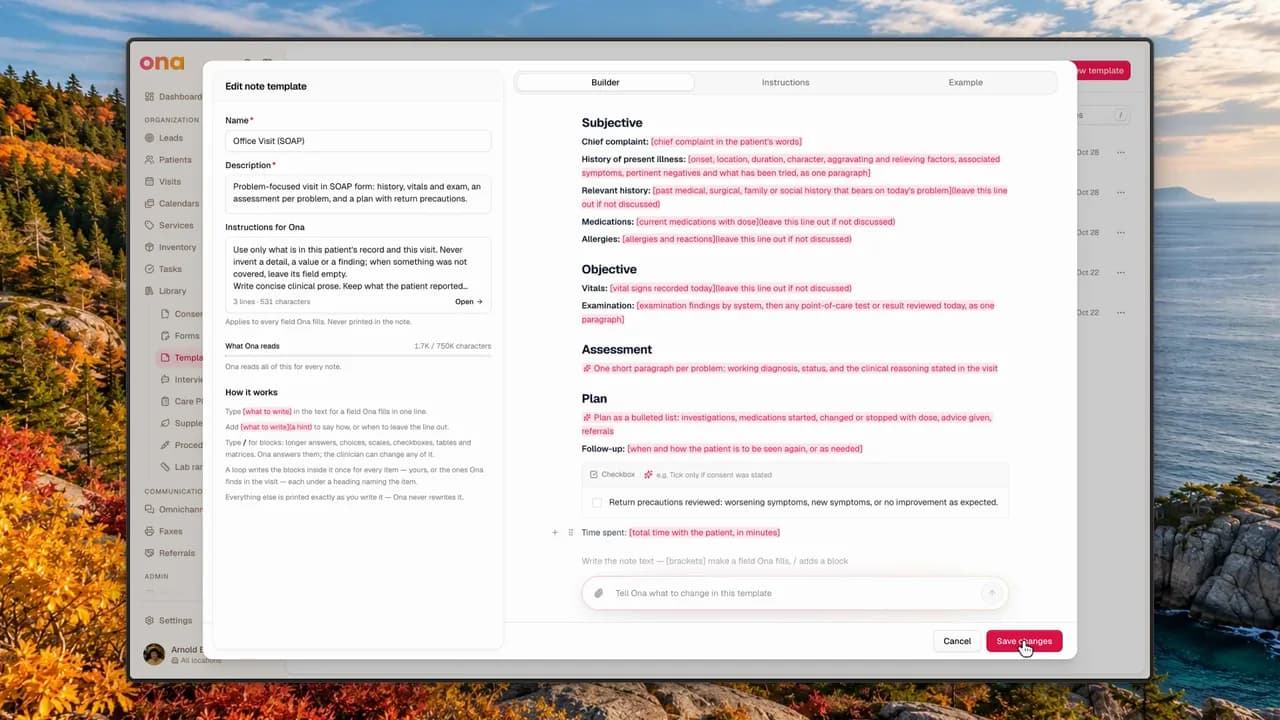 1:13Pick your note templates
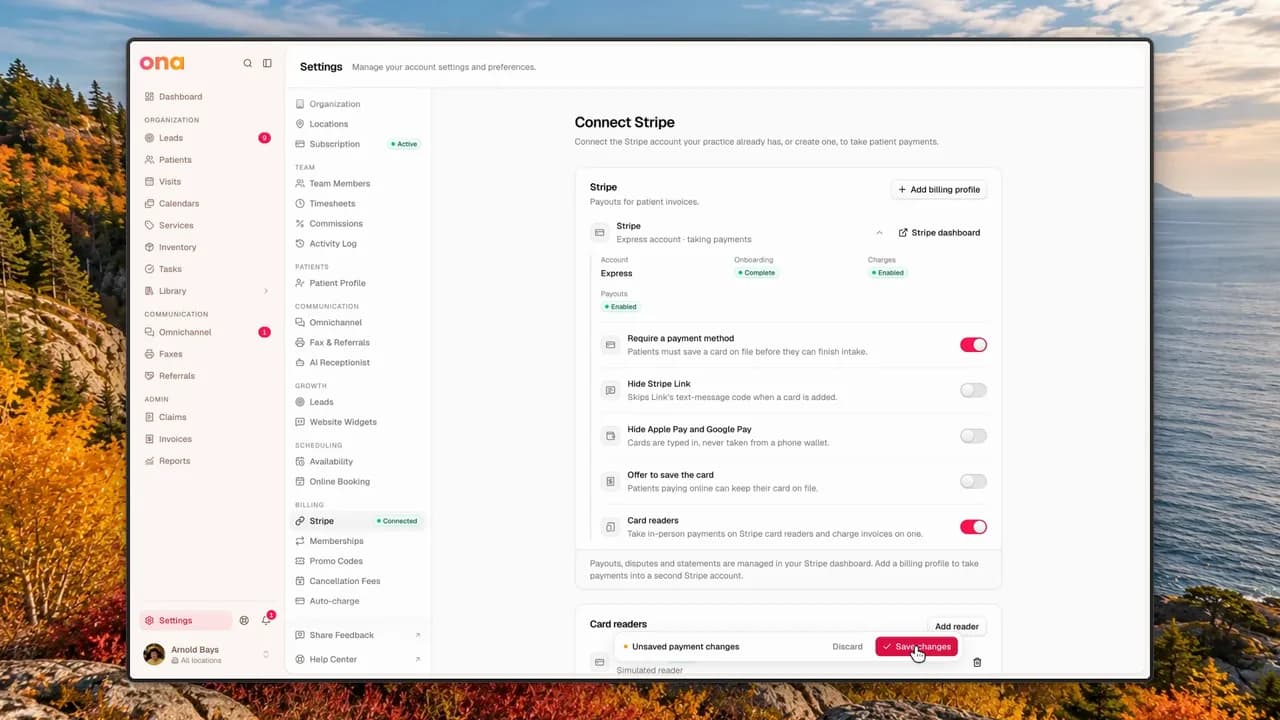 1:04Connect Stripe
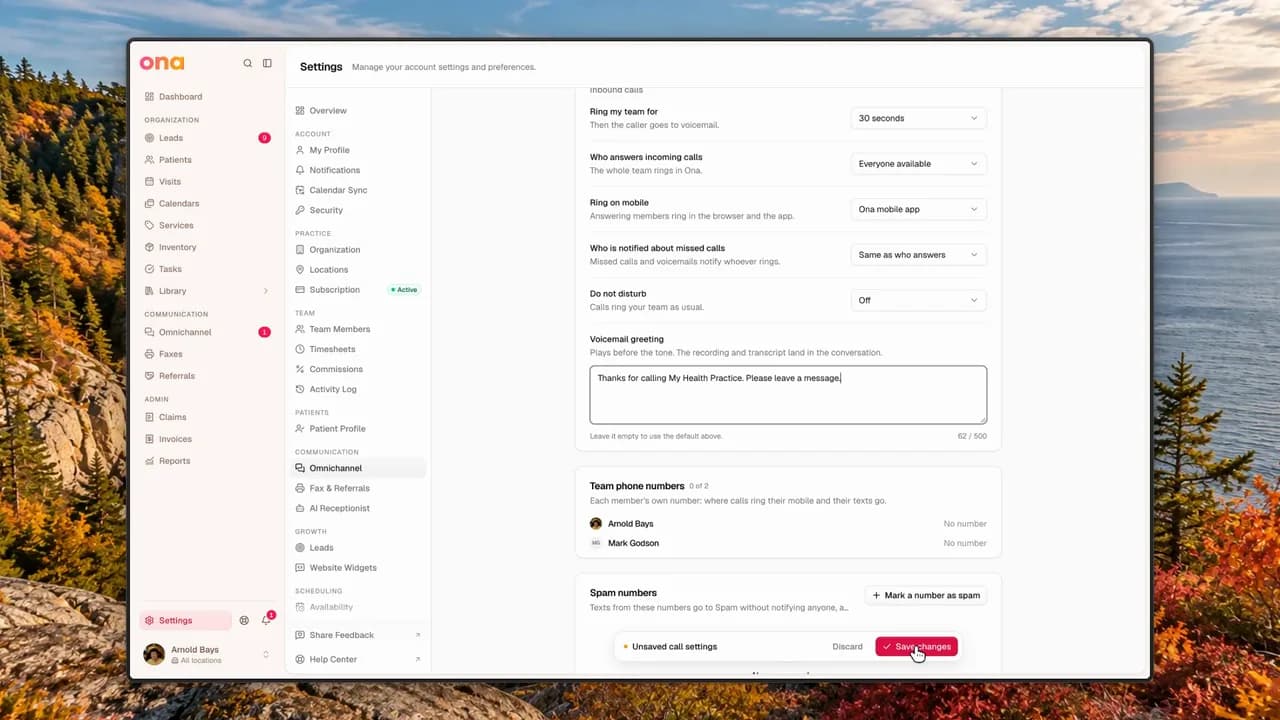 1:03Get your practice phone number
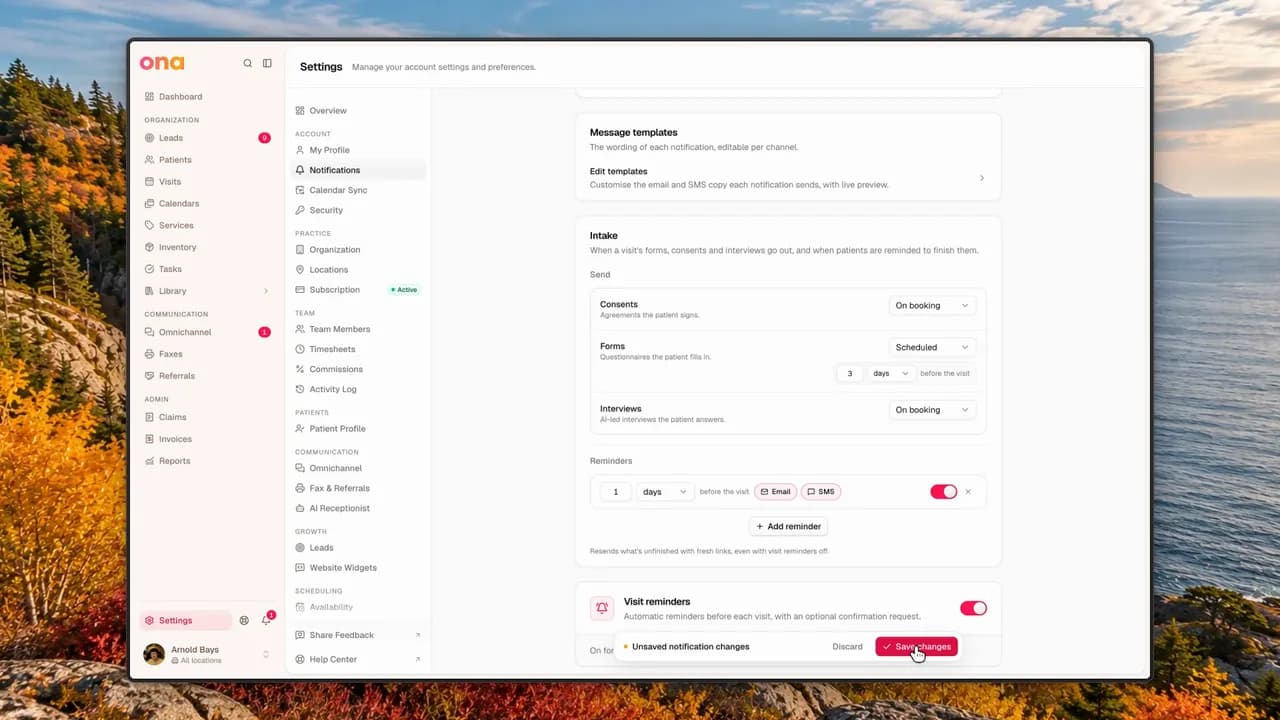 1:18Review patient notifications
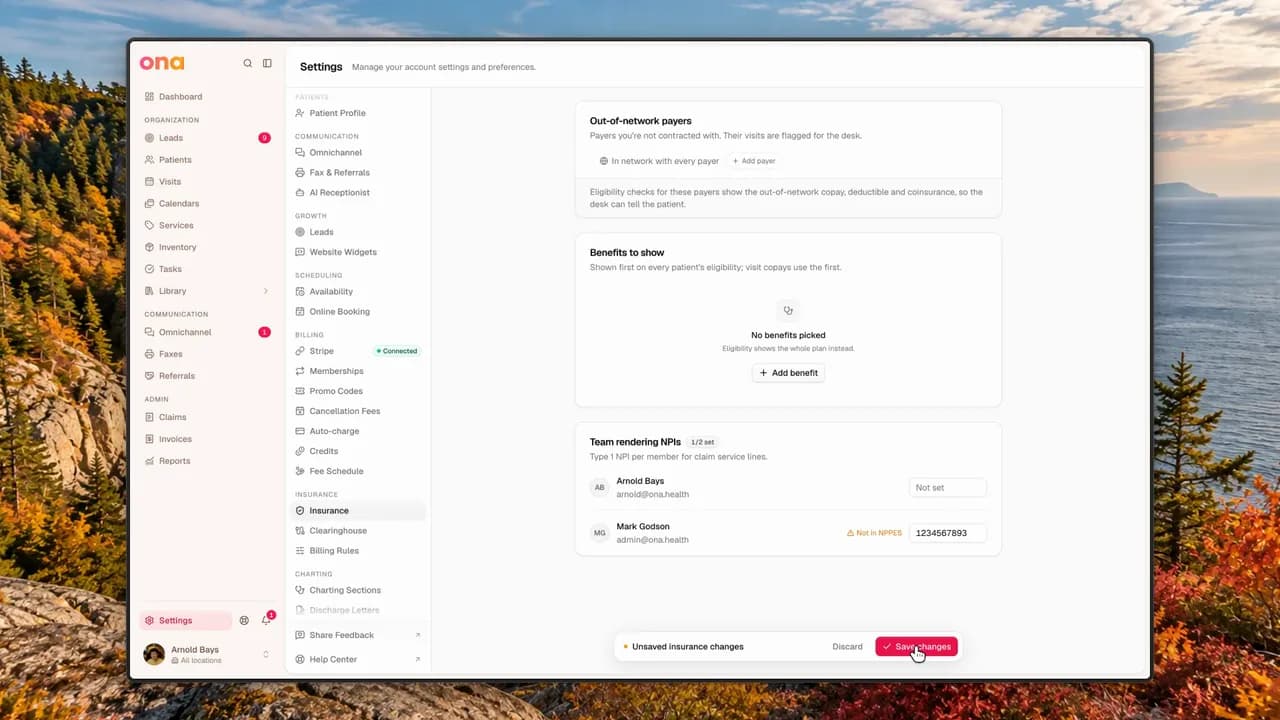 1:11Turn on insurance
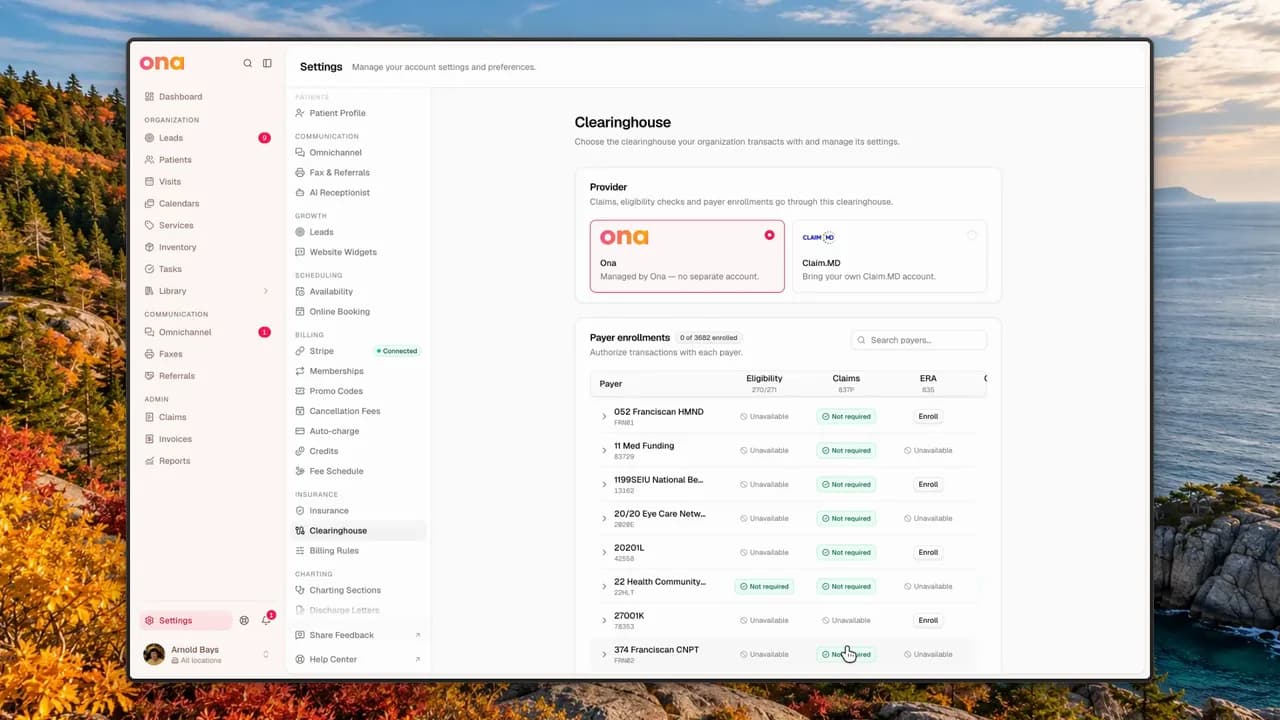 1:05Choose your clearinghouse
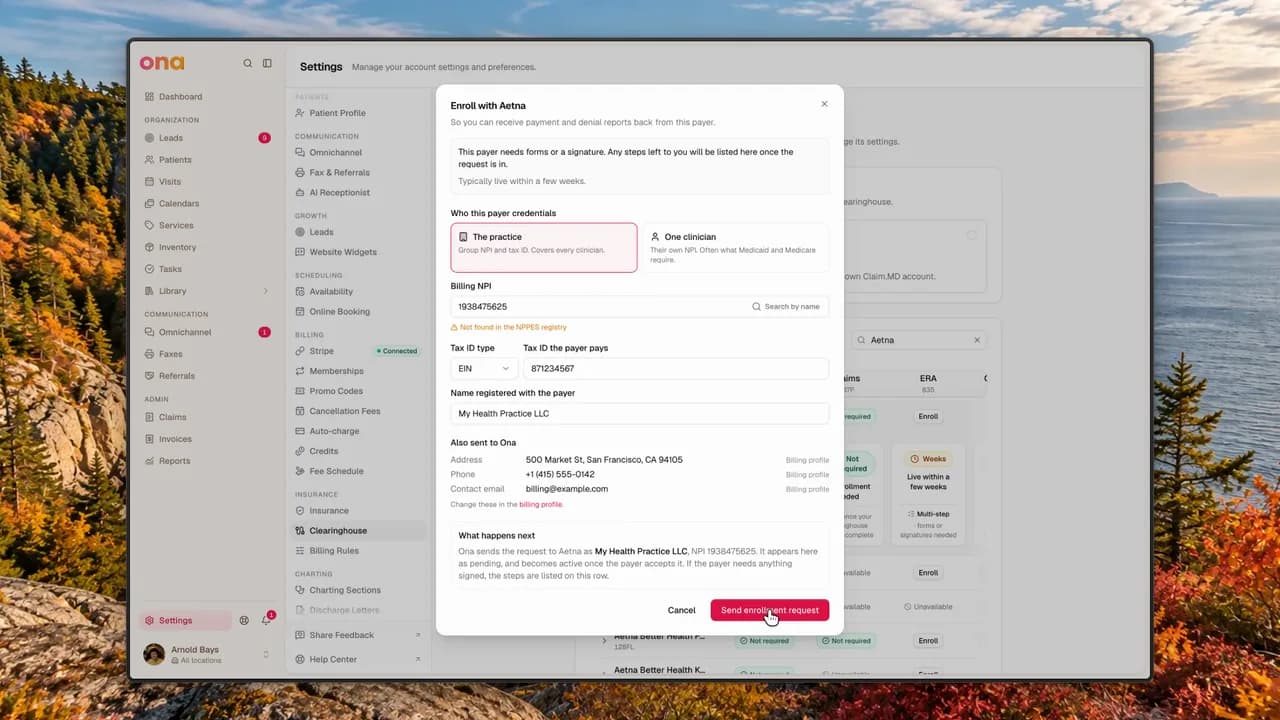 1:21Enroll with your payers
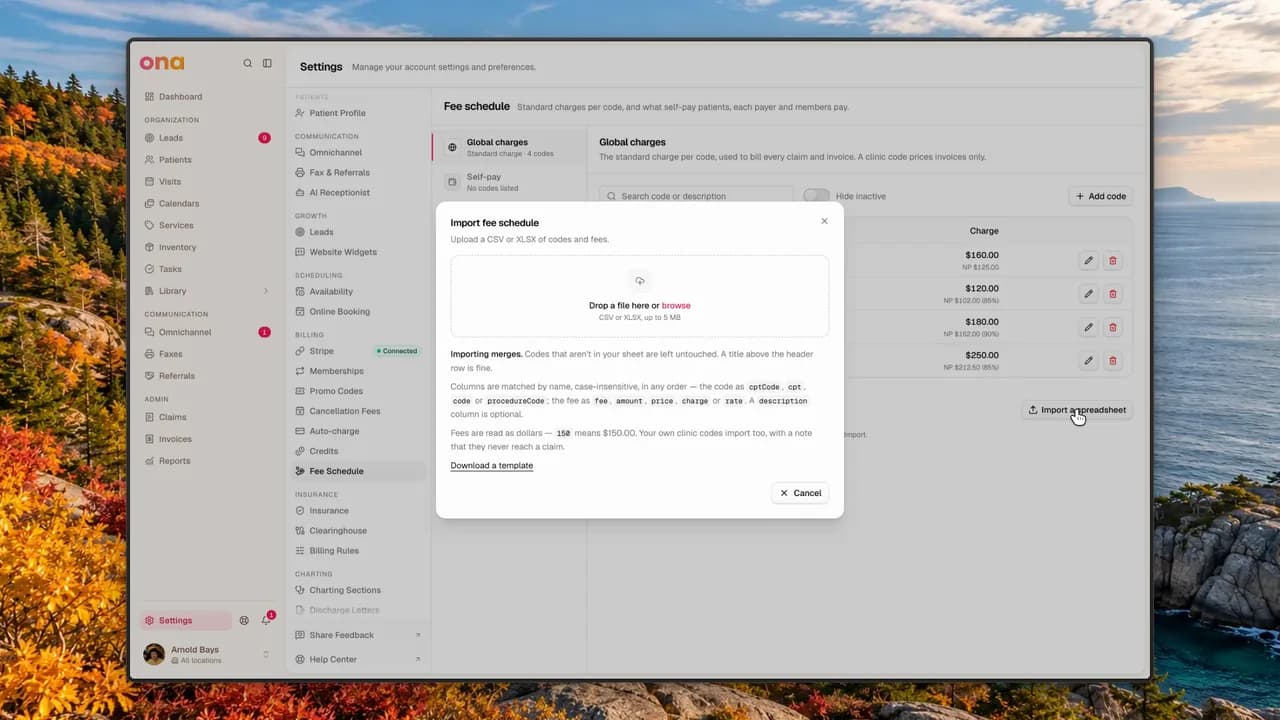 1:42Set your fee schedule
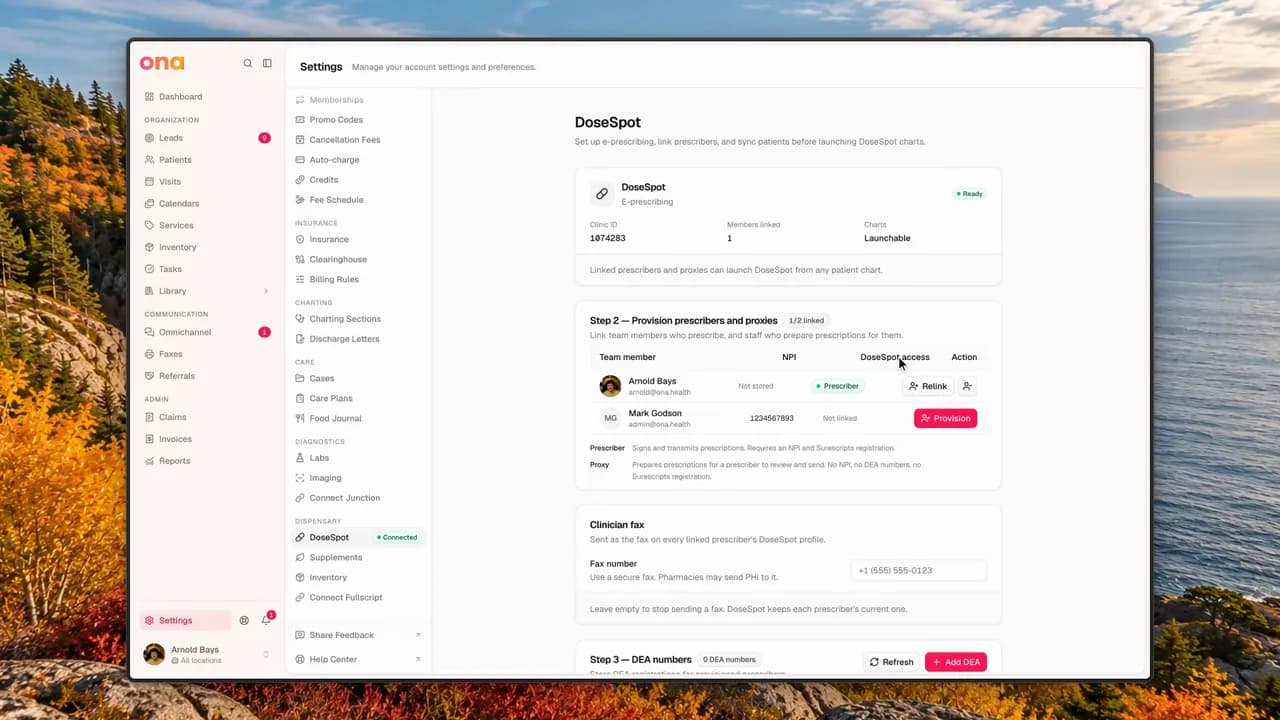 0:54Set up DoseSpot for your clinic
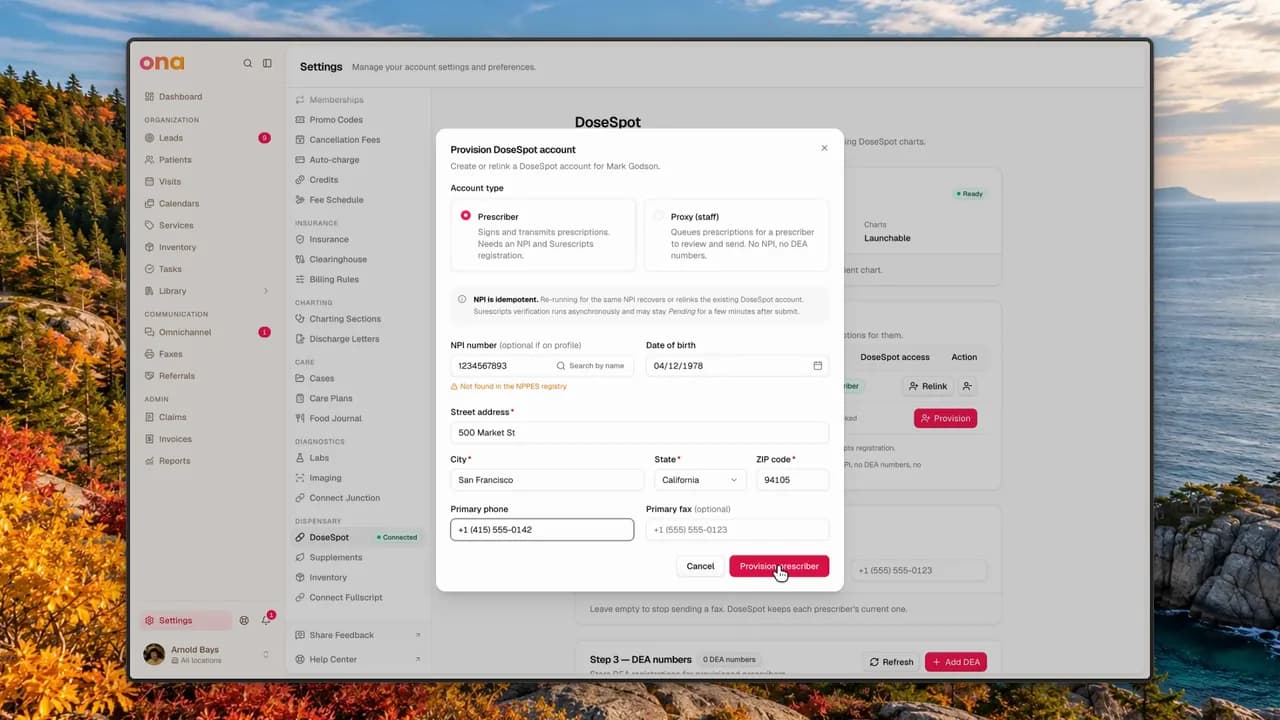 1:30Link your prescribers and staff
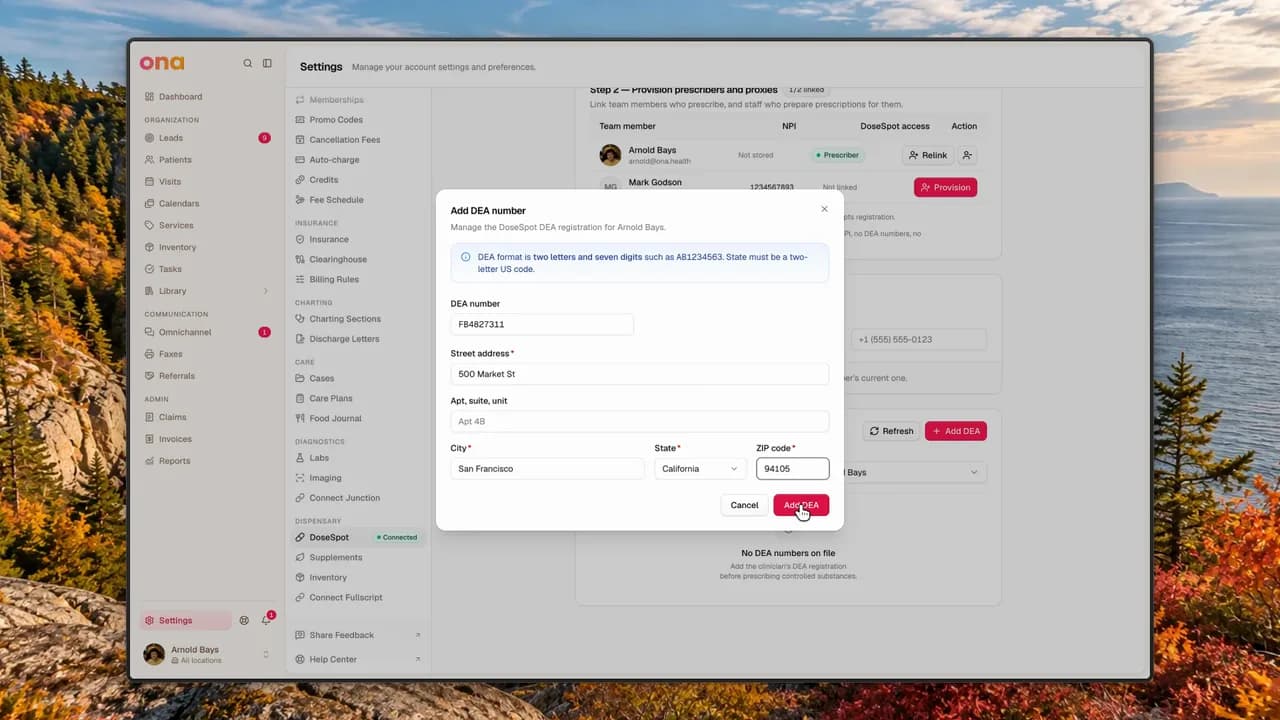 1:18Turn on EPCS
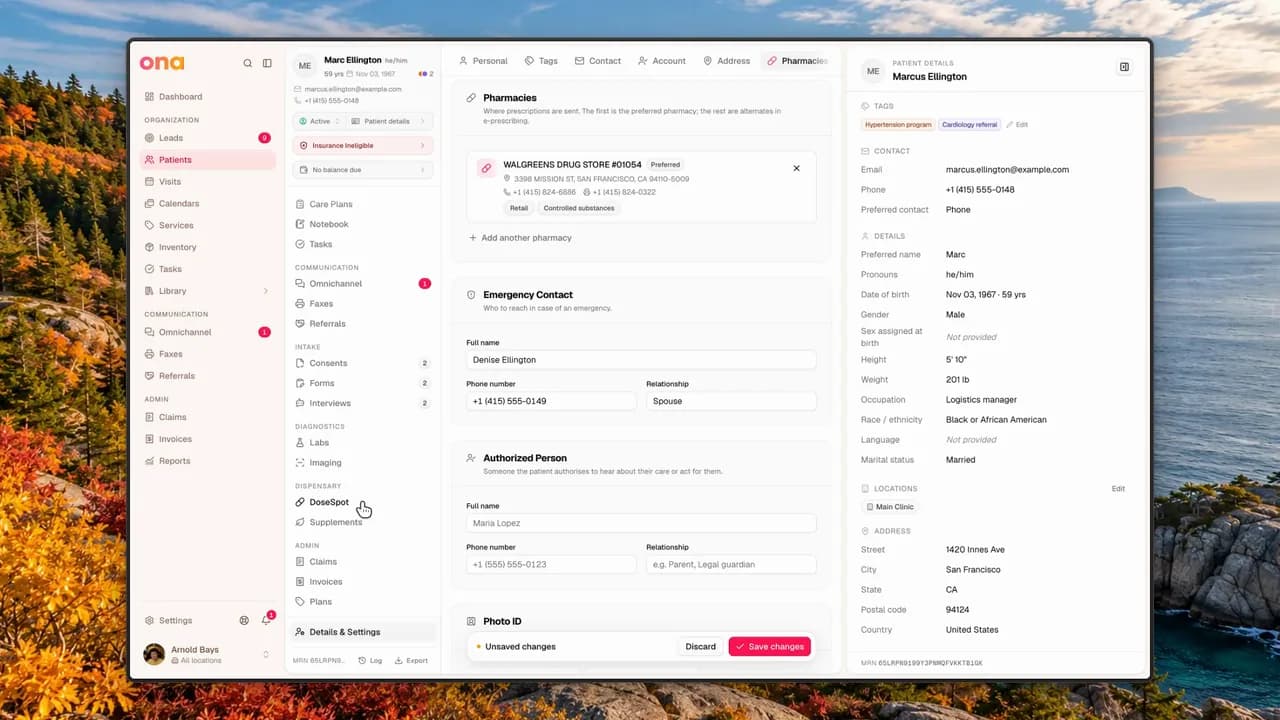 1:17Send your first prescription
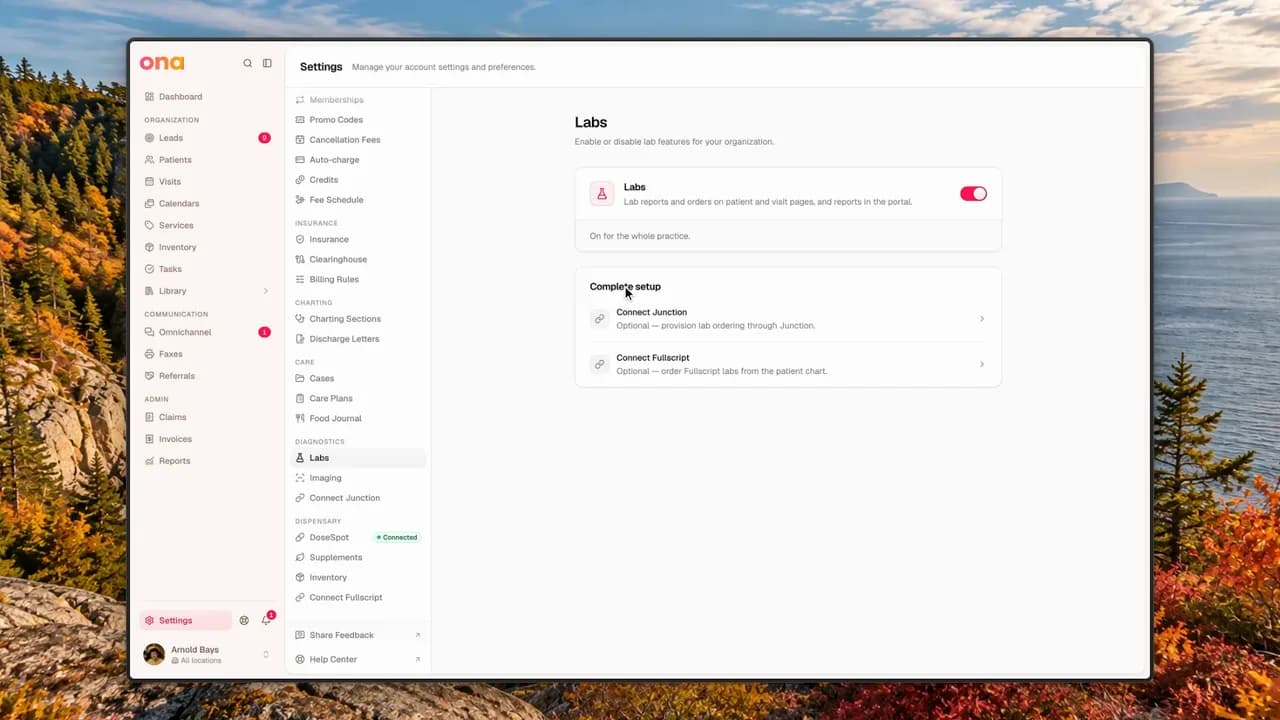 0:43Turn on Labs
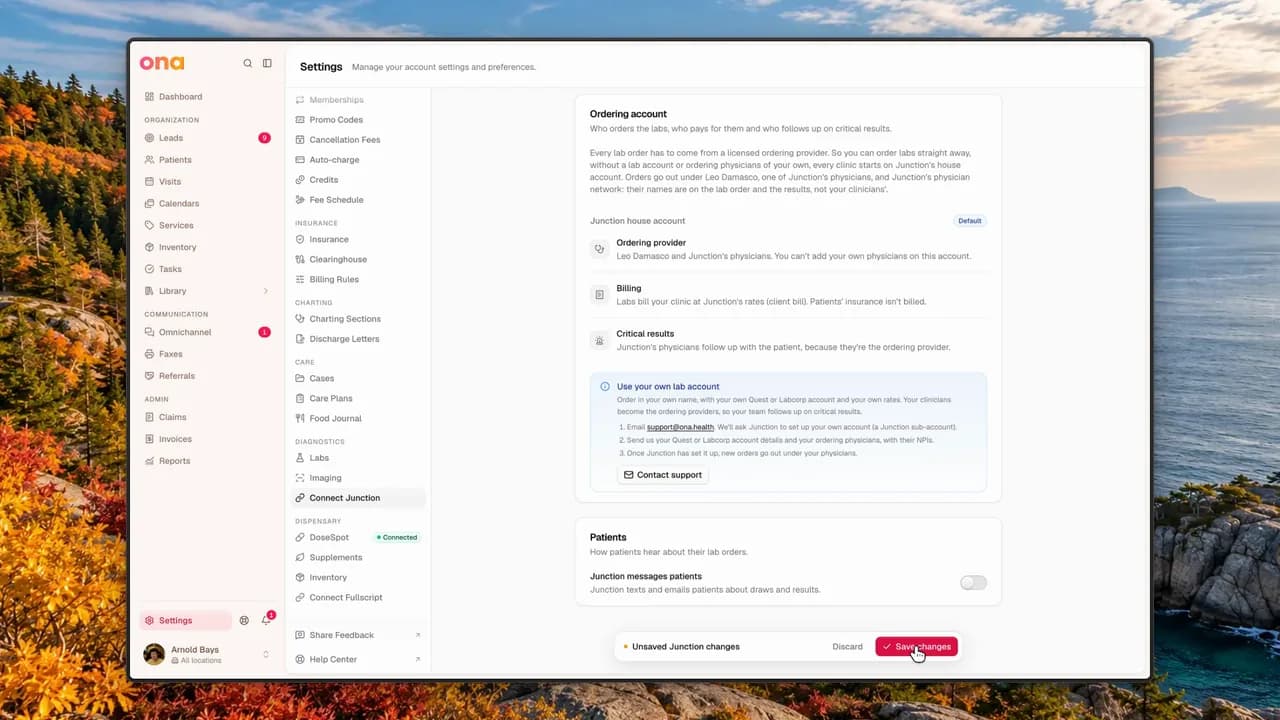 1:16Connect Junction
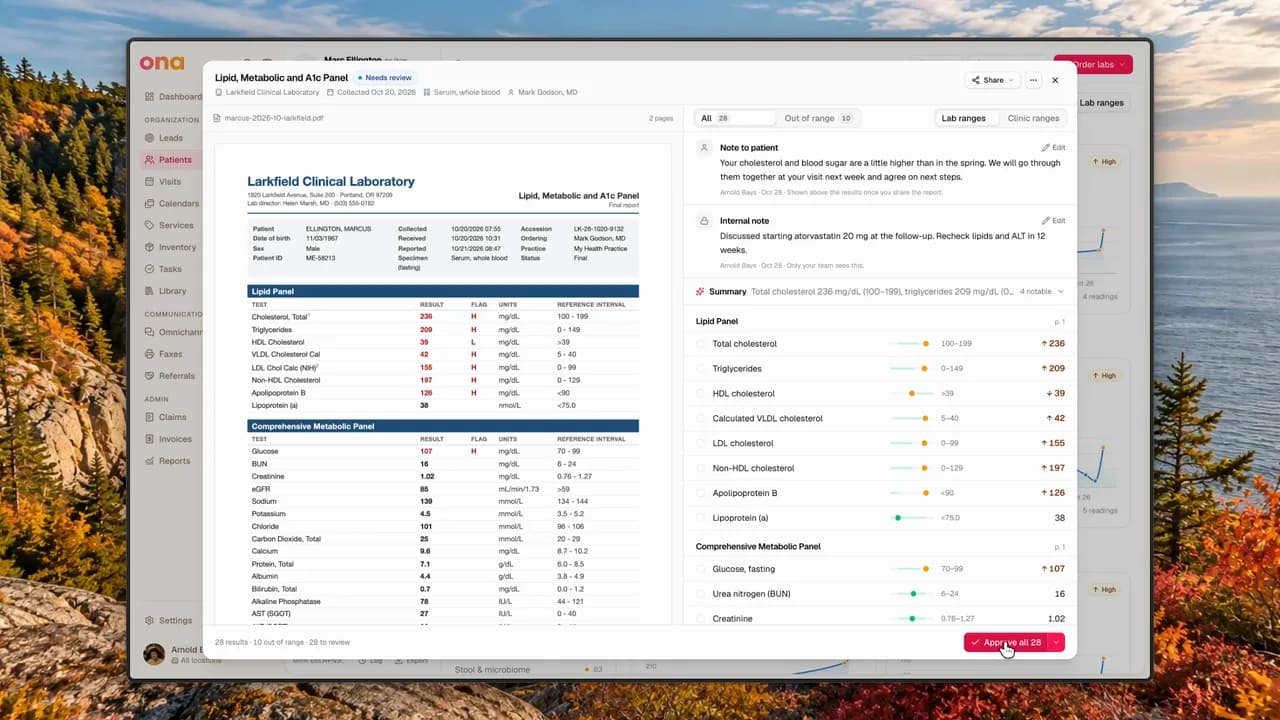 1:13Order your first lab
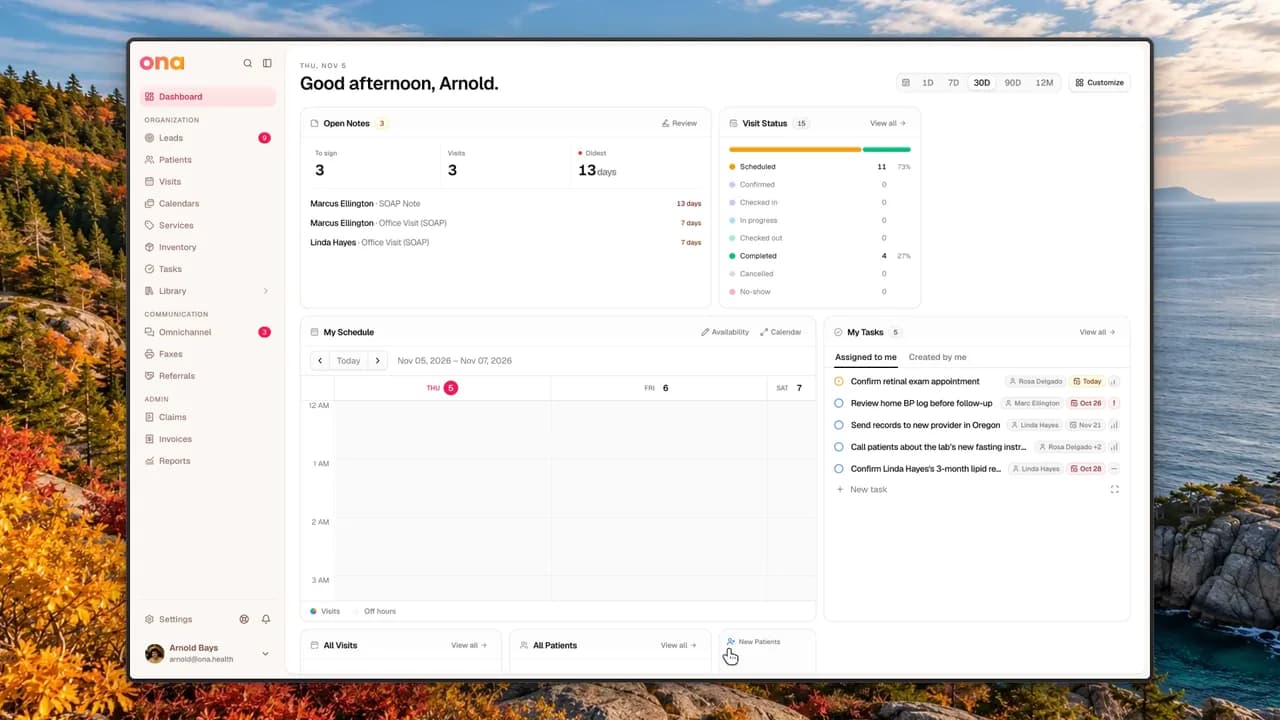 1:01Set up your dashboard
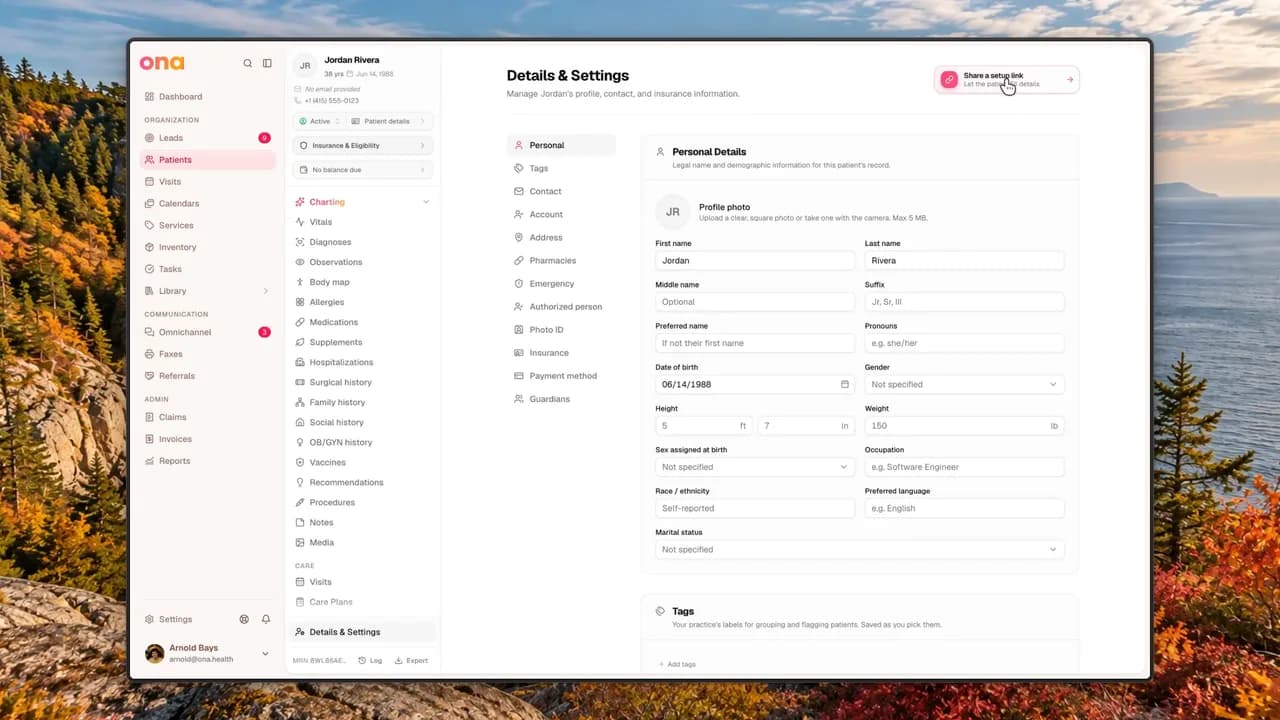 0:53Add a patient
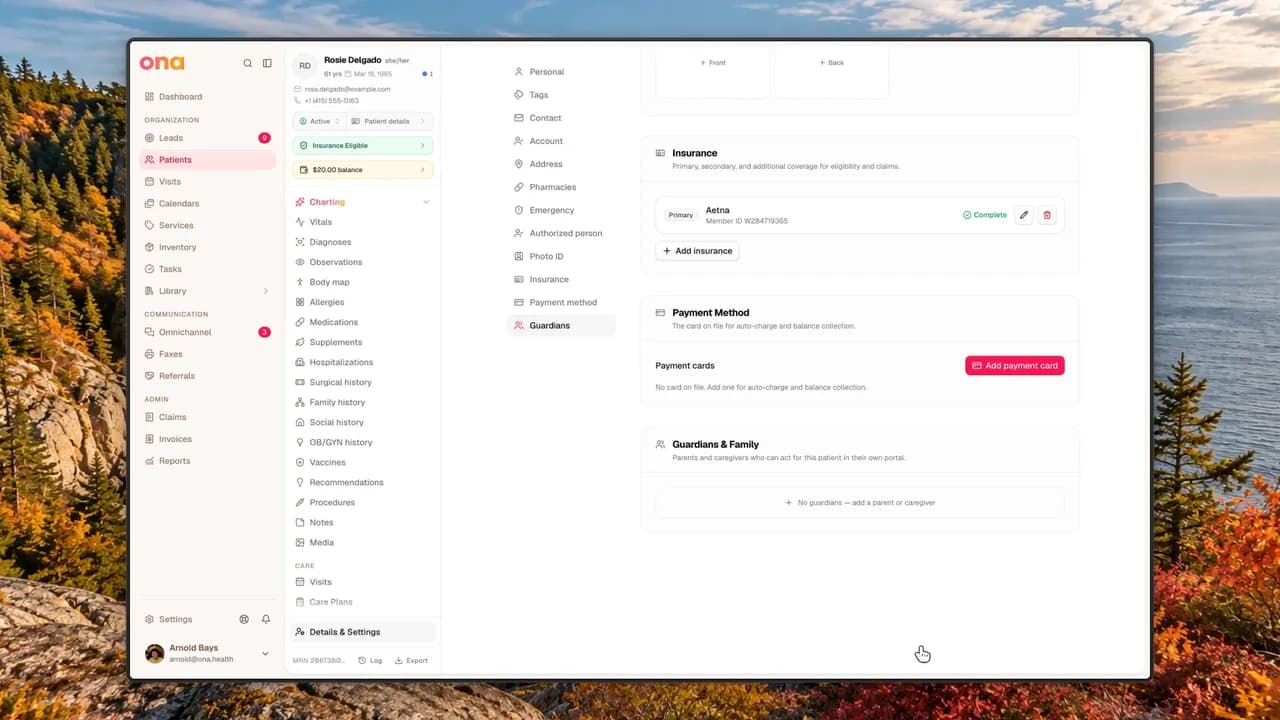 1:14Edit a patient's details
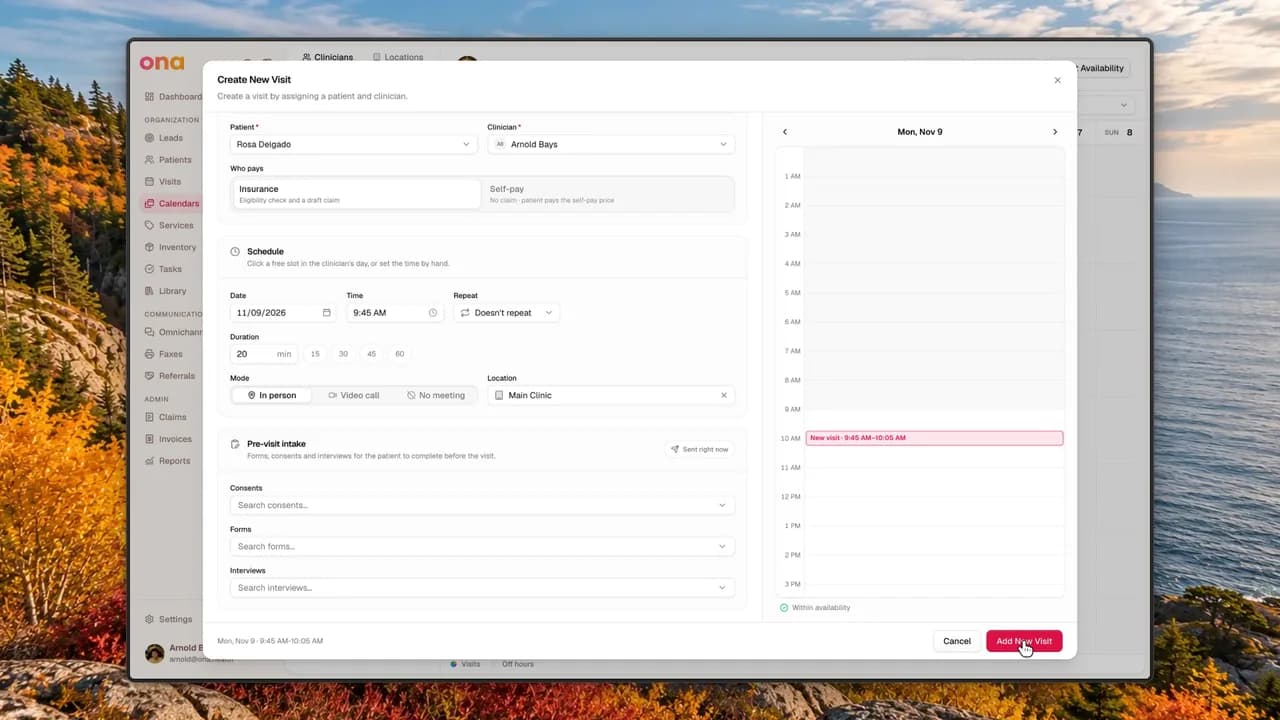 1:12Book a visit
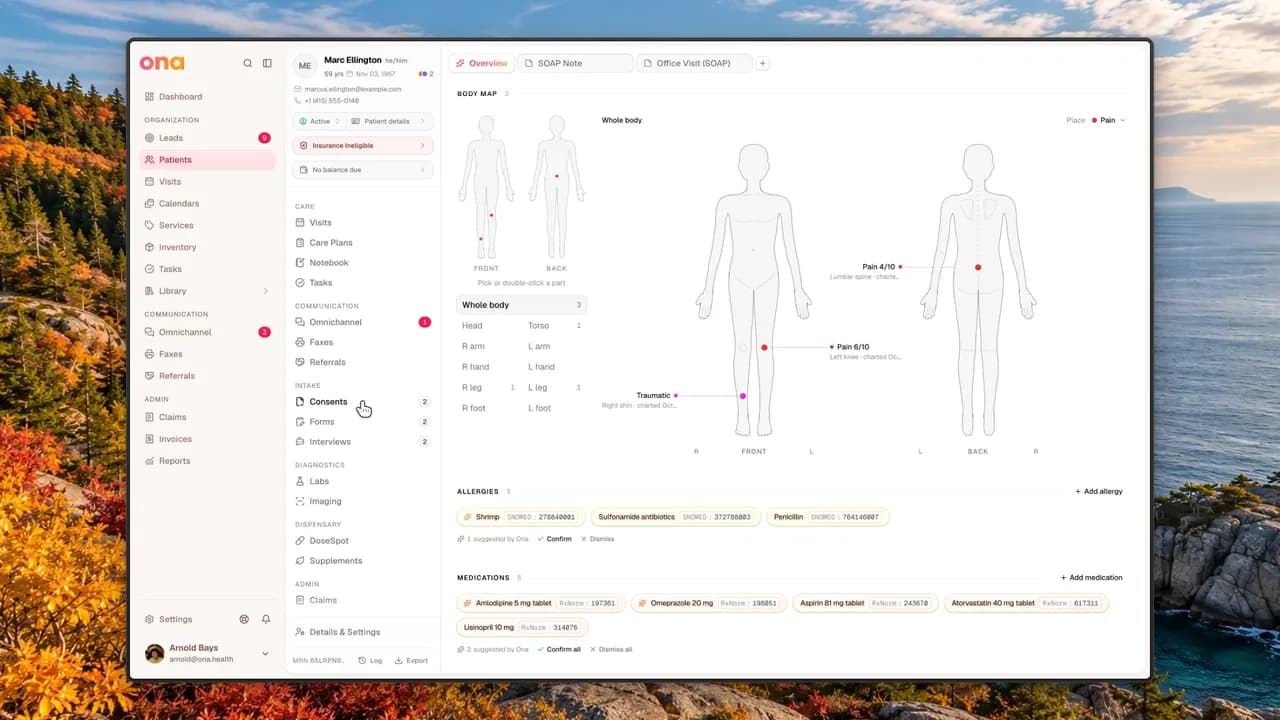 1:02Find your way around the chart
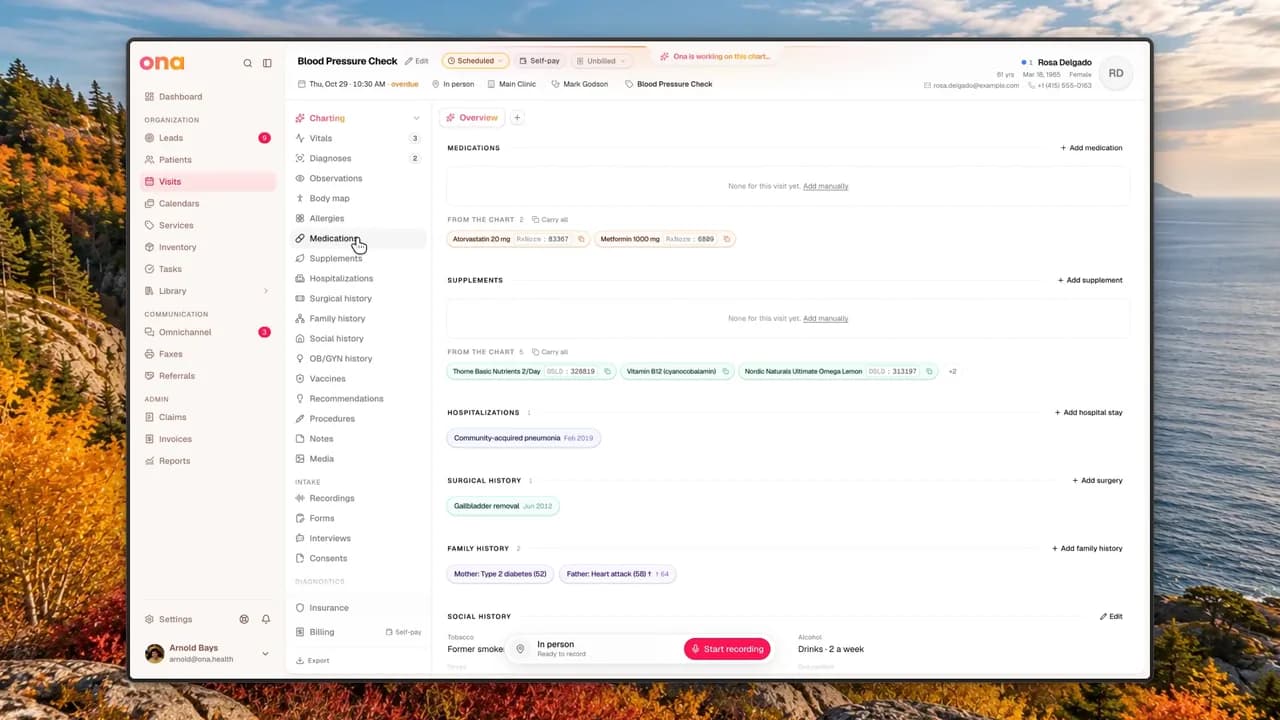 1:18Chart a visit
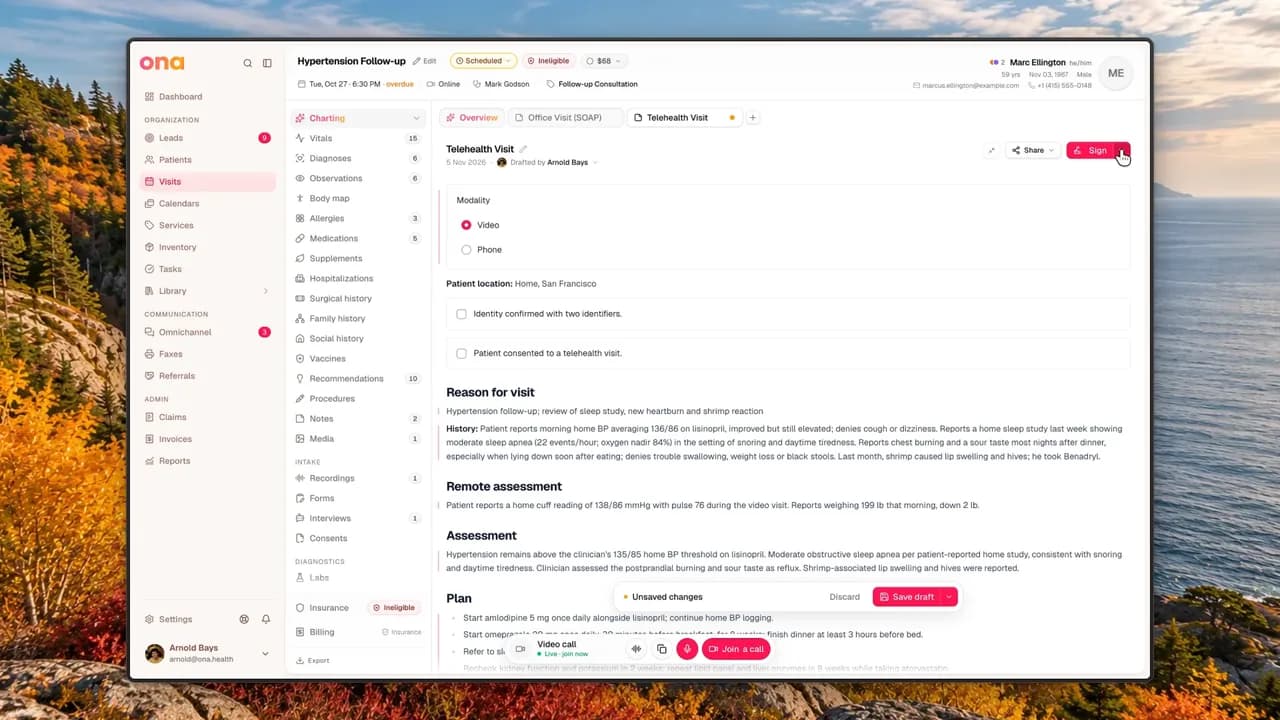 1:15Write a clinical note
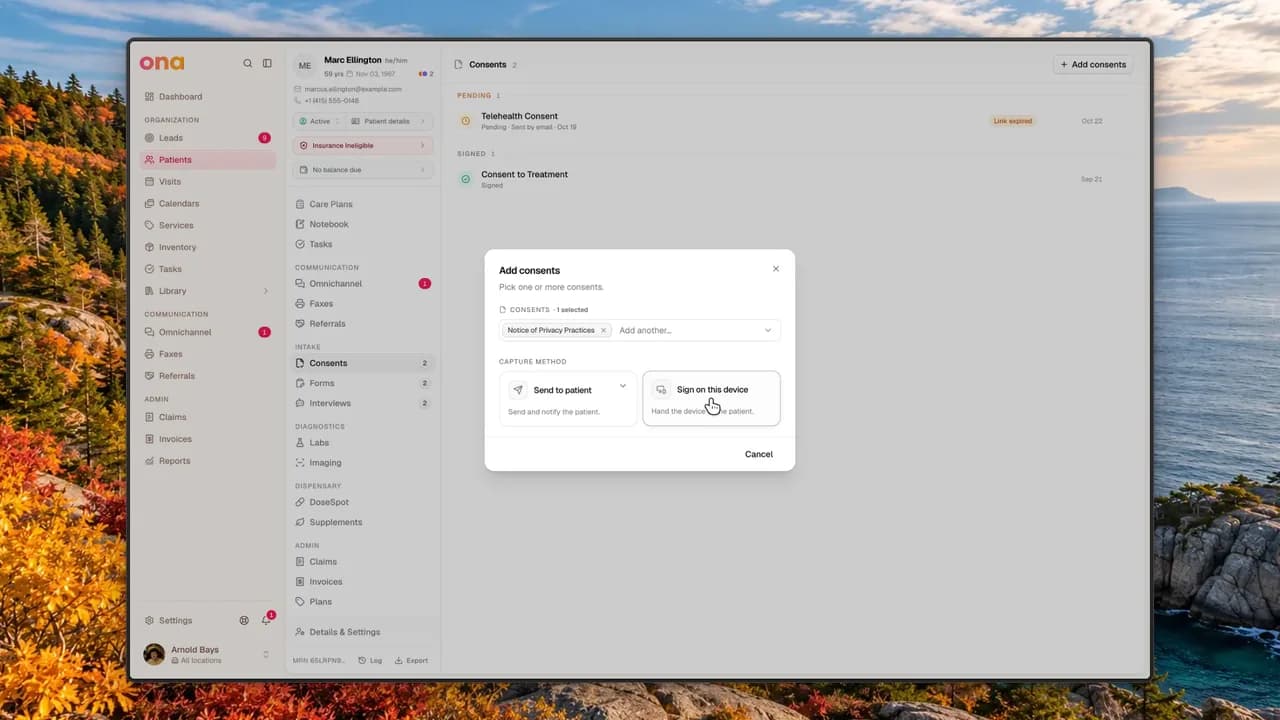 1:24Send forms and consents
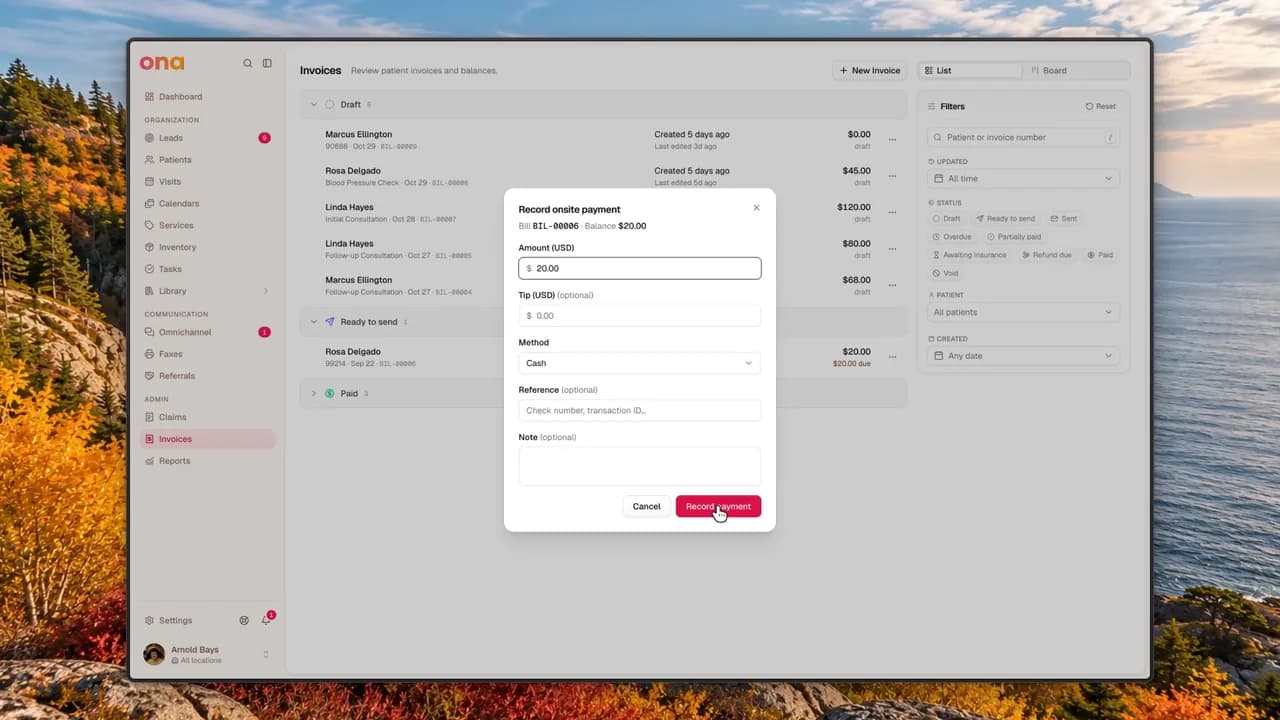 1:53Invoice and take payment
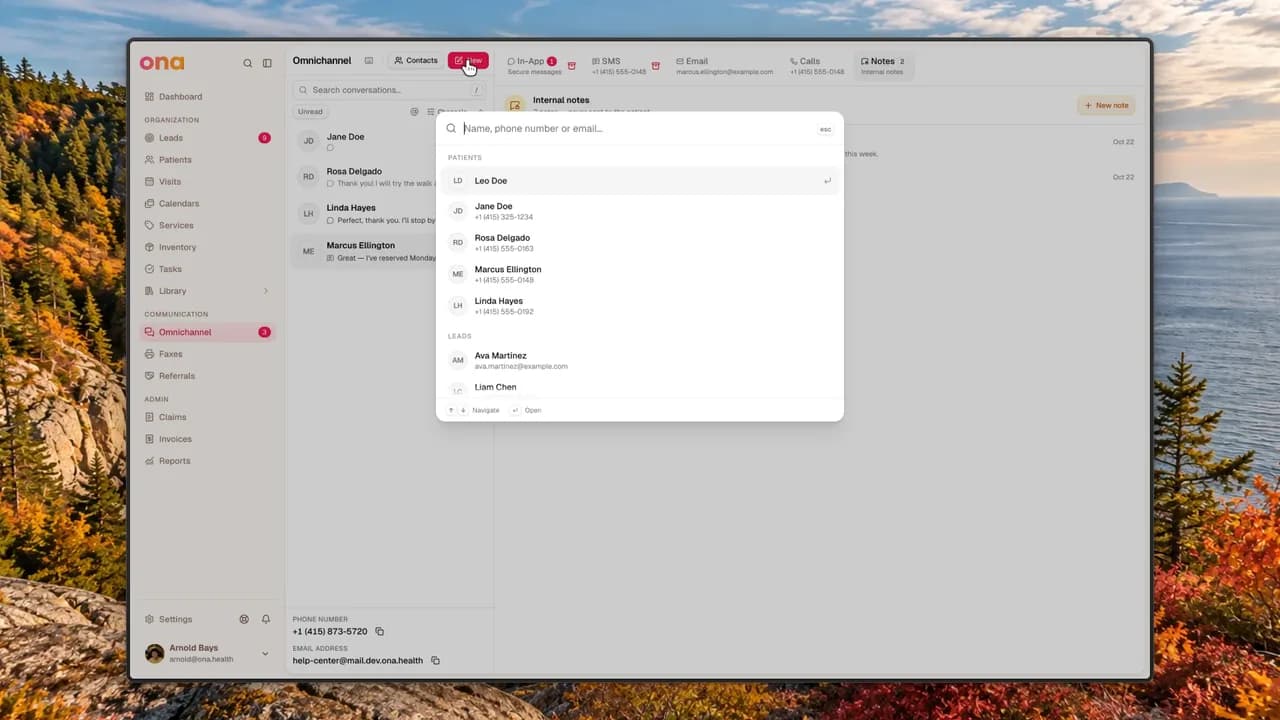 1:08Message patients in Omnichannel
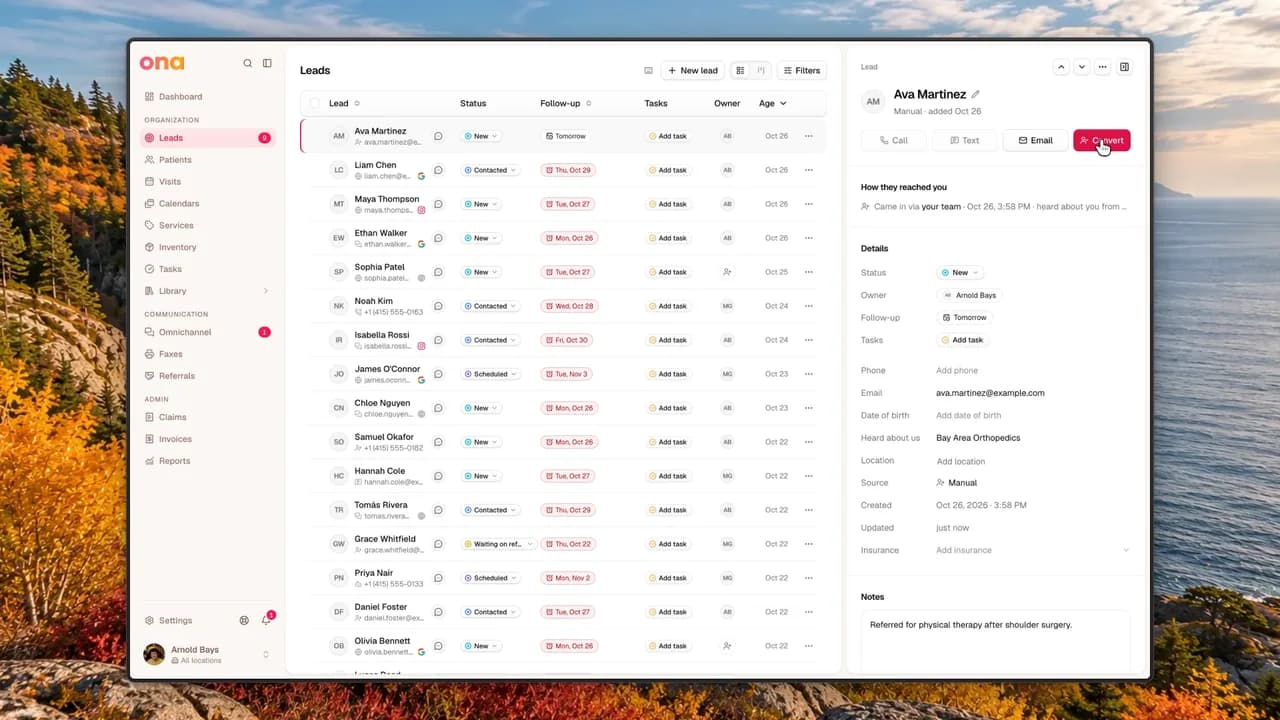 1:20Track your leads
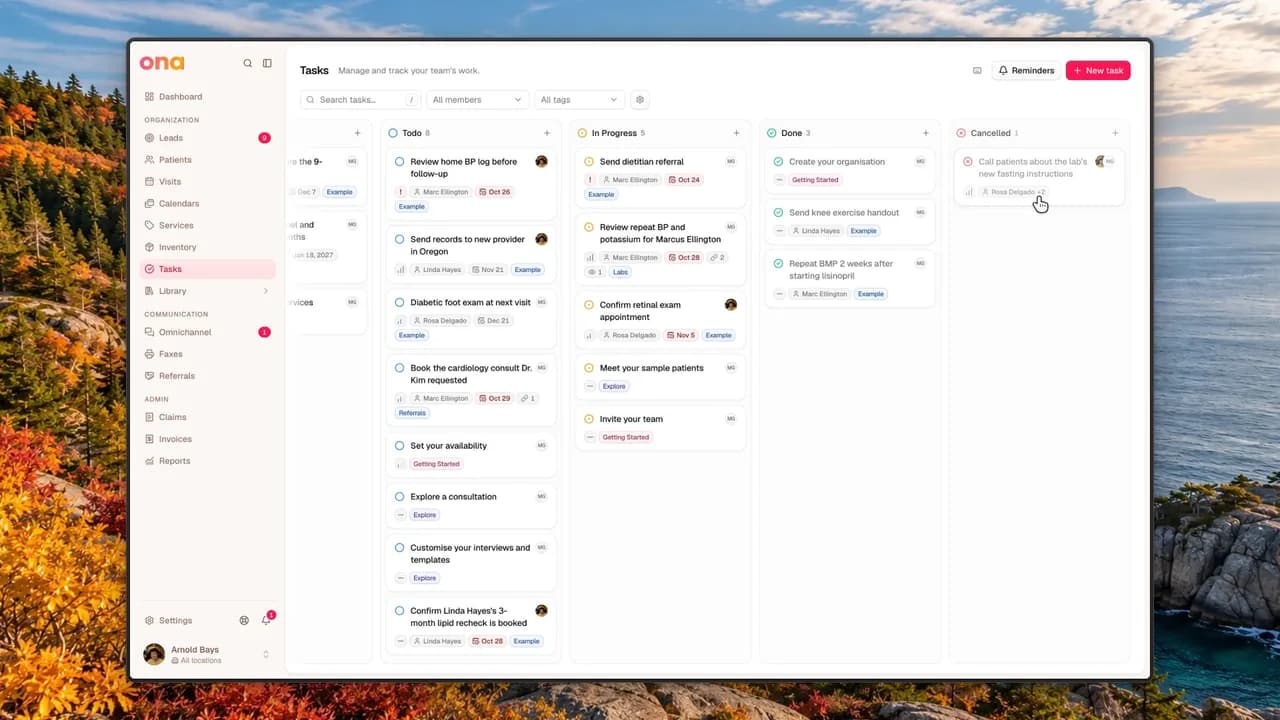 1:34Share work with tasks
 1:04Ask Ona Assistant